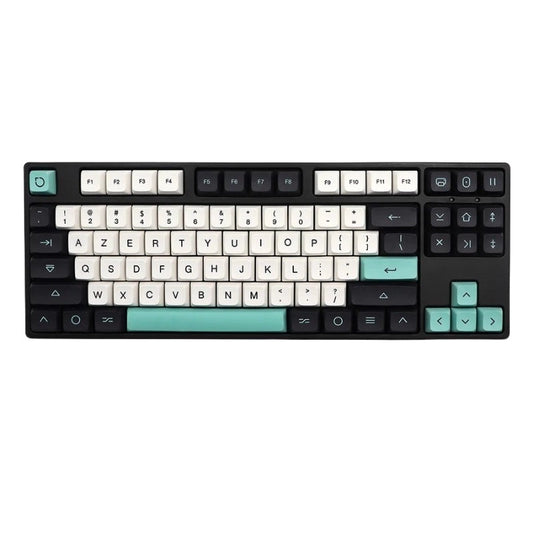
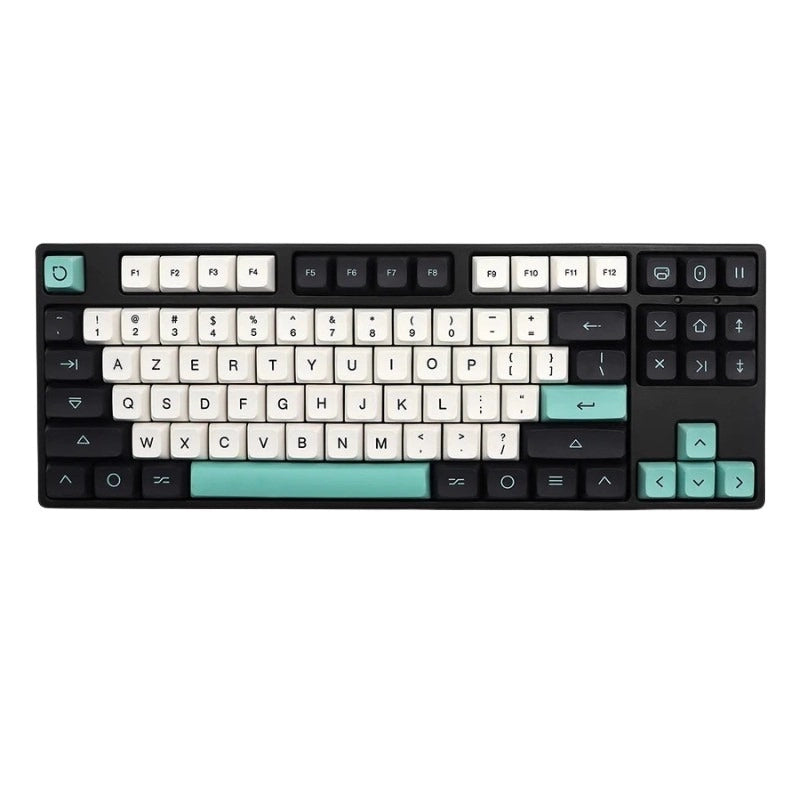
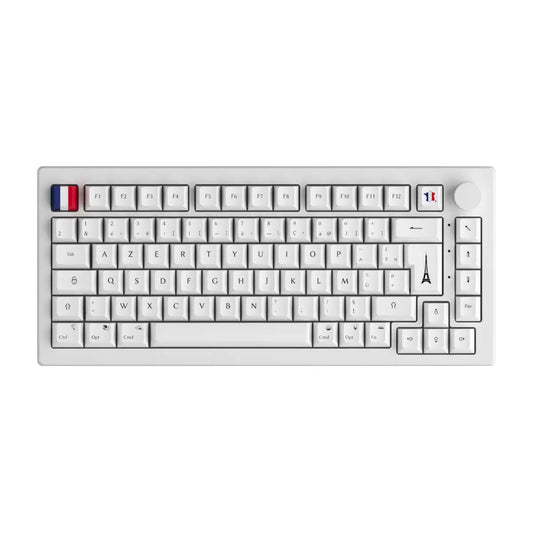
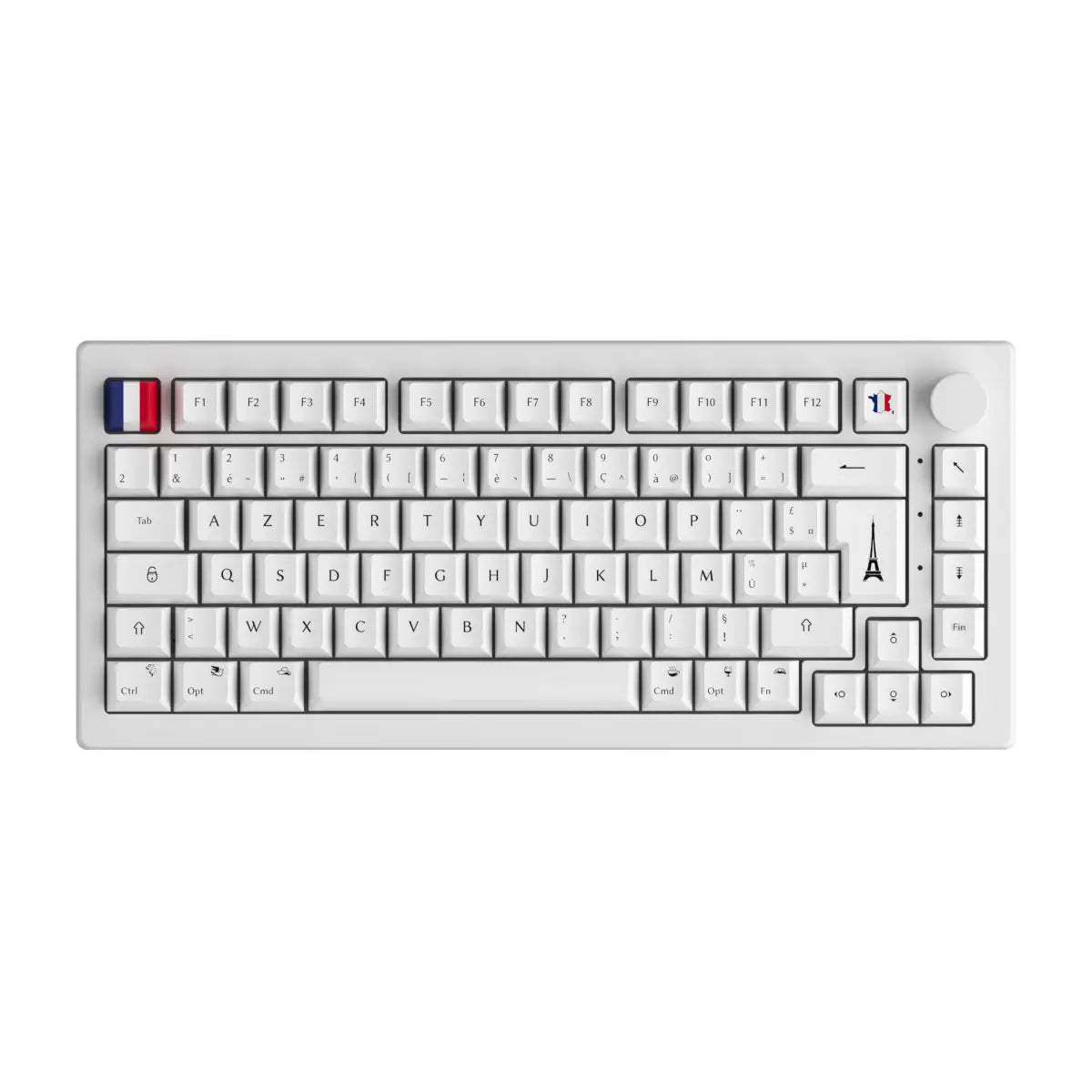
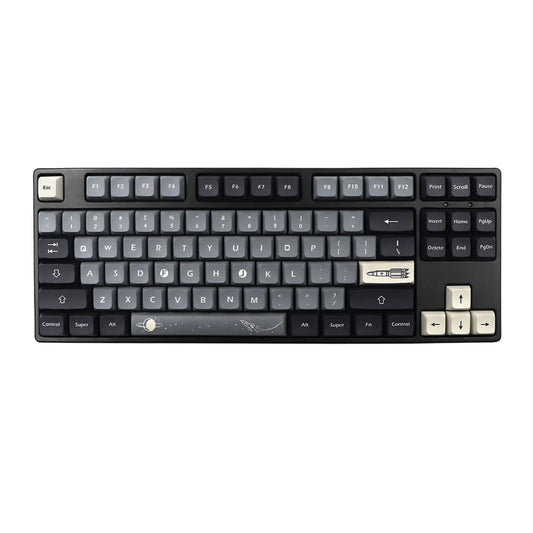
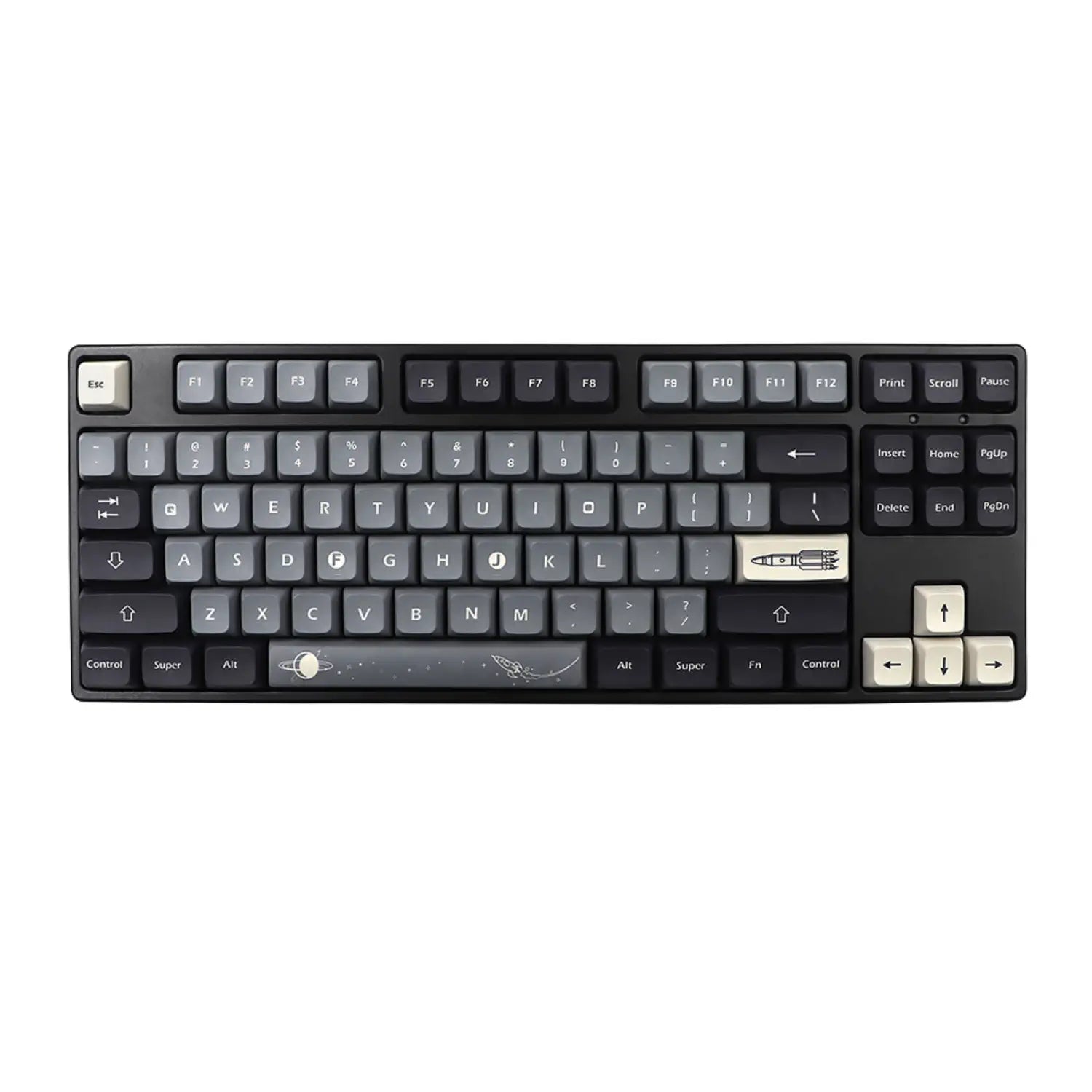

In five years, the gasket mount has gone from a niche term reserved for custom modders to a selling point displayed on almost all premium mechanical keyboard product sheets. You read “gasket mounted” on a Keychron, a Womier or a Glorious, you nod your head, without necessarily knowing what that really changes. Don't panic: we take the time to put everything down here. What is Gasket mount, how does it work, how is it different from a tray mount or a top mount, what sound to expect, at what price, and above all how not to be trapped by disguised marketing. All without obscure jargon, with a quantitative comparison and concrete recommendations.
The essential things to remember
- A gasket mount inserts foam or silicone gaskets between the keyboard plate and the case, which eliminates any rigid metal-to-metal contact.
- The sound result is more thocky and softer, the metallic ping disappears almost entirely.
- On the striking side, the plate flexes slightly (between 0.3 and 0.8 mm) under each press, which reduces fatigue over long sessions.
- The entry-level gasket now starts around 80 to 100 €, the real high-end climbs to 300 to 600 €.
- The gasket mount is ideal for daily typing and keyboard ASMR, less relevant for competitive FPS gaming where the stability of the plate is paramount.
Gasket mount: the complete definition without jargon
A gasket mount is a type of mechanical keyboard mounting where the plate that holds the switches is sandwiched by two foam gaskets, without any direct contact with the metal or plastic case. The word "gasket" simply means "joint" in English: no more mysterious than a tap gasket or a housing gasket. On a keyboard, these joints are small strips of flexible material glued between the plate and the top case on one side, between the plate and the bottom case on the other. The plate therefore floats, suspended between two layers of cushioning.
The term established itself on the Geekhack forum around 2020, replacing the old term "sandwich mount" used since the end of the 2010s. Before this wave, the overwhelming majority of consumer keyboards used a tray mount: the PCB and the plate were screwed directly to the bottom of the case on metal spacers, which transmitted all the vibrations and created that famous high-pitched ping on keystrokes.
Three materials dominate in the world of gasket:
- Poron (high density, Shore A hardness 15 to 30): the benchmark for high-end keyboards, durable and acoustically neutral.
- Silicone (Shore A hardness 30 to 50): firmer, gives a precise strike and a slightly drier sound.
- EPDM rubber or neoprene (Shore A hardness 40 to 70): entry level, duller sound, shorter lifespan.
You will find these materials mentioned in the technical sheets of almost all premium mechanical keyboards on the market. Please note this basic vocabulary: Poron, silicone, EPDM. The rest of the article keeps coming back to this.
How a gasket mount works: the anatomy of a sandwich
A gasket mount works by stacking six layers which acoustically isolate the plate from the rest of the keyboard. The order is always the same, from top to bottom:
- Top case (steel, aluminum or polycarbonate) with its opening for the keys.
- Upper gasket (Poron, silicone or EPDM) glued to the internal lip of the top case.
- Plate which holds the switches (steel, aluminum, FR4, polycarbonate, carbon).
- PCB where the switches are soldered or clipped.
- Lower gasket glued to the internal lip of the bottom case.
- Bottom case which closes the whole thing with screws.
The magic lies in one detail: the plate is never screwed directly to the case. It is simply pinched between the two gaskets, like a hockey puck in a soft vice. When you press a key, the vibration enters the plate, diffuses into the PCB, then collides with the gaskets which absorb the energy instead of transmitting it to the case. Result: no more metallic ping, no more hollow resonance, just the crisp sound of the switches.
Frequent variant, the insulation mount or plateless gasket: the gaskets are only glued to the plate, the PCB floats freely. These are the most modern designs (Mode SCK80, Drop CSTM80) which push flexibility to the maximum.
| Gasket material | Shore A hardness | Sound impact | Estimated lifespan |
|---|---|---|---|
| Poron | 15 to 30 | Thocky, dense | 5 to 8 years |
| Silicone | 30 to 50 | Precise, dry | 4 to 6 years |
| EPDM / neoprene | 40 to 70 | Deaf, muffled | 2 to 4 years |
| Basic PE foam | 20 to 40 | Light Marbley | 2 to 3 years |
Good to know: on high-end keyboards, the gaskets are replaceable (sold as a kit) and you can change the hardness to adjust the feeling to your taste. On entry-level models, they are stuck and impossible to replace properly.
Gasket mount vs tray mount vs top mount: the decisive comparison
Choosing between a tray mount, a top mount and a gasket mount is like choosing between maximum stability, firm rigidity or cushioned flexibility. No mounting is universally better, each serves a purpose. Here is the numerical comparison which is sorely lacking in other French-speaking guides:
| Criterion | Tray mount | Top mount | Gasket mount |
|---|---|---|---|
| Principle | PCB and plate screwed to the bottom of the box on metal spacers | Plate screwed only to the top case, floating PCB | Plate sandwiched between two gaskets, no rigid contact |
| Typical sound | Metallic ping, high resonance | Firm, direct, little resonance | Thocky, dense, absent ping |
| Flex of plate under strike | 0 mm | 0.1 to 0.3 mm | 0.3 to 0.8 mm |
| Competitive gaming stability | Excellent | Very good | Good but less firm |
| Fatigue during long sessions | Strong | Average | Low |
| Average price FR (full keyboard) | 30 to 100 € | 100 to 250 € | 80 to 600 € depending on range |
| Target audience | Office, low-end gaming | Competitive gamer, fast typing | Daily strike, ASMR, amateurs custom |
| Example of known model | Redragon K552 stock, Logitech G413 | Keychron K2 V2 stock, Drop CTRL | Keychron Q1 V2, Womier S-K71, Glorious GMMK Pro |
Quick summary in three lines to avoid having to reread the table:
- If you are aiming for competitive FPS (Counter-Strike, Valorant), a top mount or a tray mount will remain more stable for rapid double taps.
- If you type a lot on a daily basis (teleworking, student, copywriter), a gasket mount will reduce your fatigue and give you a pleasant sound.
- If you want the best ASMR keyboard sound, a gasket mount with Poron gaskets is the community standard.
What typing sound and feel to expect from a gasket mount
A gasket mount gives a sound that the community describes as thocky, creamy or poppy depending on the switches and keycaps, but always without metallic ping and always fuller than a tray mount. Three words to memorize to speak the ASMR keyboard language:
- Thocky: deep, dense sound that “falls” on each keystroke. Typical of a gasket mount with lubricated linear switches and thick PBT keycaps.
- Creamy: rounded, silky sound, without aggressiveness. Obtained with well-lubricated tactile or linear switches and dense foam in the case.
- Poppy: dry and clicking sound, almost sonorous, whichgives character. Typical of clicky switches or lightweight ABS keycaps.
On the felt side, the plate sinks slightly with each strike (between 0.3 and 0.8 mm depending on the hardness of the gaskets), which creates a soft rebound effect. Many modders compare the feel to that of a piano key versus a metal typewriter key. Fatigue decreases because the impact is no longer absorbed by the tendons but by the gaskets.
Case where the gasket mount disappoints:
- Heavy typing (user who hits hard): the plate dips too much and gives a "soft" impression.
- Competitive FPS gaming: the flexibility slows down the rebound slightly, which bothers some players used to tray mount.
- Personal preference "dry click": some people like the direct click of an aluminum top mount.
Note: the feeling does not only depend on the gasket. The switches that you choose and the keycaps that you place on them play just as much, or even more, in the final result. A gasket mount with bad switches will still sound disappointing.
Advantages, limits and target profile of a gasket mount keyboard
The gasket mount is neither a universal revolution nor a simple fad: it is an accepted compromise which favors typing comfort and acoustic quality to the detriment of maximum stability and the entry price. Weigh the pros and cons before investing.
Measurable benefits:
- Premium sound: disappearance of metallic ping, clean acoustic signature.
- Typing comfort: soft flex which reduces fatigue over 4 to 8 hours of daily tapping.
- High-end finish: gasket mounts are generally better assembled and use better case materials.
- Scalability: the best models allow you to replace the gaskets to adjust the hardness.
Limits to be aware of:
- Higher entry price: count at least 80 to 100 € for a real gasket mount, 150 to 250 € for honest mid-range, 300 to 600 € for high-end.
- Less stability: avoid for competitive FPS gaming if you play at a high level.
- More complex assembly on DIY versions: you must align the gaskets, do not overtighten the screws and test before final reassembly.
- Quality variability: not all gasket mounts on the market are equal, some are cosmetic gasket-fits which change almost nothing (we'll come back to that shortly).
User profile checklist:
- Choose a gasket if you do a lot of typing on a daily basis, you want a thocky sound, you like ASMR keyboard or you are new to premium custom.
- Avoid a gasket if you play competitive FPS, you type very hard, you are looking for a keyboard under €60 or you want something ultra rigid.
- Hesitate and test if you do a gaming mix and hit: try it in store or buy a brand that accepts 14-day returns.
Choosing the right gasket mount keyboard: criteria and mistakes to avoid
The number one trap is to confuse a real gasket mount with a decorative gasket-fit which does not change the feeling. To recognize a real gasket mount, check six criteria before buying:
- Explicit gasket position: the product sheet must mention the gaskets on the plate, not just “sound dampening foam in the case” which only designates passive acoustic foam.
- Format adapted to your use: a 75% remains the most versatile format, the 60% is ultra compact, the TKL is suitable for serious typing, the 100% integrates the numeric keypad.
- Case material: solid aluminum or translucent polycarbonate will give a better result than low-end ABS, the wooden case is debated.
- Hot-swap PCB: essential if you want to change the switches later without soldering.
- Gasket material: Poron first choice, silicone second, avoid unspecified “rubber strips”.
- Replaceable gaskets: durability argument, especially above €250.
Frequent mistakes to avoid:
- Buy too low-end (under €60) thinking of tasting gasket: you're missing out on the experience, it's better to wait and save.
- Confuse gasket mount and gasket-fit: some manufacturers add decorative strips without really insulating the plate.
- Forget that the feeling also depends on the switches and keycaps: a gasket mount with bad switches will sound disappointing.
- Choose format last: a superb 100% keyboard that you only use 70% of is a waste, think format first.
If you want to take customization even further, take a look at the custom cases and the DIY custom keyboard kits: you can assemble your own gasket mount from selected parts and change the hardness of the gaskets to your liking.
FAQ gasket mount keyboard
What is the gasket mount for on a mechanical keyboard? The gasket mount removes the rigid contact between the plate (which holds the switches) and the keyboard case. It replaces this contact with soft foam joints. Result: disappearance of the metallic ping, denser and thocky sound, softer strike which reduces fatigue over long sessions.
What is the difference between gasket mount and tray mount? On a tray mount, the PCB and the plate are screwed directly to the bottom of the case on metal spacers, which transmits all vibrations. On a gasket mount, the plate is suspended between two flexible gaskets, without any rigid contact. The tray mount costs less but sounds hollow. The gasket mount costs more but sounds premium.
Is the gasket mount suitable for gaming? For casual or even mid-level competitive gaming, yes, no problem. For high-level competitive FPS (Counter-Strike, high-rank Valorant), some players prefer a firmer top mount or tray mount for direct key feedback. It all depends on the desired feeling.
How much does an entry-level gasket mount keyboard cost? The honest entry level starts around 80 to 100 € (Womier S-K71, Akko 3098B Gasket, Royal Kludge R75 Gasket). For a well-assembled mid-range, expect 150 to 250 € (Keychron Q series, Glorious GMMK). The real high-end ranges between 300 and 600 € (Mode SCK80, Drop CSTM80, Mr Suit).
How do you know if a keyboard is really gasket mounted? Read the technical sheet carefully. Look for the words "gasket mount", "Poron gaskets", "silicone gaskets" associated explicitly with the plate. Beware of vague terms like "sound dampening" or "noise reduction" without specifying the position of the gaskets, these are often tray mount keyboards with just a little foam in the case.
Can we transform a tray mount keyboard into a gasket mount? In theory yes, in practice it is a complex modding project which requires cutting custom gaskets, drilling the plate or not, adjusting the screws and testing. It's not reversible if you change the box. Simpler and more profitable: resell your tray mount and buy an entry-level gasket mount directly for around €90.