
As you know, the keyboard and mouse are not officially allowed on the Nintendo Switch .
However, the geek in you also knows that nothing is impossible by using a few tricks.
We therefore offer you our practical tips for using the famous keyboard-mouse duo on the latest generation console that hosts the muscular plumber.
Why connect a keyboard and mouse to the Nintendo Switch?
Before getting into more technical aspects, it's worth asking why someone would want to connect a device like a keyboard or mouse to the Switch.
👉Actually, it varies depending on the game.
It's really not worth using the directional keys to complete Super Mario Odyssey, for example... and might even compromise the overall experience.
However, some popular games such as Overwatch are more enjoyable to play with a keyboard and mouse for some players.
This is a question of gameplay: the mouse, in particular, offers a much wider range of movement and displacement .
But is this just a pipe dream... or a reality? Is it really possible to use the directional buttons and clicks to access a game on the renowned hybrid console?
 discover the adapter designed for the Switch
Is it possible to connect a keyboard or mouse to the Nintendo Switch?
As you will have understood, since we have already given some indications: yes, it is conceivable to merge this eternal duo and the machine for the whole Nintendo family.
But be careful! There is some valuable information you should know:
Since this technique is not approved, there may be incompatibilities . If it doesn't work, search online for a keyboard or keyboard (let's be bilingual) suitable for the situation.
Depending on the game, you may be disappointed. It's impossible to guarantee that the association will work at all times.
It is necessary to forgo the use of wireless technology: only a wired connection is possible.
We still need to emphasize this last point. How can you enable your console to recognize both devices?

Connecting your keyboard and mouse to your Switch: here's the trick:
Indeed, once all the equipment has been gathered, the process is not very complex:
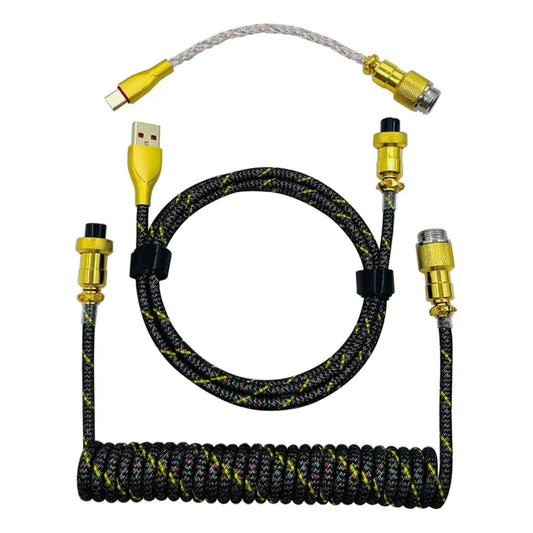
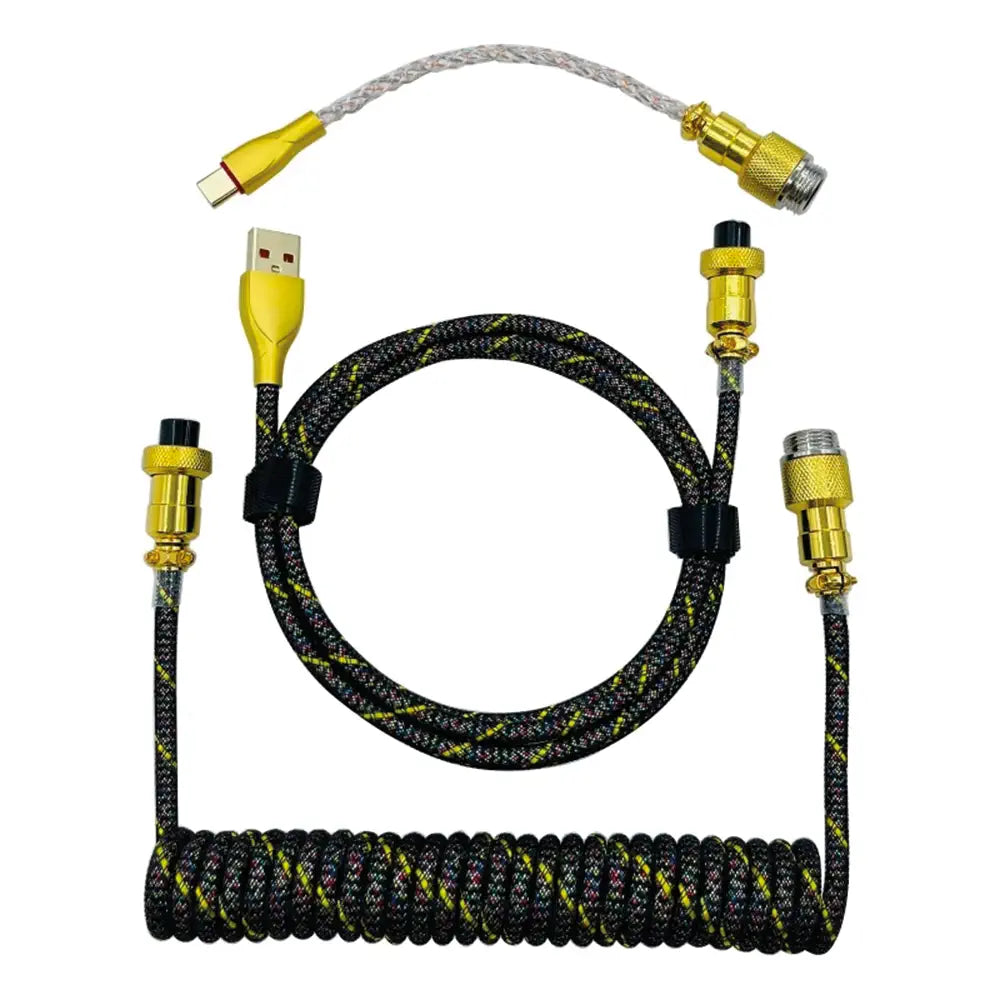
- Please connect your mouse to your keyboard using a USB cable.
- After you've finished, connect the keyboard to the Nintendo Switch using... another USB cable, of course.
- Is everything in order? You will then need to explore the menu until you find the "Controllers and Sensors" section of options.
- It's important not to expect to see a "keyboard" and/or "mouse" option, as this isn't directly supported. Instead, select "Connect via cable with the Pro Controller," and then confirm everything.
Normally, the magic should work.
Perhaps some have never considered this possibility... And others quickly realized its importance. In any case, it is possible to connect your keyboard and mouse to the Switch . It's possible that, in certain situations, one game may be more unstable than another.
Don't currently have a keyboard? No problem, you can easily create your own custom keyboard on our website !