-
 Attack Shark
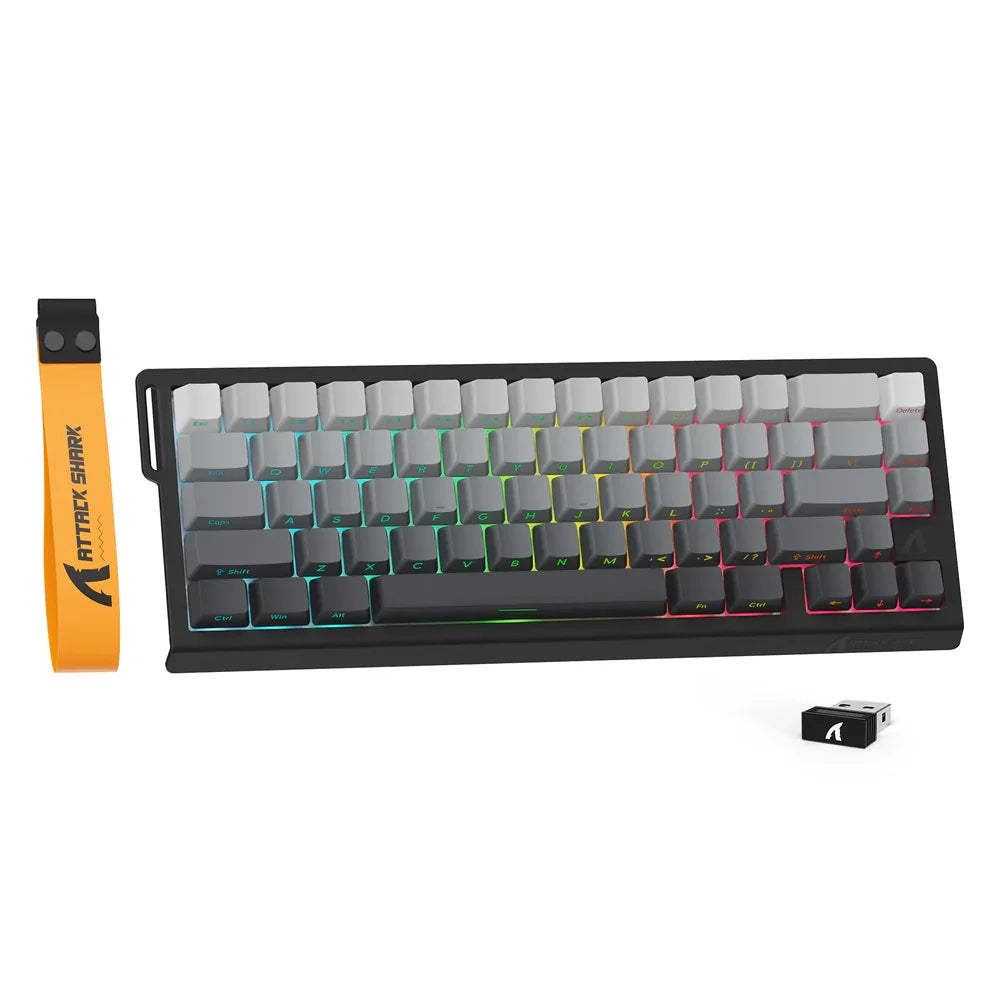
Compact magnetic keyboard for gaming The Attack Shark X68 PRO HE is a compact mechanical keyboard designed for players looking...
€122,99€122,99€122,99 -
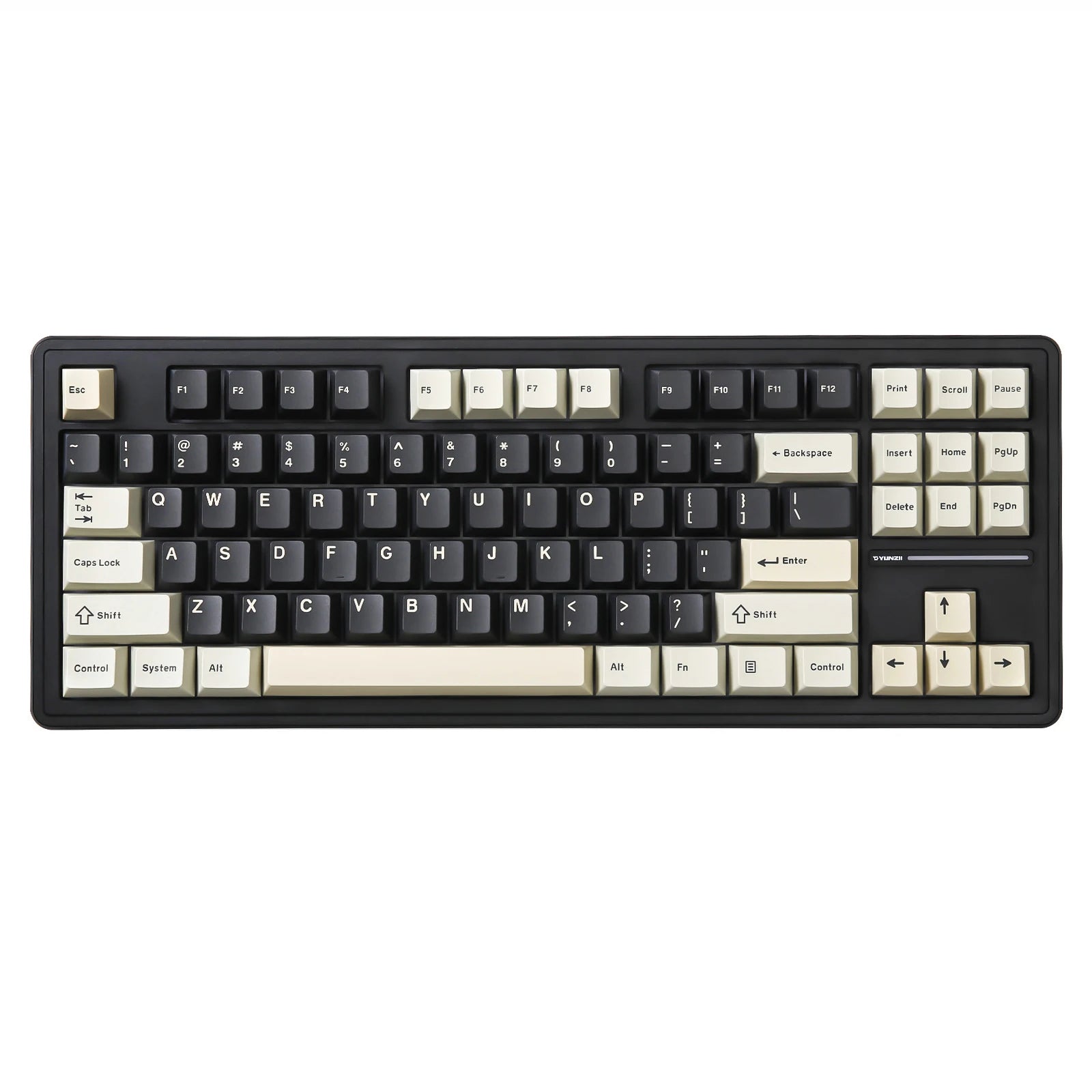
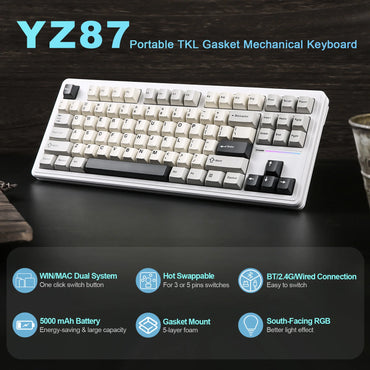
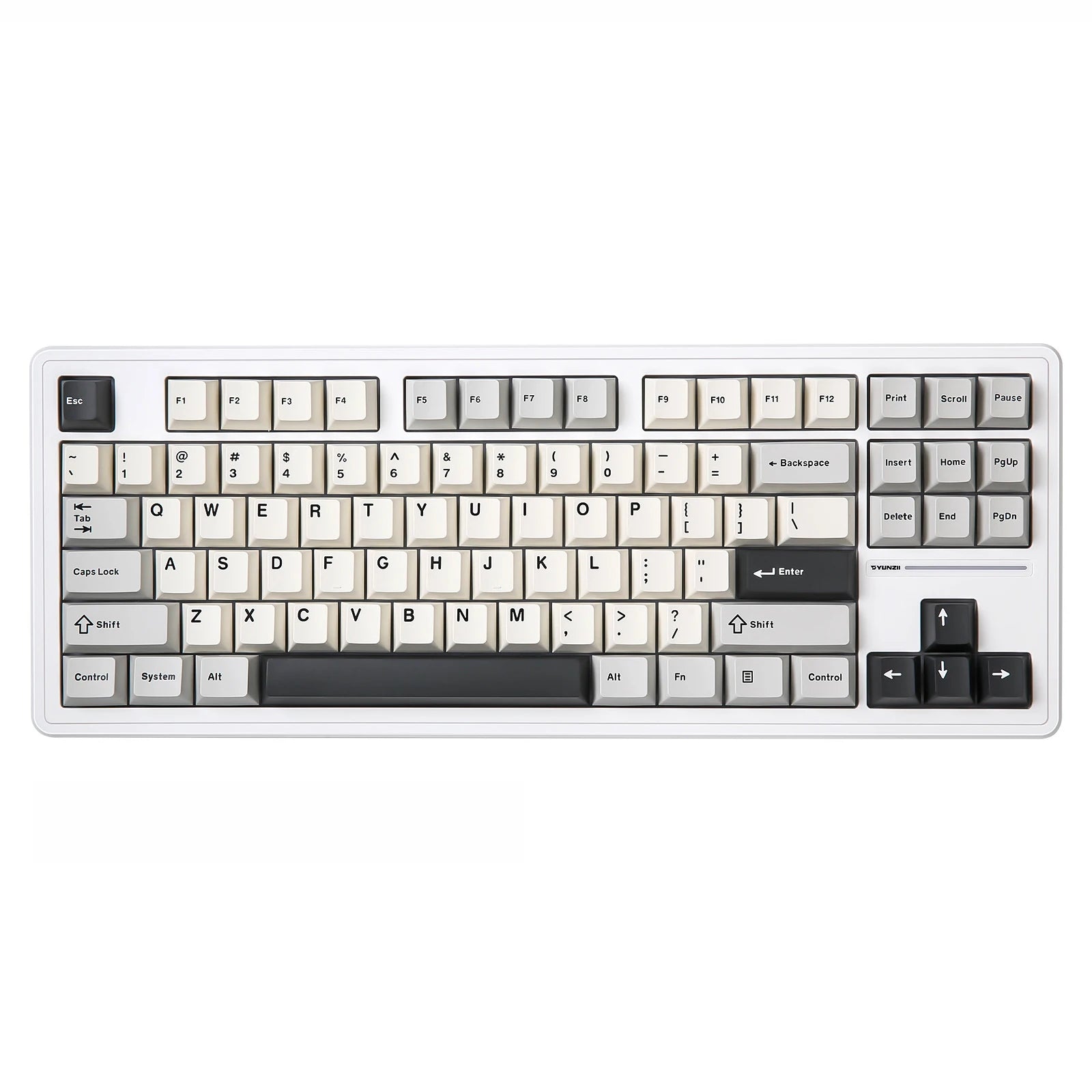 CustomTonClavier.fr
Discover the Custom YZ87 TKL Keyboard Format: TKL 87 keys, ANSI/QWERTY layout Mount: Gasket mount for a softer, quieter typing...
€172,00€172,00€172,00 -
 AULA
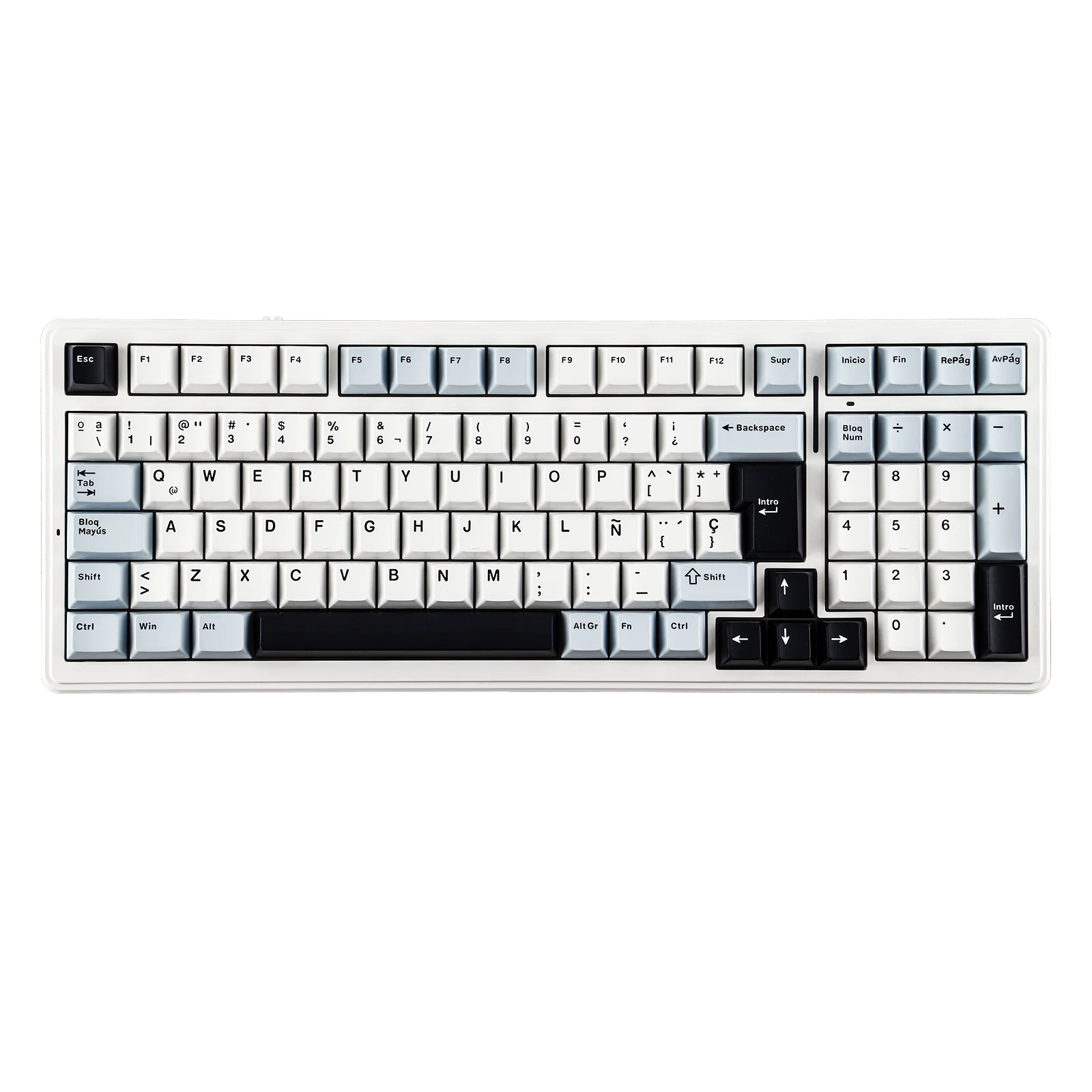
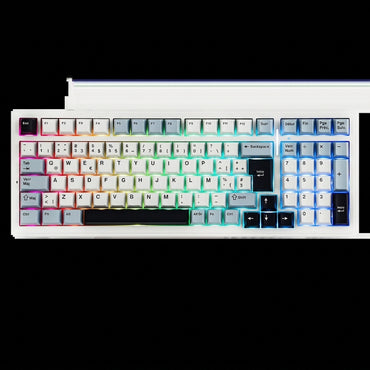
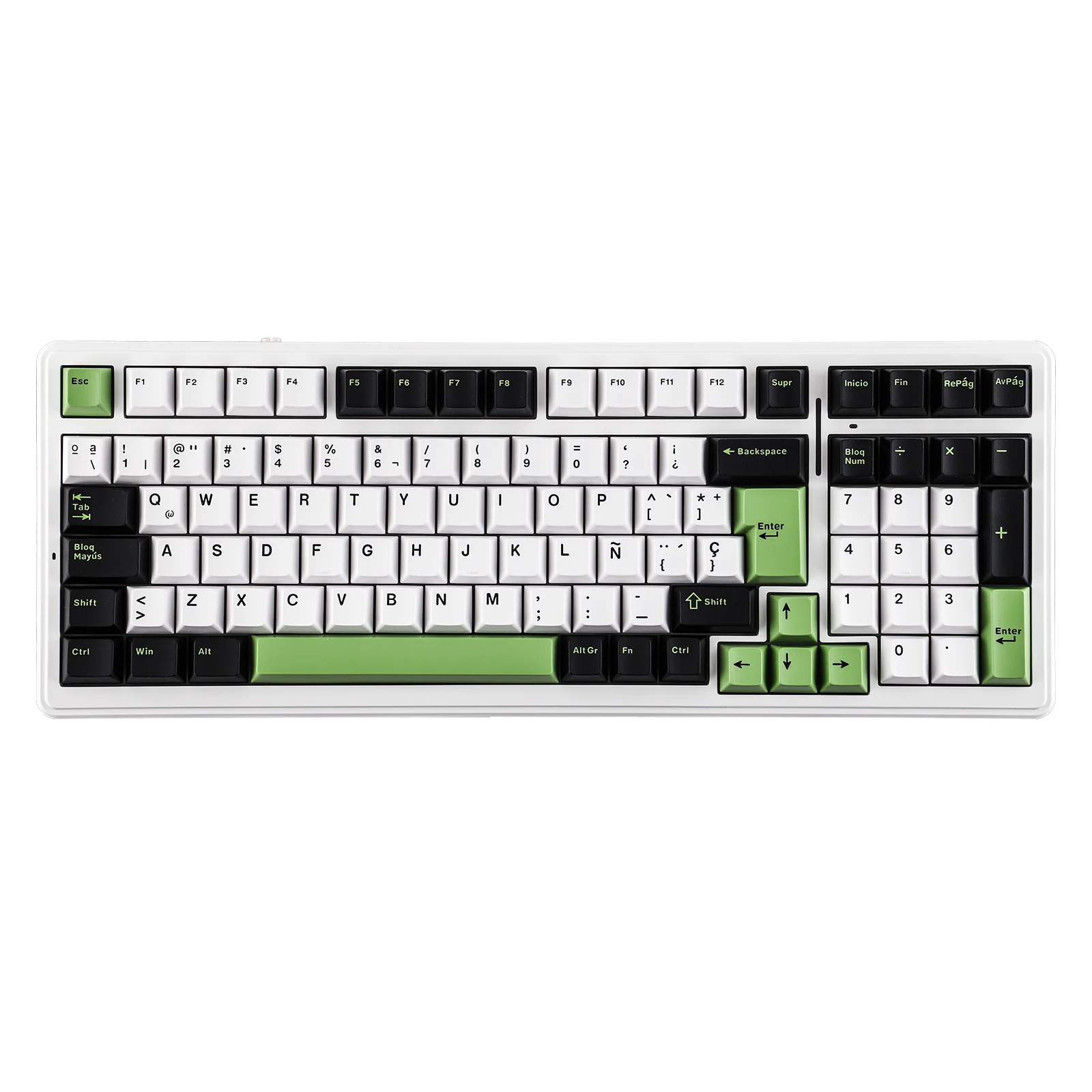
AULAAULA F99 ISO-ES - Mechanical Keyboard 96% ⌨ Format: 96% Connection: Wired USB-C Hot-swap: 3 and 5 pin compatible Keycaps:...
€132,90€132,90€132,90 -
 CustomTonClavier.fr
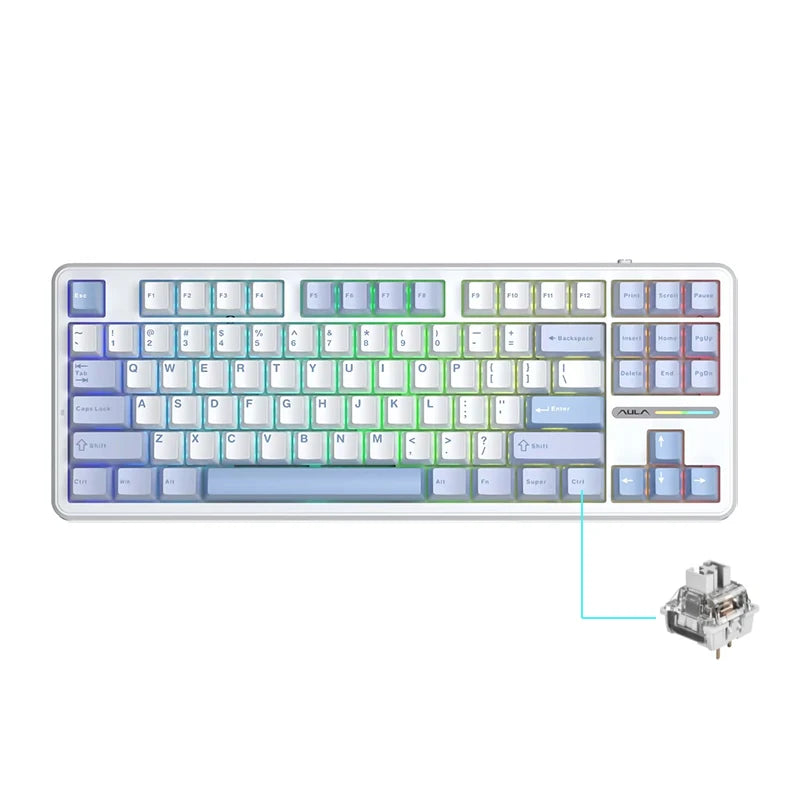
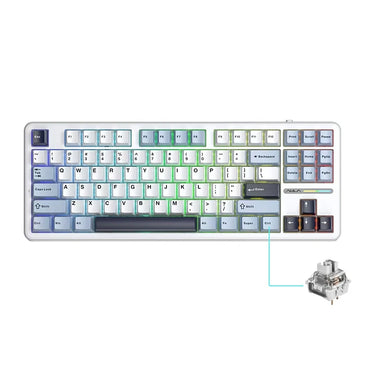
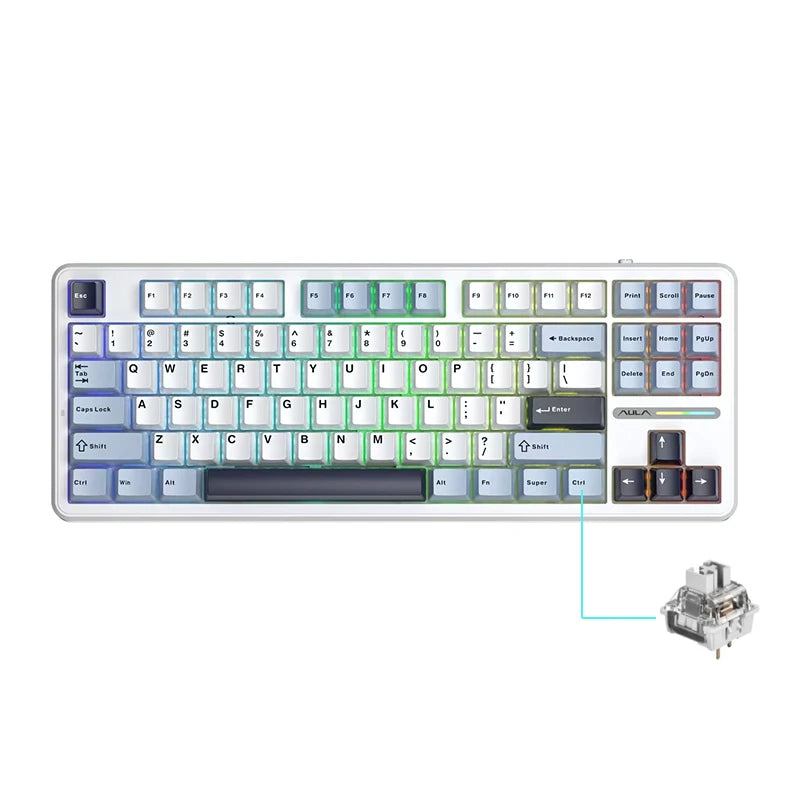
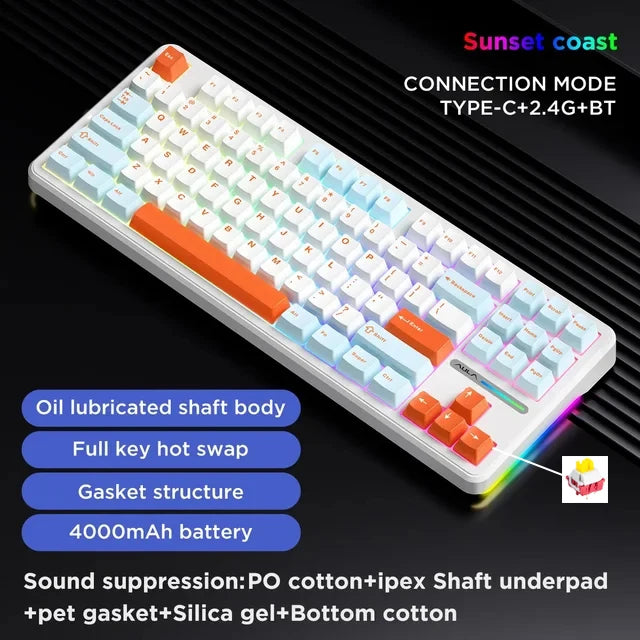
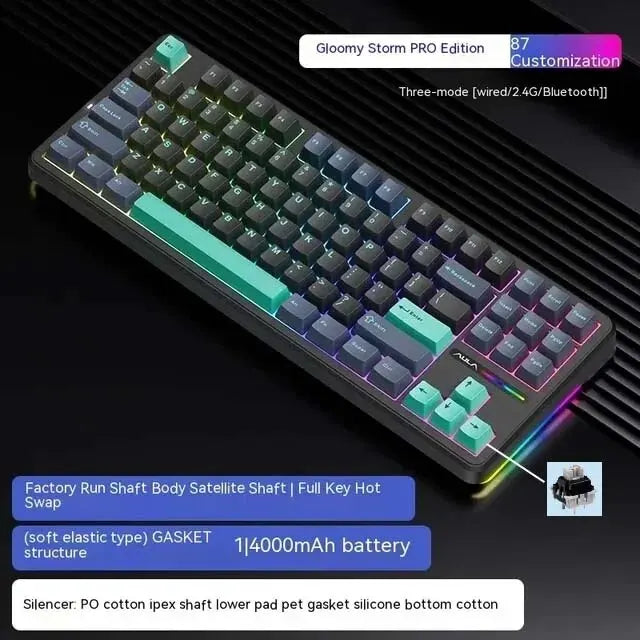
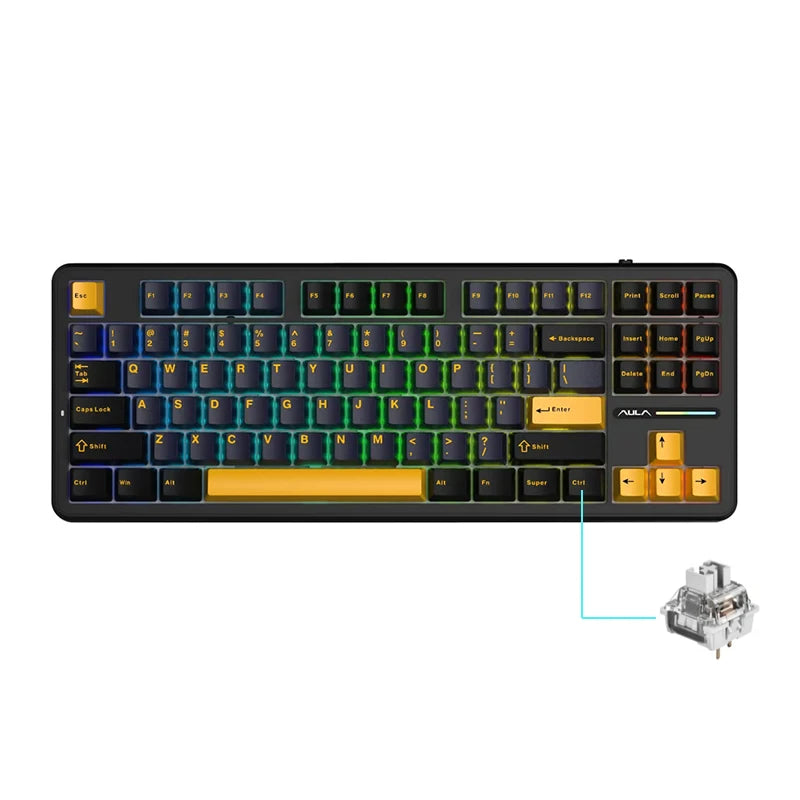
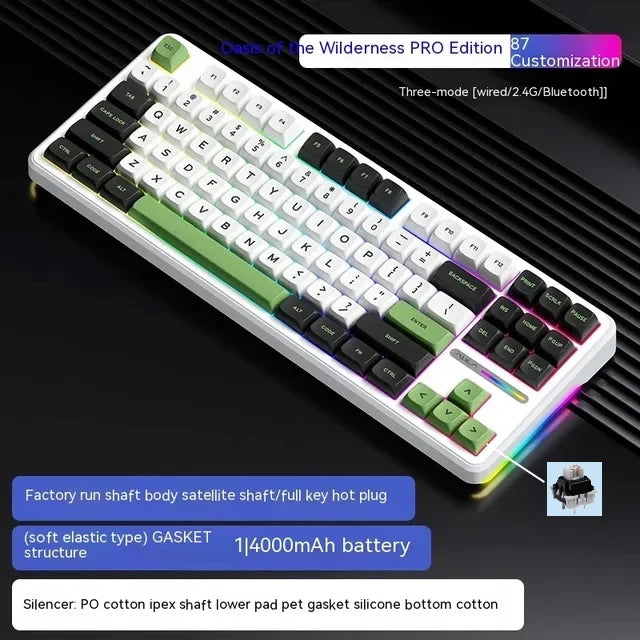
AULA F87 Pro, a powerful and versatile TKL mechanical keyboard 87-key TKL format, compact without numeric keypad Layout ANSI QWERTY...
€82,90€82,90€82,90 -
 CustomTonClavier.fr
AULA F75 ANSI Violet & White
AULA F75 Violet & White, a 75% versatile and customizable keyboard 75% form factor (78 keys, compact and functional for...
€92,90€92,90€92,90 -

 CustomTonClavier.fr
AULA F75 Cedar Green, a 75% versatile and customizable keyboard 75% form factor (78 keys, compact and functional for gaming...
€92,90€92,90€92,90 -

 CustomTonClavier.fr
AULA F75 ANSI Pink & Black
AULA F75 Pink & Black, a 75% versatile and customizable keyboard 75% form factor (78 keys, compact and functional for...
€92,90€92,90€92,90 -
 CustomTonClavier.fr
AULA F75 Frosted White, a 75% versatile and customizable keyboard 75% form factor (78 keys, compact and functional for gaming...
€92,90€92,90€92,90 -
 CustomTonClavier.fr
AULA F75 Black, a 75% versatile and customizable keyboard 75% form factor (78 keys, compact and functional for gaming and...
€92,90€92,90€92,90 -

 CustomTonClavier.fr
AULA F75 Sea Blue, a 75% versatile and customizable keyboard 75% form factor (78 keys, compact and functional for gaming...
€92,90€92,90€92,90 -

 CustomTonClavier.fr
AULA F75 Glacial Blue, a 75% versatile and customizable keyboard 75% form factor (78 keys, compact and functional for gaming...
€92,90€92,90€92,90 -

 CustomTonClavier.fr
Attack Shark X85 Pro ANSI 75% RGB Stars Black
Attack Shark X85 Pro ANSI 75% RGB, the perfect balance between performance and customization 75% form factor (81 compact keys,...
€102,90€102,90€102,90 -
 CustomTonClavier.fr
Attack Shark X85 Pro ANSI 75% RGB Lavender
Attack Shark X85 Pro ANSI 75% RGB, the perfect balance between performance and customization 75% form factor (81 compact keys,...
€102,90€102,90€102,90 -

 CustomTonClavier.fr
Attack Shark X85 Pro ANSI 75% RGB Cheese
Attack Shark X85 Pro ANSI 75% RGB, the perfect balance between performance and customization 75% form factor (81 compact keys,...
€102,90€102,90€102,90 -

 CustomTonClavier.fr
Attack Shark X85 Pro ANSI 75% RGB Moonlit Night
Attack Shark X85 Pro ANSI 75% RGB, the perfect balance between performance and customization 75% form factor (81 compact keys,...
€102,90€102,90€102,90 -
ATTACK SHARK
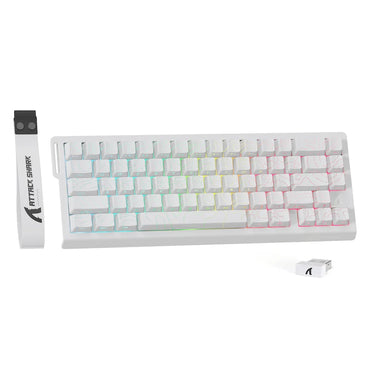
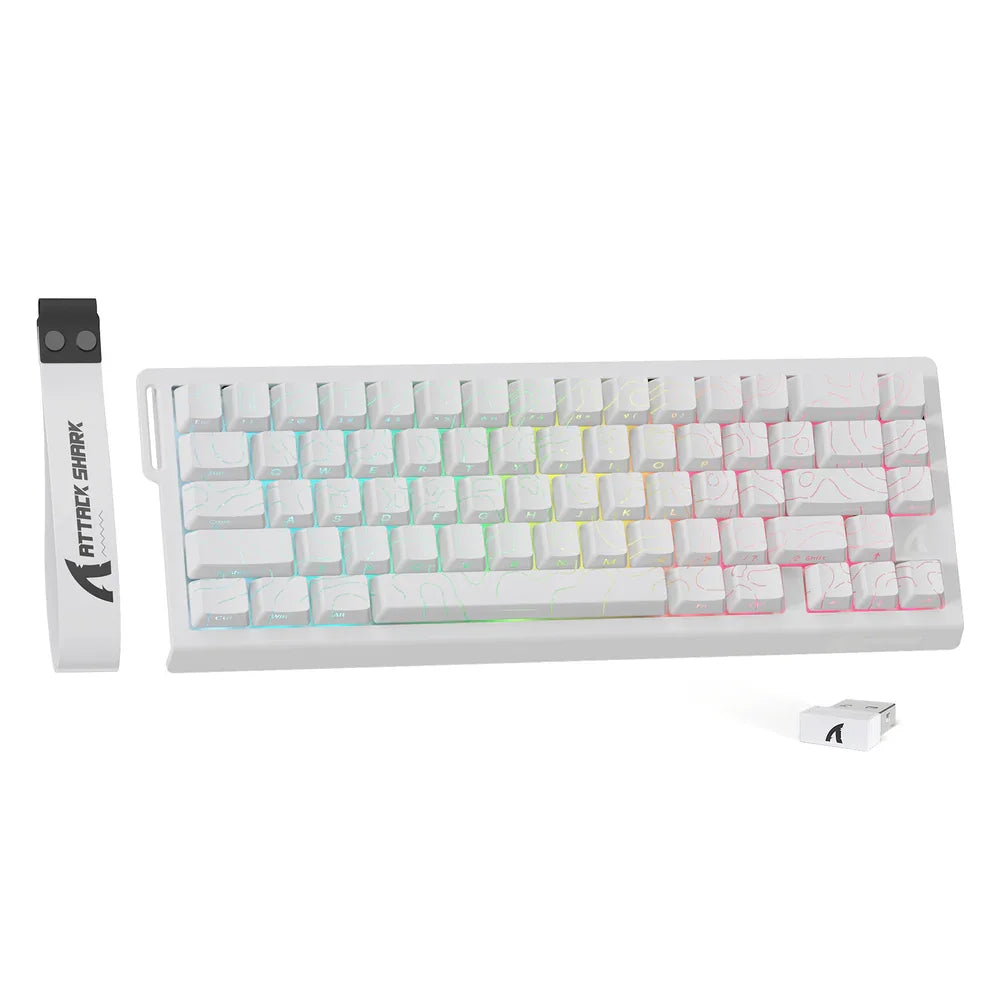
Attack Shark X82 PRO HE White Contour, when your keyboard becomes your extension 75% size (83 ergonomic keys for uncompromising...
€82,99€82,99€82,99


QWERTY keyboard: everything you need to know for French users
Are you a French user accustomed to your good old French keyboard , and suddenly someone's talking about the QWERTY keyboard ? This device intrigues, sparks curiosity, and perhaps even envy. Why a different key layout ? What are the differences compared to AZERTY in everyday use? And above all, is it a good idea to adopt it in France, whether for office work , development, or gaming ? Let's demystify it all together, in a friendly and supportive atmosphere.
What is a QWERTY keyboard?
A QWERTY computer keyboard is a key layout where the top row begins with QWERTY. It is the most common type of keyboard in the English-speaking world. It comes in wired versions via USB or wireless versions (often Bluetooth ), in full formats with a numeric keypad , in TKL (without a keypad), or in 60% compact versions.
QWERTY vs AZERTY: the differences that matter
- Numbers and capital letters : In QWERTY, the numbers 0 - 9 are directly accessible without using the Shift key. In AZERTY, the Shift key is often used to enter them.
- Special characters : Useful special characters in code (`()[]{}` / . @ ; : etc.) are more readily available and faster to type. Shortcuts and key combinations using Ctrl or the Windows key are easy to access.
- Accents : AZERTY naturally facilitates é, è, à, ç. In QWERTY, one can use a "US-International" layout, macros , or remappings to insert accents.
- Key layout : The US QWERTY (ANSI) layout has a horizontal Enter key and a large space bar . The ISO (UK/EU) versions have a two-line Enter key and an additional key near the Shift key.
Why choose a QWERTY keyboard in France?
- Programming : Quick access to symbols, more natural shortcuts , smooth cursor and command management.
- Office work and writing : Typing emails, URLs or bilingual texts is more comfortable, especially with a modern PC keyboard .
- Video games : Many titles and gaming keyboards are designed around QWERTY (shortcuts, key combinations , macro profiles).
- Versatility : QWERTY is standard in many software and technical environments.
Typing accents in QWERTY: our solutions
- Layout US-International : allows writing é, è, à, ü via “dead keys”.
- Shortcut or macro : create macros for your most common accented letters.
- Remapping : associate a free key (e.g. the key next to Ctrl ) with a given accent.
- Numeric keypad : if you have one, some Alt codes can be helpful on occasion.
Formats, technologies and comfort
Whatever your needs, there is a suitable type of QWERTY keyboard :
- 100% complete : with numeric keypad for Excel, finance, and number entry.
- TKL : without a keypad, more compact, perfect for freeing up the mouse or a combined keyboard and mouse .
- 60% : ultra-compact , designed for fast typing and desk space.
- Mechanical : Cherry MX switches or equivalent for a crisp, durable and customizable feel.
- Membrane : quieter, ideal for open-plan offices and light ergonomic use.
For comfort, look for an ergonomic model (gentle tilt, wrist rest ), good backlighting (RGB or Chroma style) for readability, and a suitable connection: Bluetooth for portability, USB port for stability. Programmable keys and macros will save you a lot of time.
QWERTY in everyday use: practical tips
- Key layout : take 2 - 3 days to automate the new positions, especially for symbols.
- Shortcuts : Set up your favorite shortcuts (copy, move cursor , launch apps) with Ctrl and the Windows key .
- Macros : create macros for your signatures, email templates, code insertions.
- Laptop and keypad : if you are on a laptop, the touchpad remains useful; on a desktop computer, a good numeric keypad speeds up typing.
- Backlit : A backlit keyboard improves readability at night and enhances your gaming setup.
QWERTY, AZERTY… and others
There are also other layouts like Bépo (designed for French and ergonomics). Each keyboard layout has its own philosophy. QWERTY shines with its universality, simple key combinations , and efficient shortcuts . AZERTY simplifies accents. It's up to you to choose the layout that makes your typing feel natural and your workstation truly ergonomic .
Wired, wireless, multimode: how to connect your QWERTY keyboard
- USB : Stable connection via USB port , perfect for competitive gaming and office use.
- Bluetooth : ideal as a wireless keyboard for switching between PC and tablet; often possible to remember multiple devices.
- 2.4 GHz dongle : a highly responsive wireless alternative for a gaming keyboard .
In summary
Switching from an AZERTY keyboard to a QWERTY one is a small hurdle to overcome, but you'll gain in fluidity with shortcuts , special characters , and key combinations . Whether you're a gamer , developer, or office worker, there's a QWERTY PC keyboard for you: wired or Bluetooth , compact or with a numeric keypad , Cherry MX mechanical or membrane , understated or with colorful backlighting . The important thing is to find the key layout and comfort that make you want to type every day… without a second thought.
Building your own custom keyboard
-
96 items
-
67 items
-
70 items
-
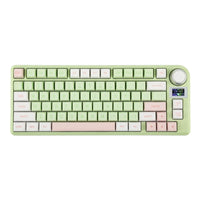
146 items
-
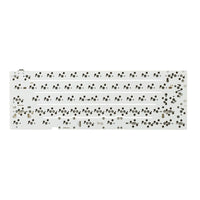
10 items
-
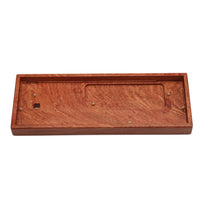
9 items
-
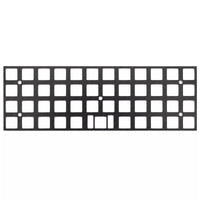
7 items
-
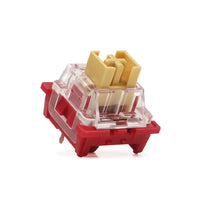
32 items
-
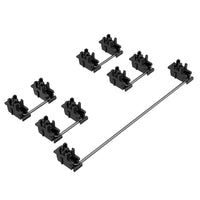
14 items
-
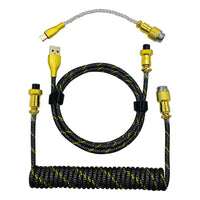
40 items