-
 Sold outAJAZZ
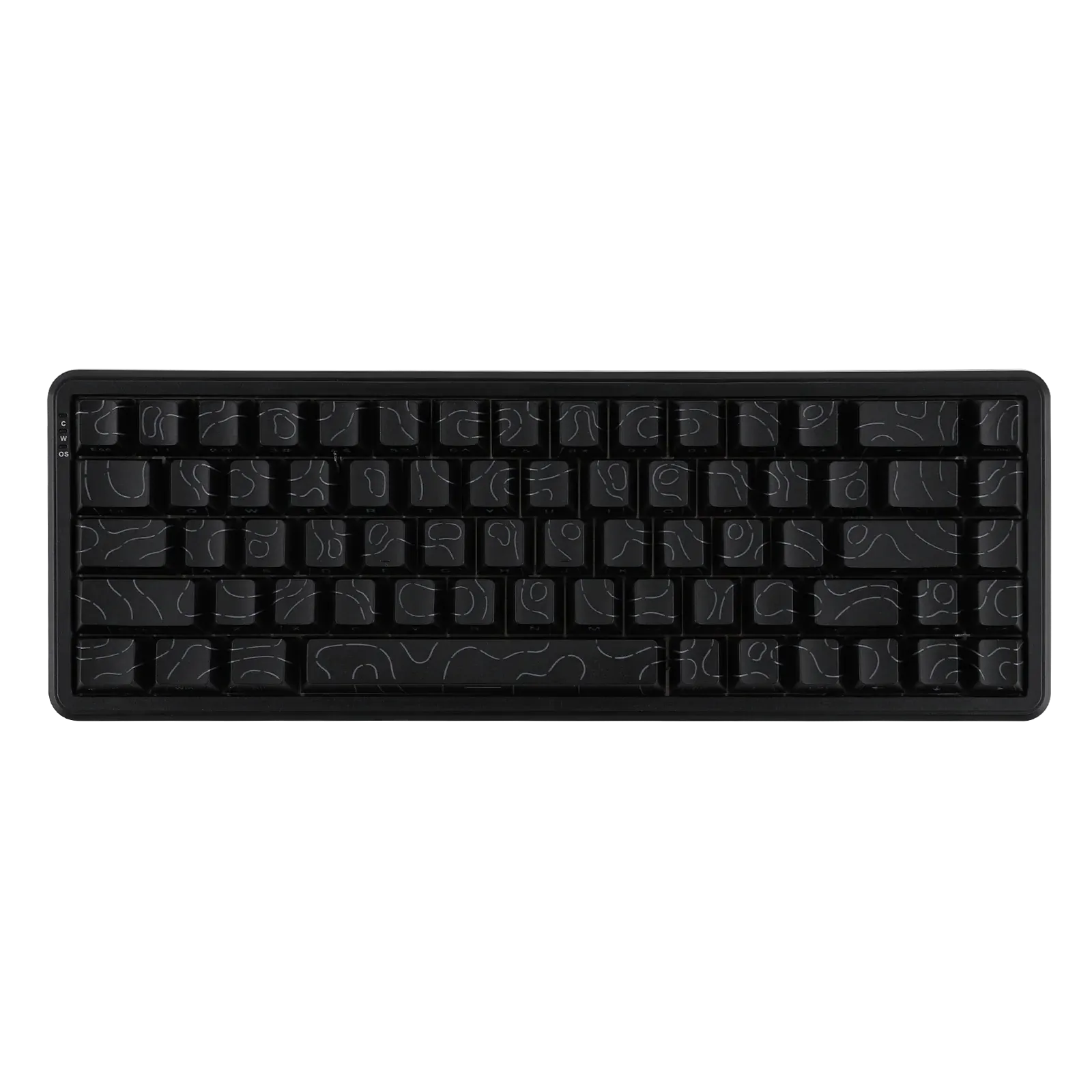
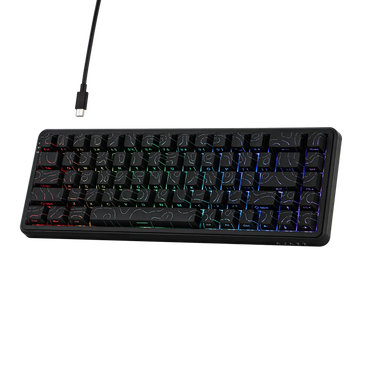
AJAZZ AK680 MAX Black ANSI Side-Printed
Ajazz AK680 – Ultra-responsive magnetic keyboard for esports Compact 68% keyboard in ANSI US layout (QWERTY) Ajazz Rice Magnetic switches...
€92,90€92,90€92,90 -
 AJAZZ
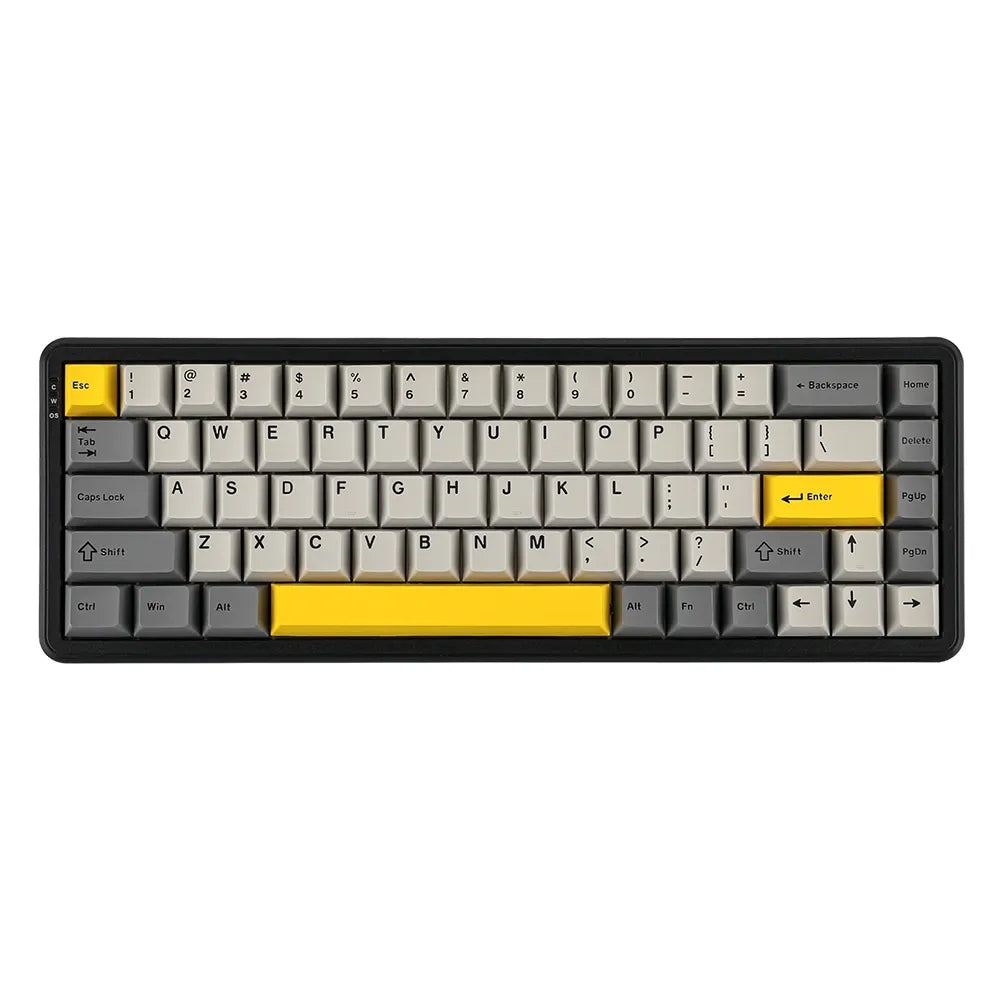
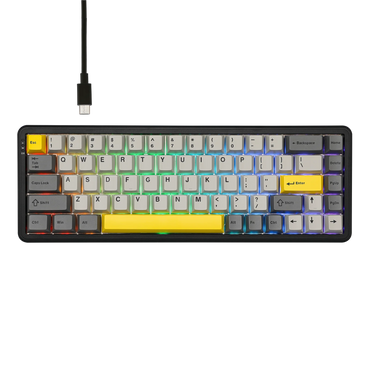
AJAZZAjazz AK680 Grey – 68% lightweight and responsive magnetic keyboard for esports Small form factor 68% in ANSI US QWERTY...
€67,89€67,89€67,89 -
 AJAZZ
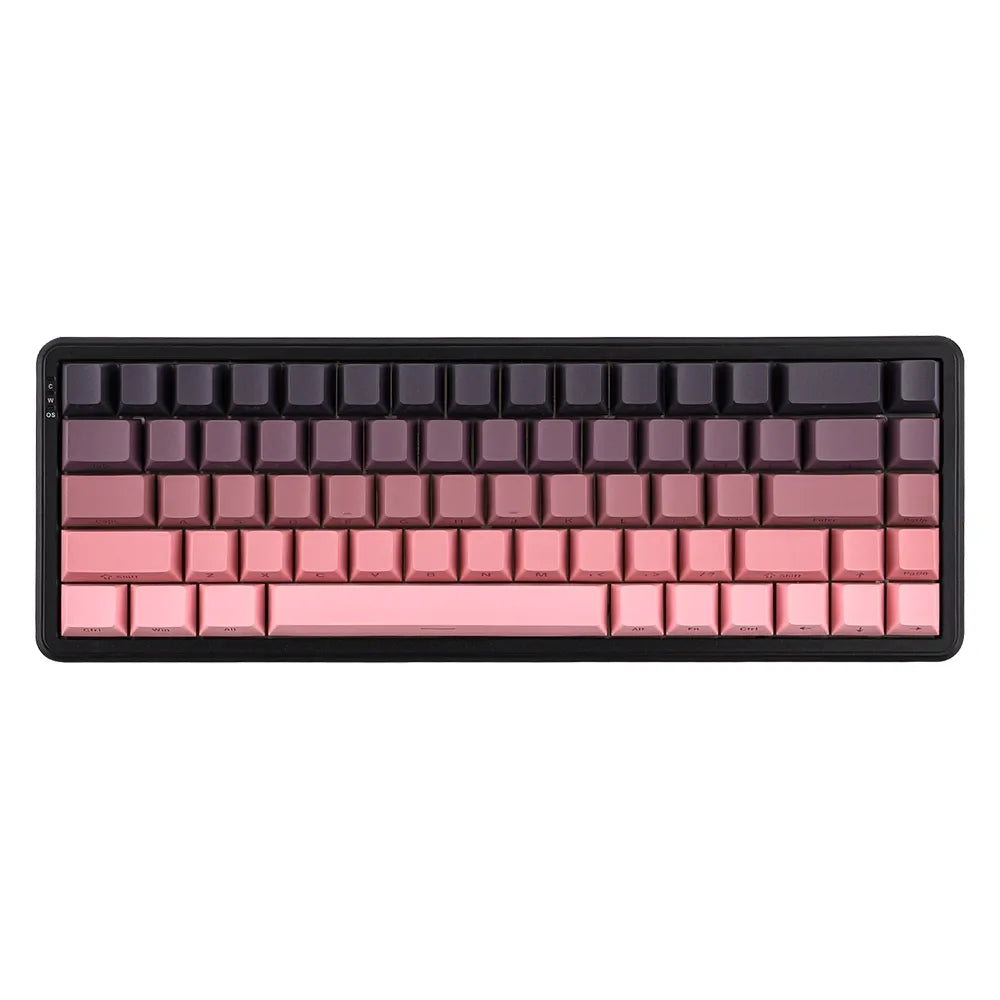
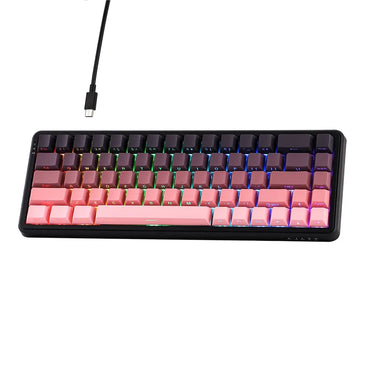
AJAZZAJAZZ AK680 MAX Pink ANSI Side-Printed
Ajazz AK680 MAX Pink – 68% Magnetic Keyboard, Esports Designed Compact format, 68% ANSI US QWERTY layout, elegant pink edition...
€72,89€72,89€72,89 -
 AJAZZ
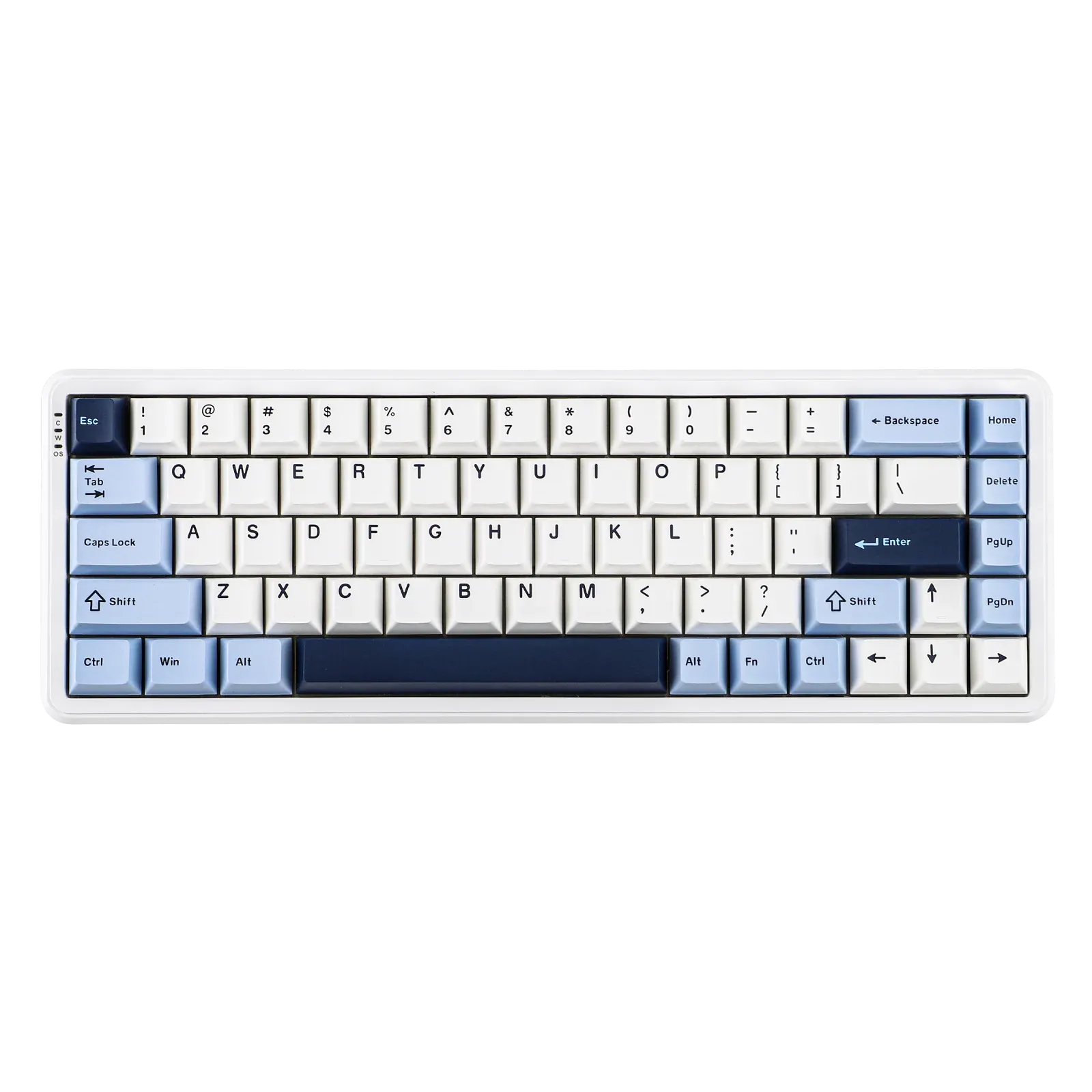
AJAZZAJAZZ AK680 MAX Blue/White ANSI
Ajazz AK680 MAX Blue/White – High-performance 68% magnetic keyboard Compact size 68% – Layout ANSI US QWERTY Ajazz Rice Magnetic...
€67,89€67,89€67,89 -
 AJAZZ
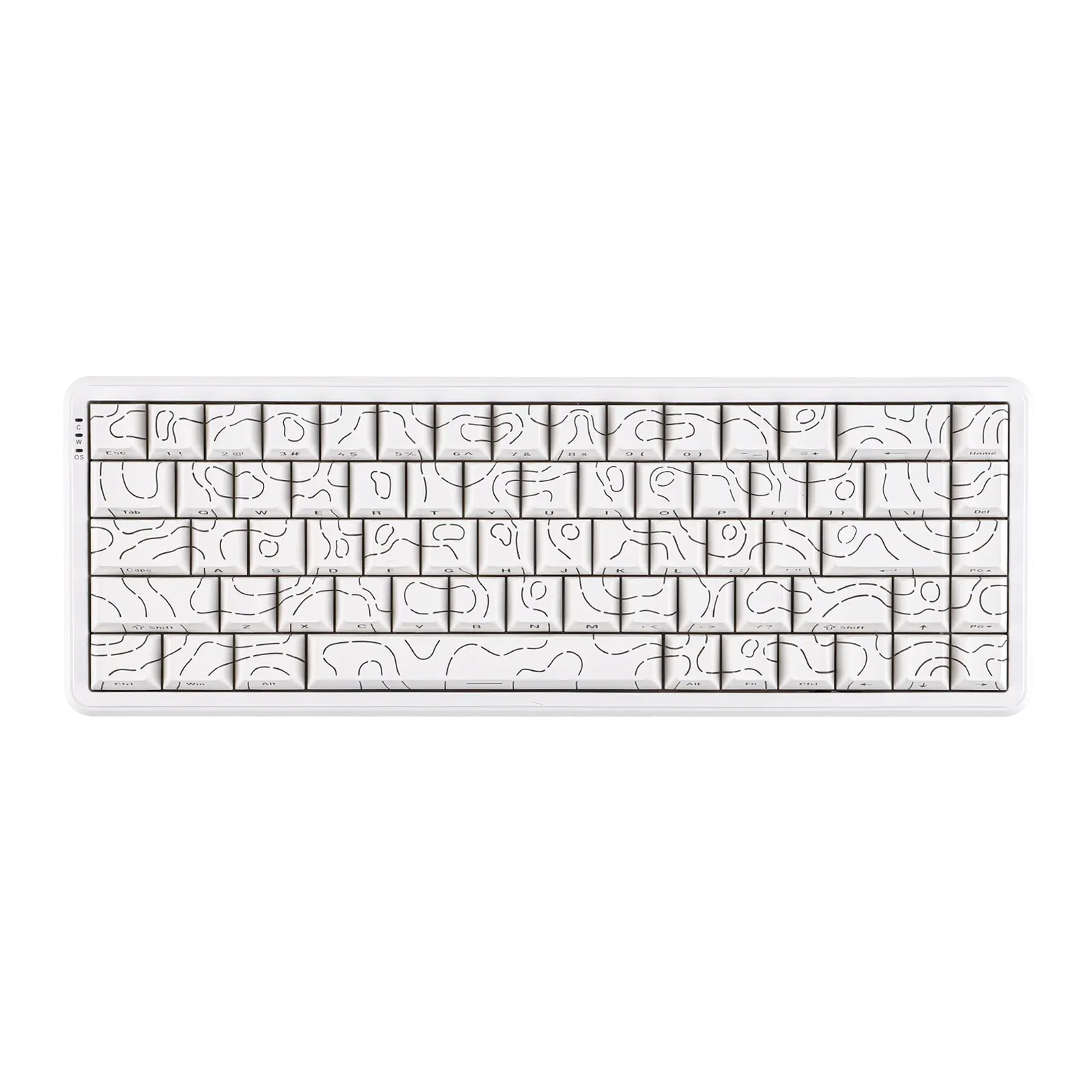
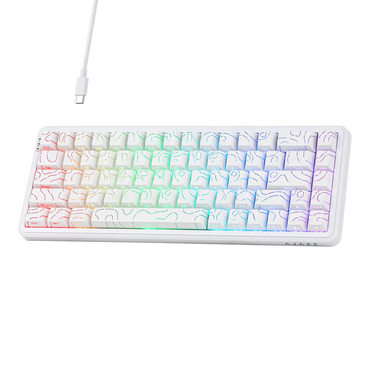
AJAZZAJAZZ AK680 MAX White ANSI Side-Printed
Ajazz AK680 White – 68% Ultra-Precise Magnetic Esports Keyboard Compact format 68% in ANSI US layout (QWERTY) Ajazz Rice Magnetic...
€67,89€67,89€67,89 -
 AJAZZ
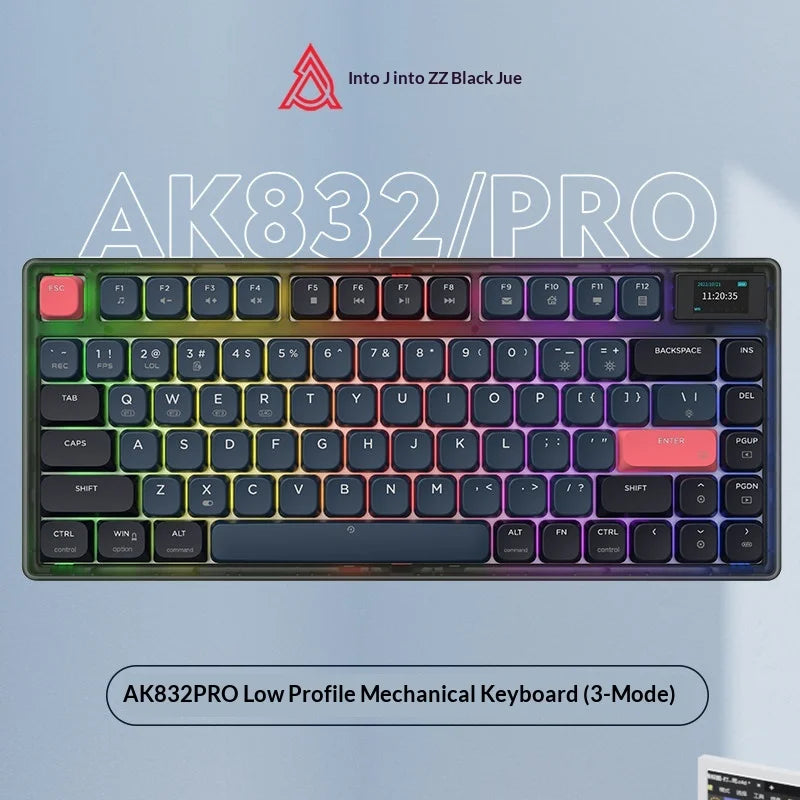
AJAZZAjazz AK832Pro - 83-key Mechanical Keyboard ⌨ Format: 83 keys Connection: Wireless 2.4GHz / Bluetooth / USB-C Hot-swap: 3 and...
€97,90€97,90€97,90 -

 AJAZZ
AJAZZDécouvre le AJAZZ K8 Format : Format compact, disposition ANSI/QWERTY Montage : Tray mount pour une frappe confortable et silencieuse...
€67,89€67,89€67,89 -
 Sold outAKKO
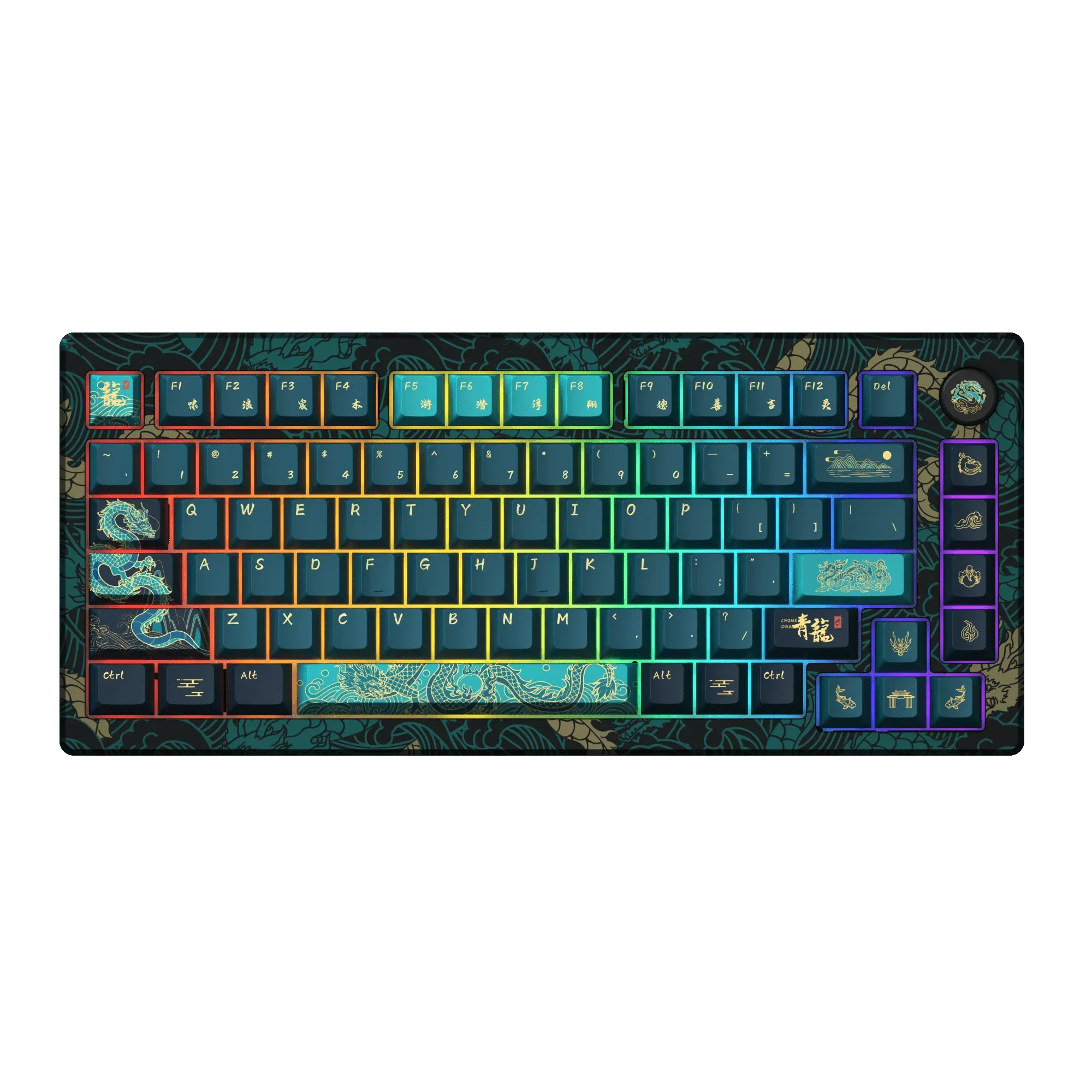
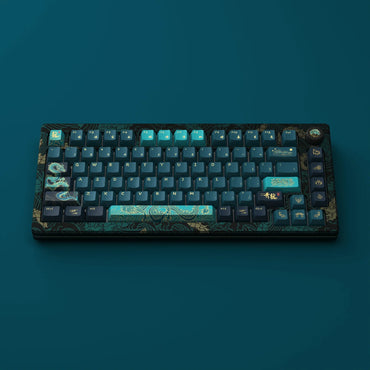
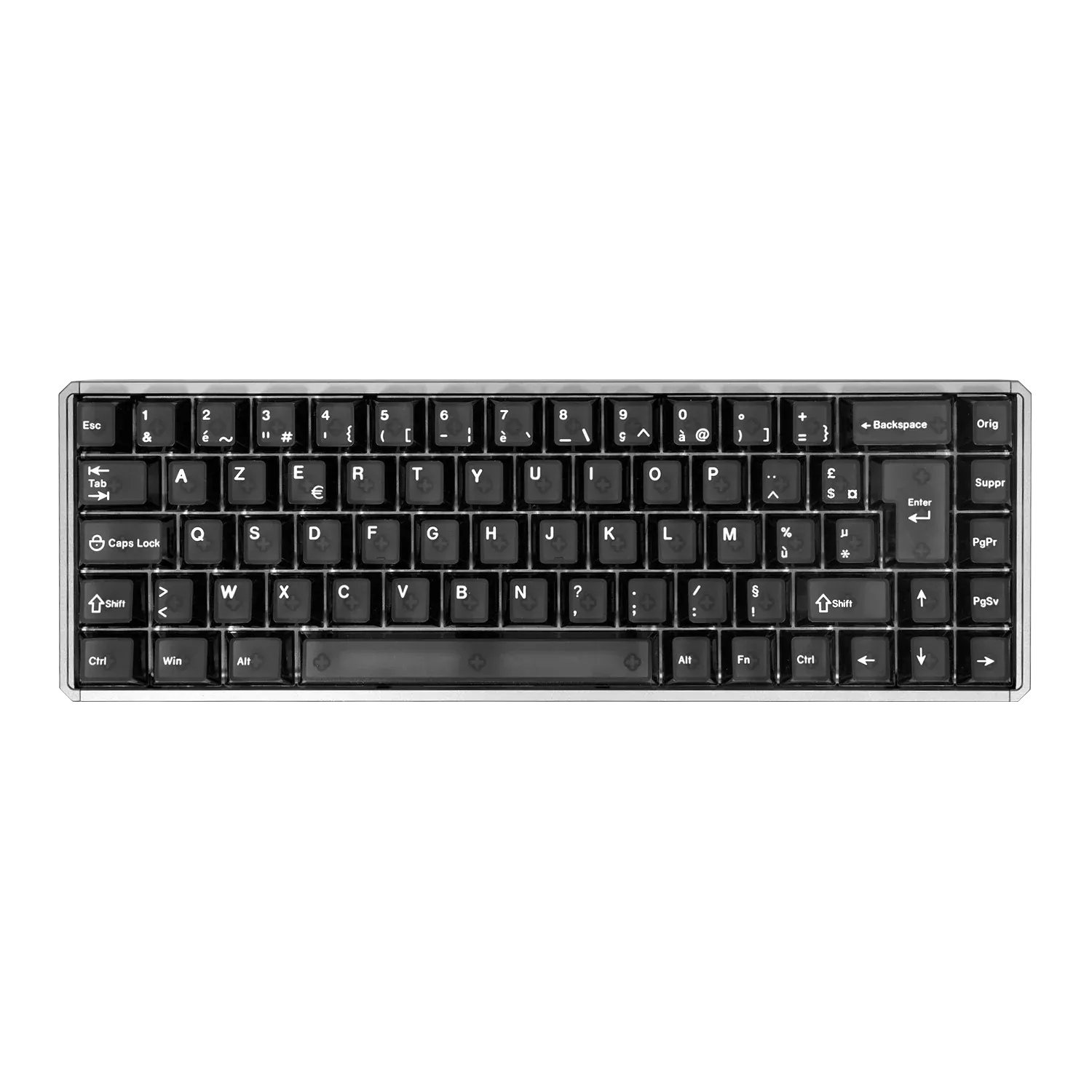
AKKO MOD 007 HE Year of Dragon ISO FR
Akko MOD 007 V3 HE Year of the Dragon – Hall Effect collector’s keyboard ISO‑FR🐉 Layout: ISO-FR (ISO-FR keycap set...
€242,99€242,99€242,99 -
 AKKO
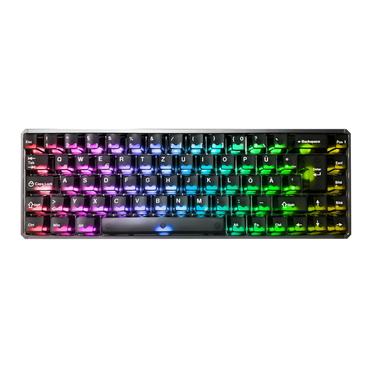
AKKOAkko MOD68 HE ISO, the next-gen 65% magnetic battery for gamers and creators Compact format 65% (without numeric keypad, ISO-FR...
€122,99€122,99€122,99 -
 AKKO
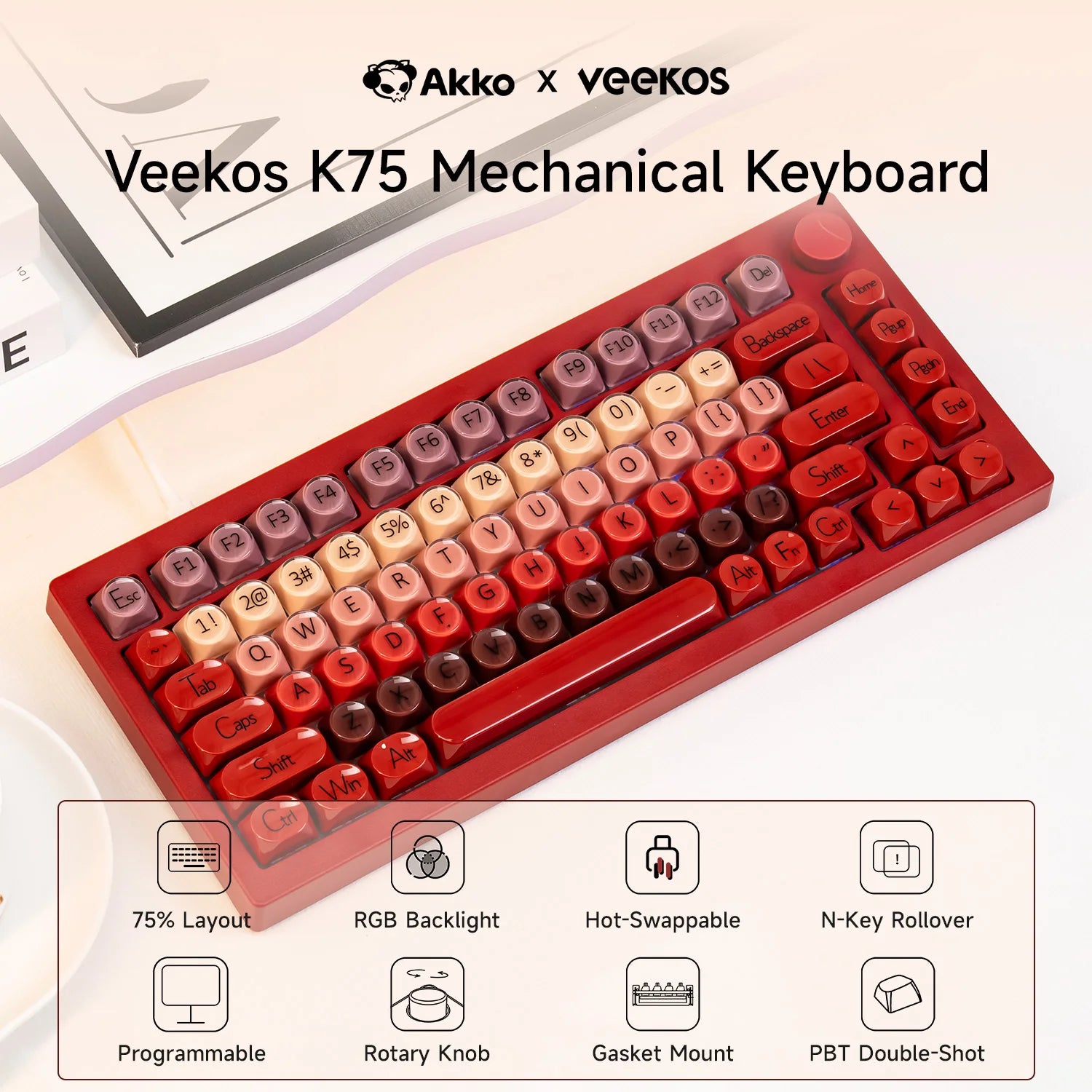
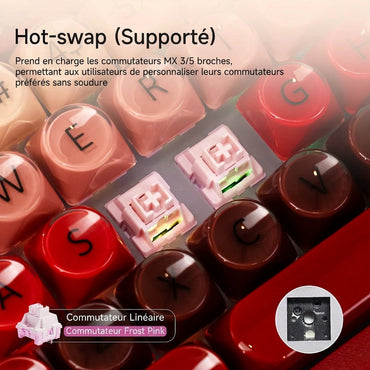
AKKOAKKO X Veekos K75 - 75% Mechanical Keyboard ⌨ Format: 75% Connection: Wired USB-C Hot-swap: 3 and 5 pin compatible...
€87,90€87,90€87,90 -
 ASUS ROG
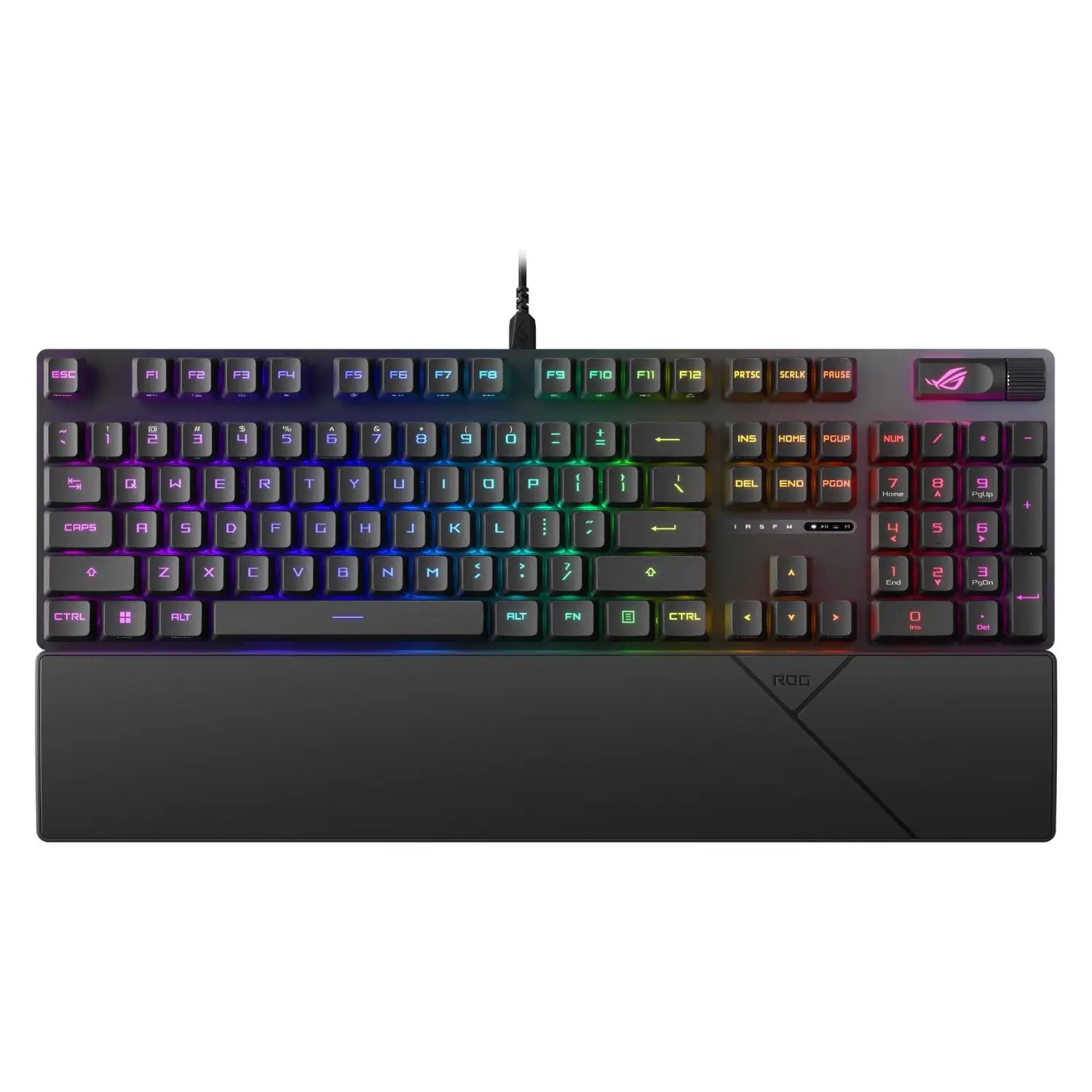
Asus ROG STRIX SCOPE II RX Keyboard
Add a touch of performance and style to your setup with the ASUS ROG Strix Scope II RX keyboard 🎮⌨️...
€172,99€172,99€172,99 -
 ASUS ROG
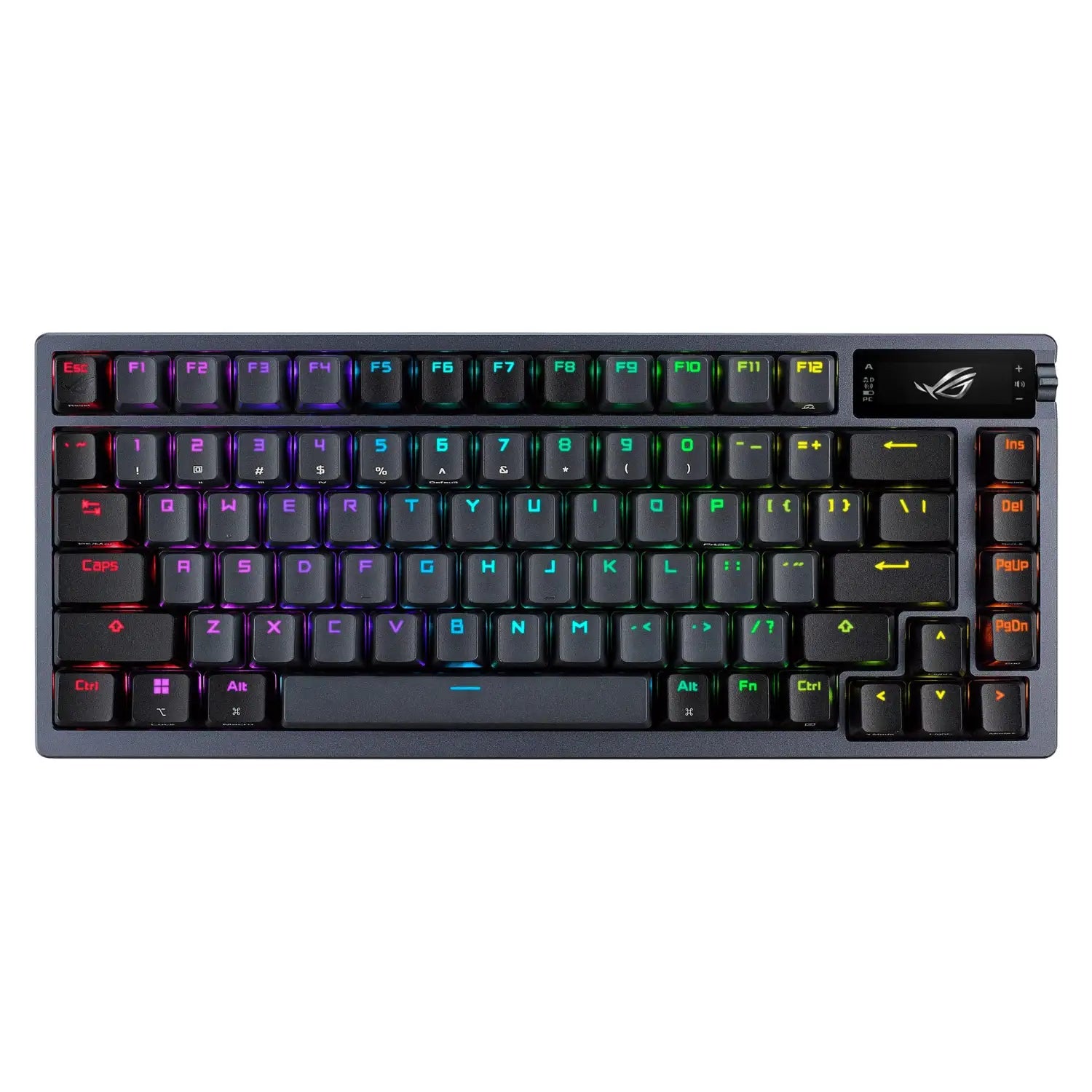
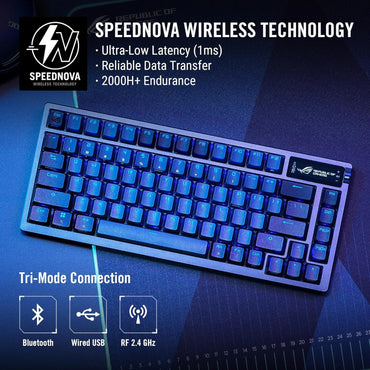
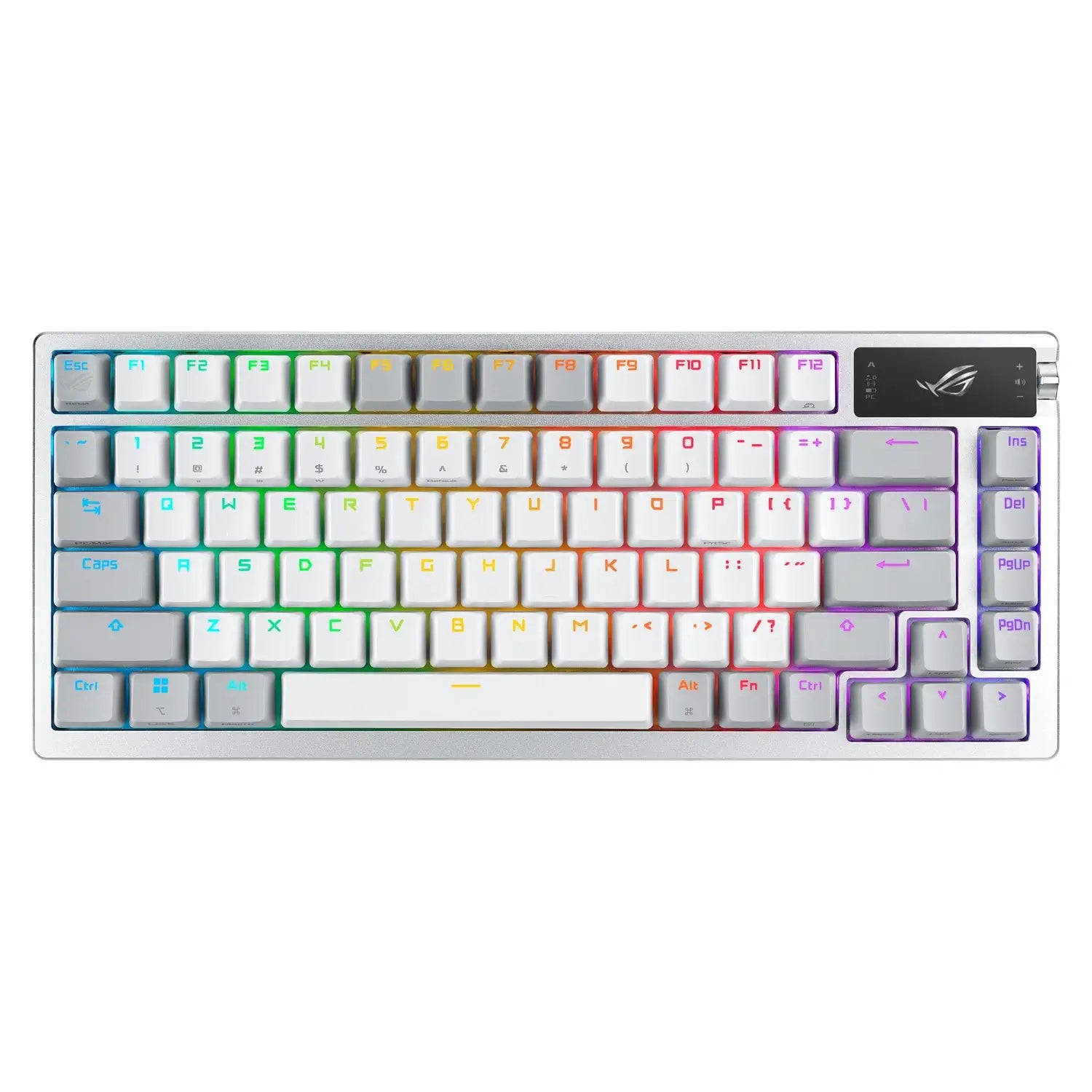
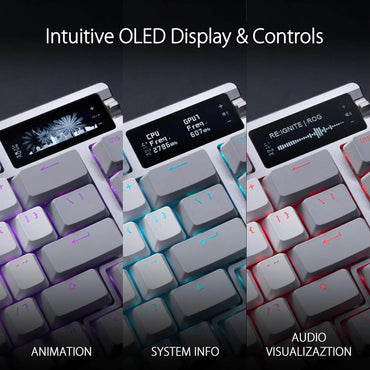
With its compact size reduced to 75%, the Asus ROG AZOTH wireless keyboard retains the essentials to help you win...
€302,99€302,99€302,99 -
 ASUS ROG
With its compact size reduced to 75%, the Asus ROG AZOTH wireless keyboard retains the essentials to help you win...
€302,99€302,99€302,99 -
 ASUS ROG
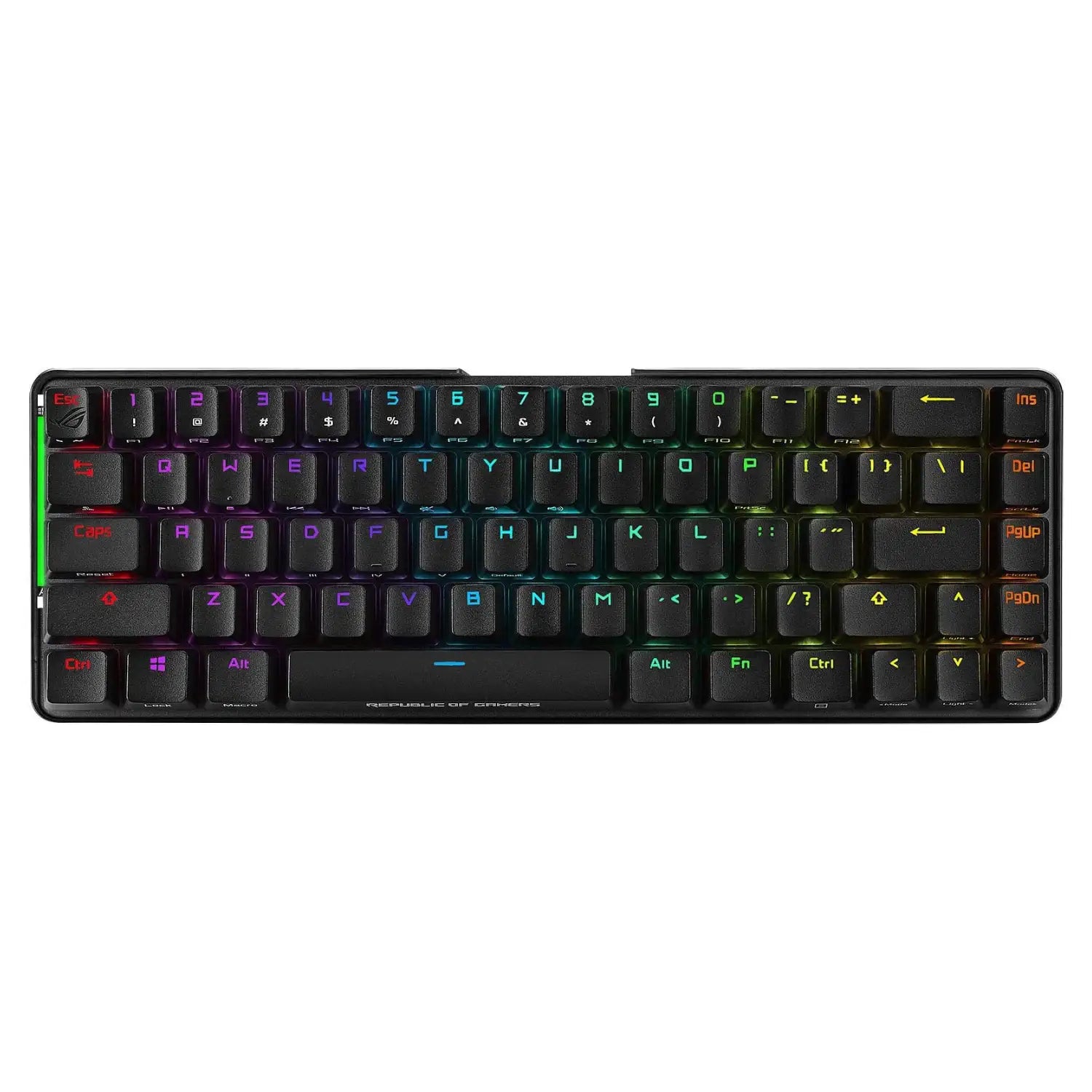
Elevate your setup with the ASUS ROG Falchion keyboard 🎮⌨️ Recommended use: Gaming Device interface: Wireless + USB Key switch:...
€182,99€182,99€182,99 -
 ASUS ROG
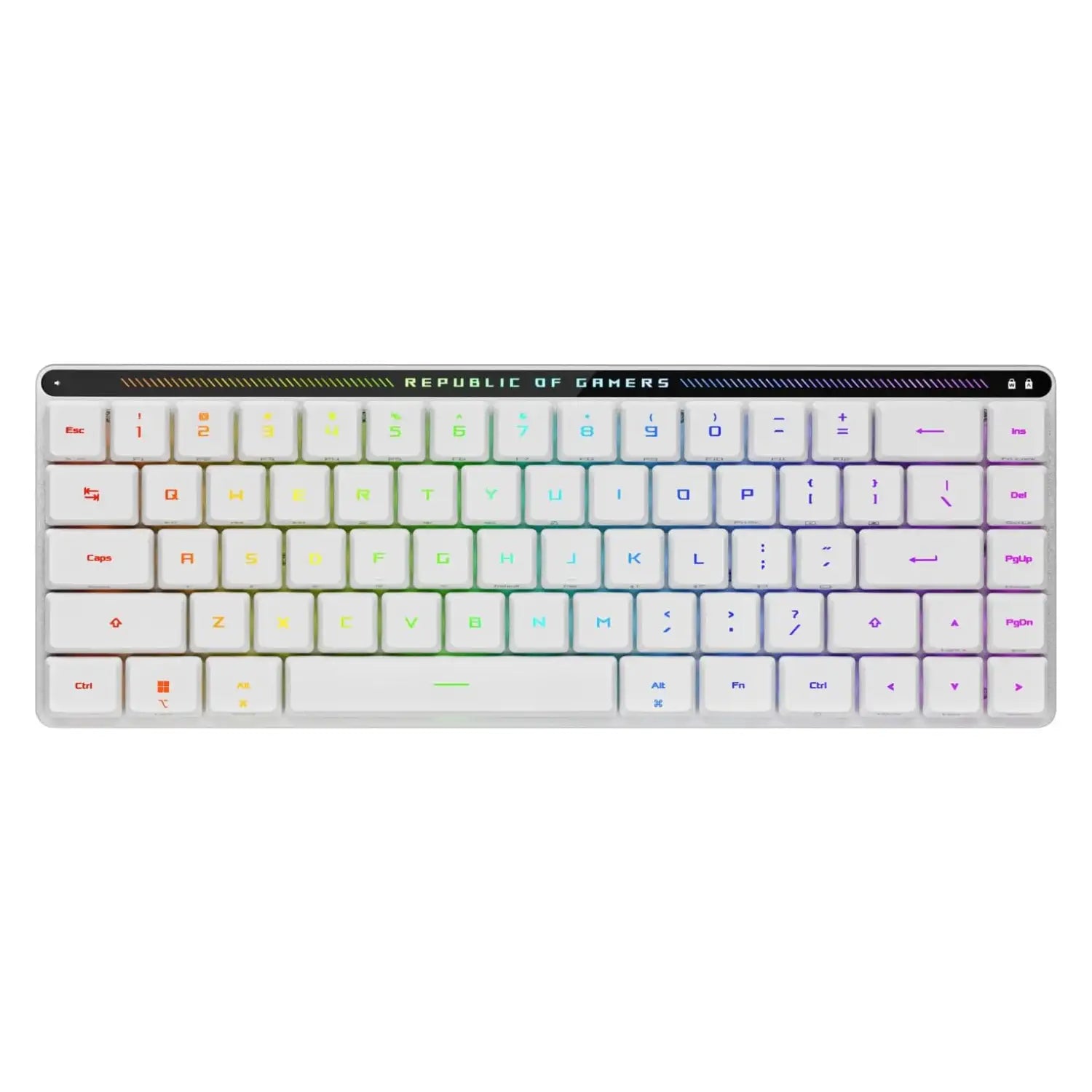
Asus Rog FALCHION RX Low Profile White
Add a touch of elegance and performance to your setup with the ASUS ROG Falchion RX Low Profile White keyboard...
€192,99€192,99€192,99 -
 ASUS ROG
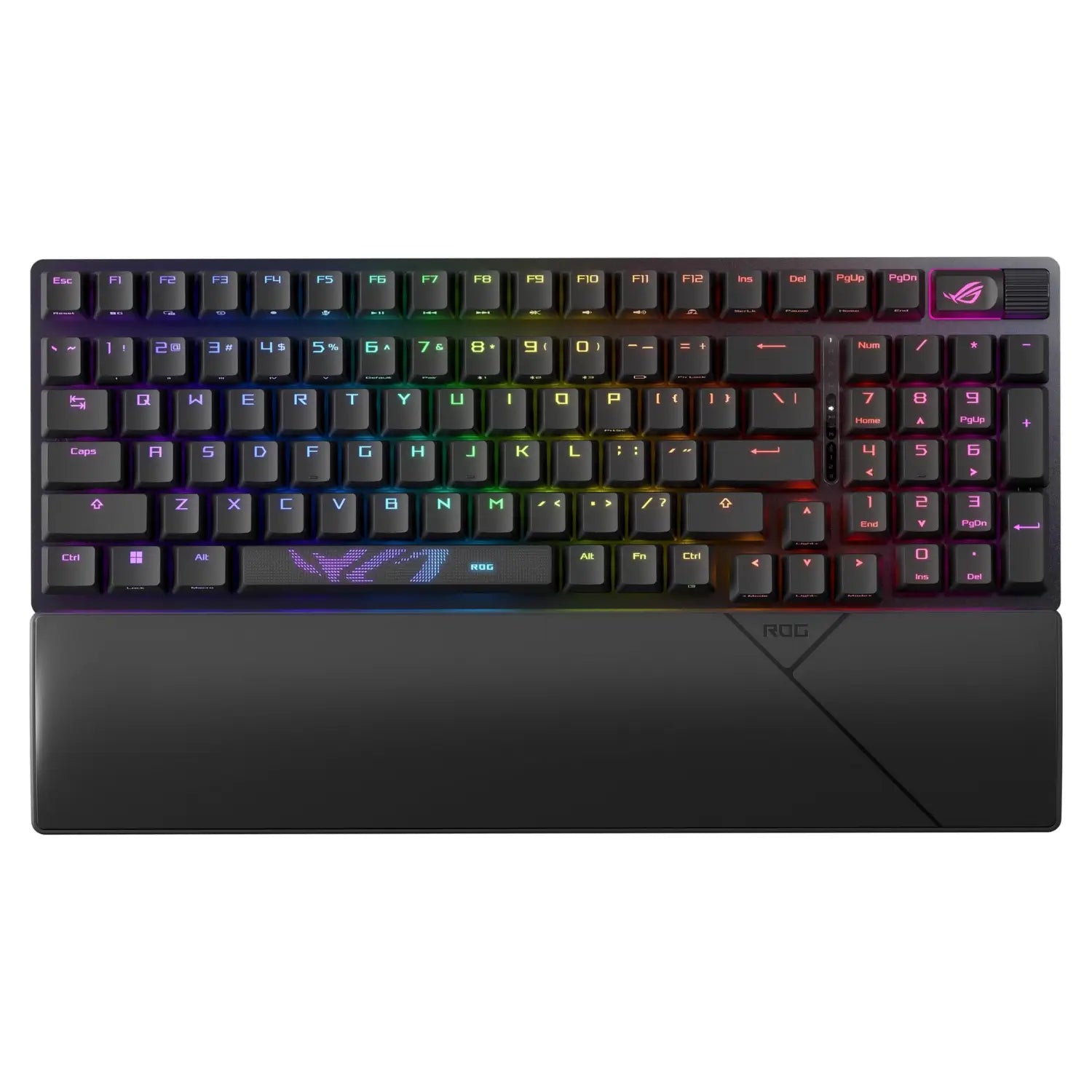
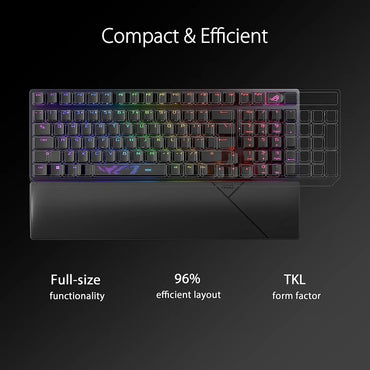
Asus Rog STRIX SCOPE II 96 WIRELESS
This compact 96% keyboard offers reliable wireless connectivity, responsive RX switches, and customizable RGB lighting, perfect for gamers seeking performance...
€192,99€192,99€192,99 -
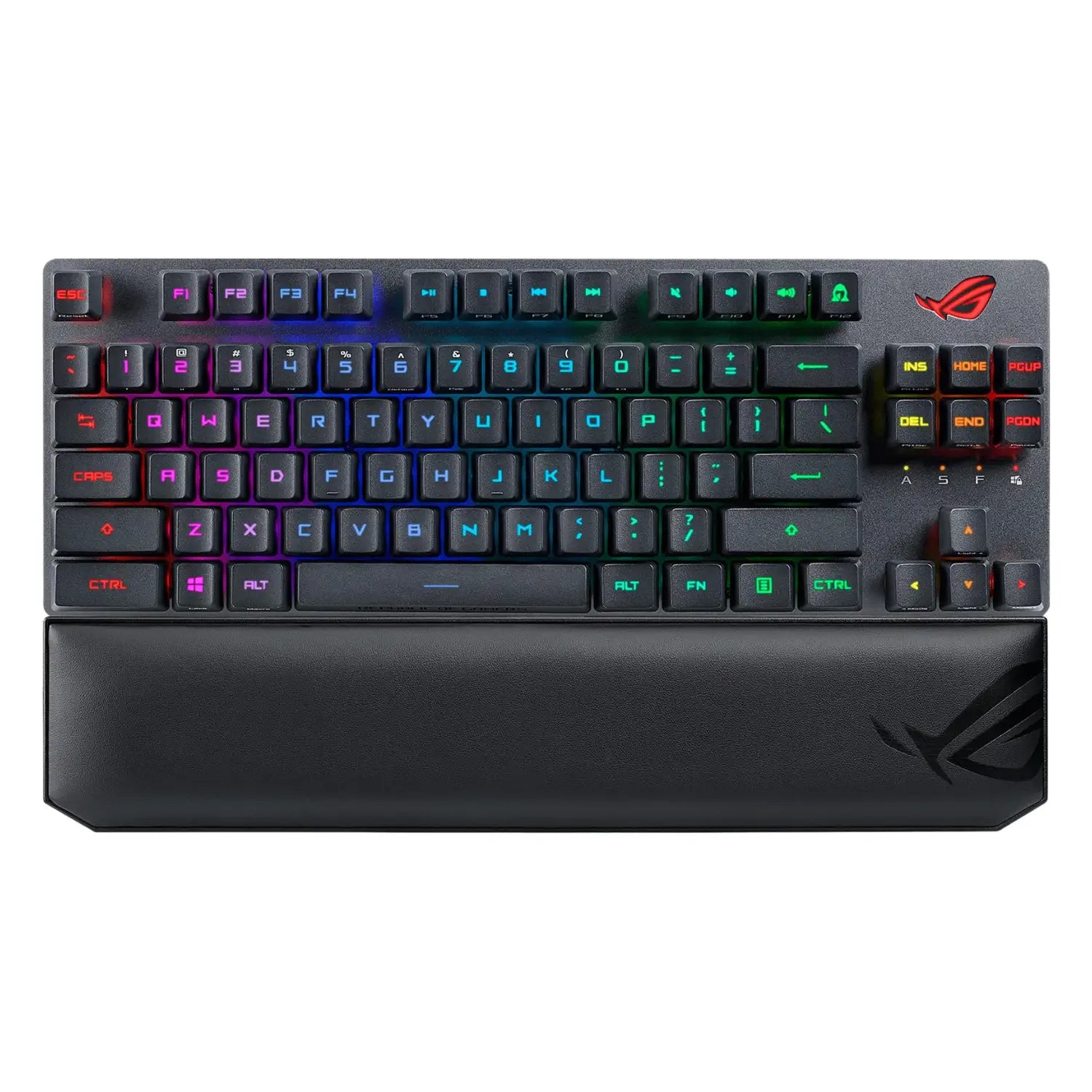
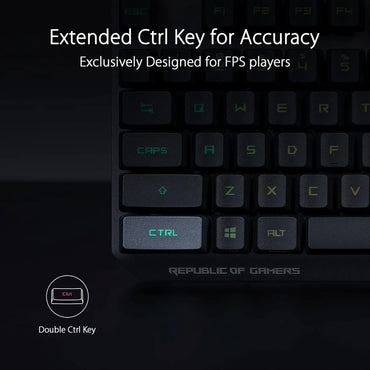 ASUS ROG
Boost your setup with the ASUS X807 Strix Scope RX TKL keyboard 🎮⌨️ Brand: Asus Color: Black Operating system: Windows...
€192,99€192,99€192,99 -
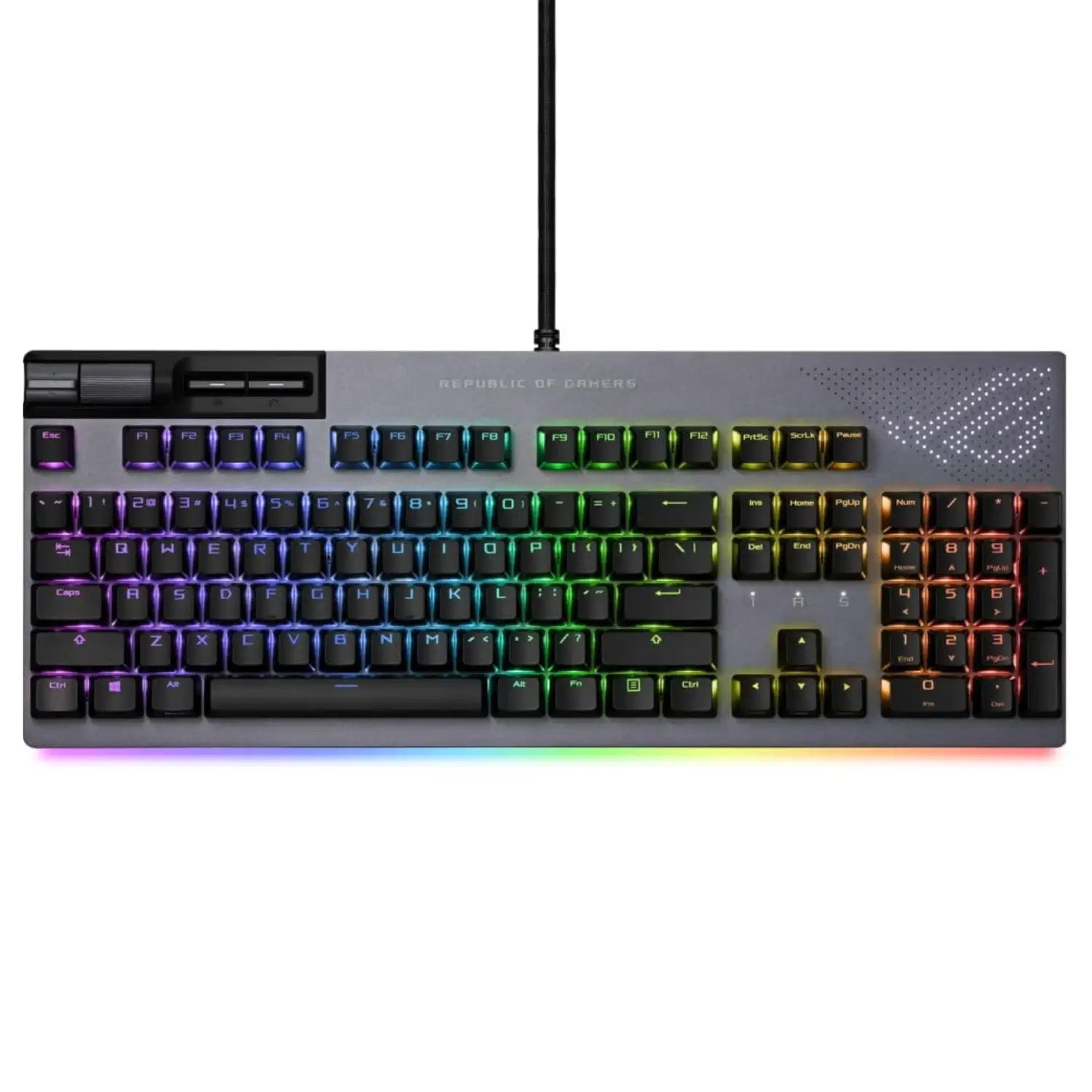
 ASUS ROG
This premium gaming keyboard offers exceptional responsiveness, high-quality mechanical switches, and customizable RGB lighting, perfect for gamers seeking performance and...
€232,99€232,99€232,99 -
ATTACK SHARK
Attack Shark X82 PRO HE White Contour, when your keyboard becomes your extension 75% size (83 ergonomic keys for uncompromising...
€82,99€82,99€82,99 -
 ATTACK SHARK
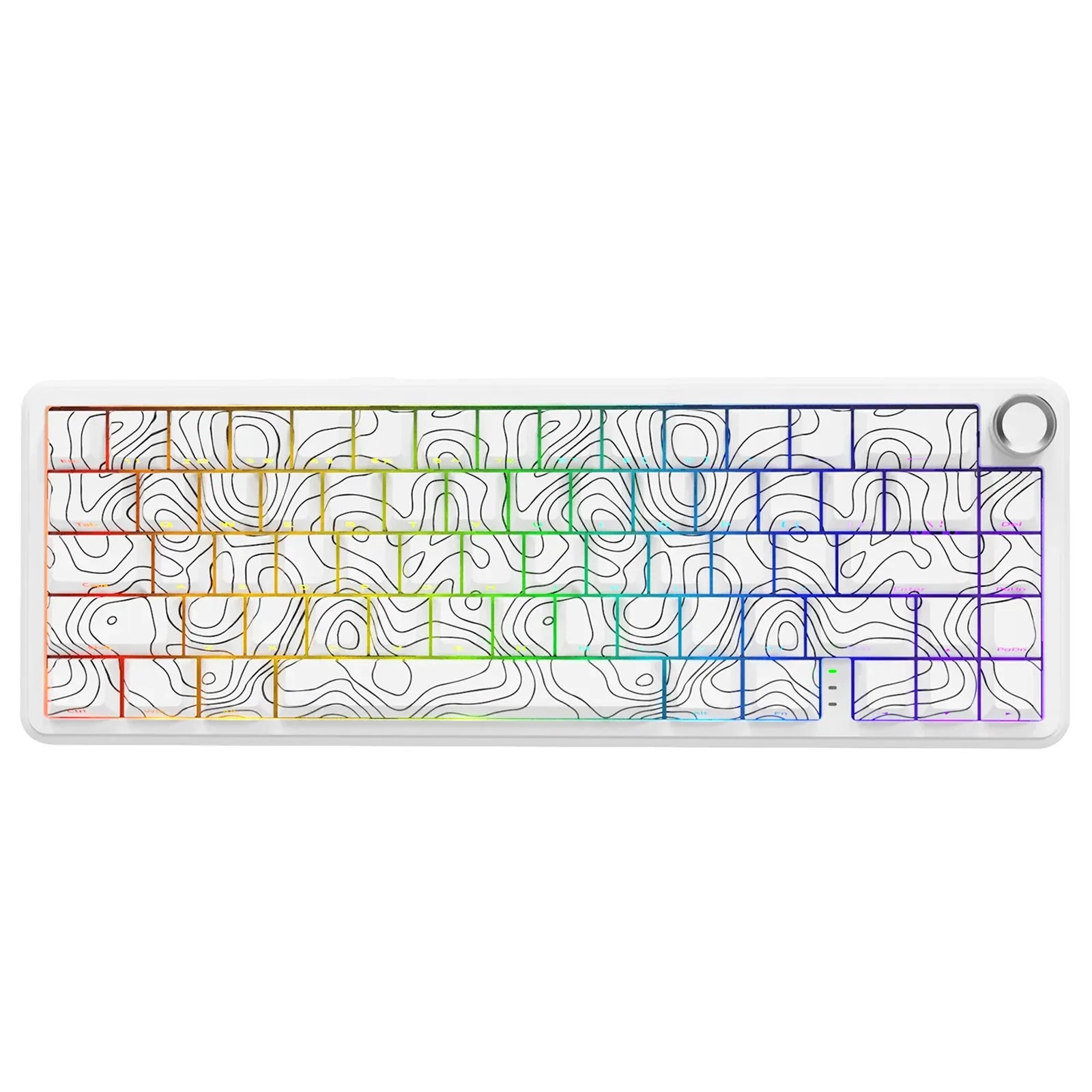
Attack Shark X65 PRO HE Tri-mode White
Attack Shark X65PRO HE ANSI 60% Wireless Hall Effect Ultra Responsive White Compact layout 60% (66 ANSI US keys) Hall...
€112,99€112,99€112,99


The keyboard: your interface with victory
The keyboard is much more than just a peripheral. It's your extension , your direct connection to the game, the tool that transforms your intentions into lightning-fast actions. Every keystroke, every combo, every macro can make the difference between a legendary clutch and a raging choke .
Whether you're a Valorant tryhard , a crazy builder in Fortnite, or a hardcore WoW grinder , your gaming keyboard determines your ability to perform. And spoiler alert: not all keyboards are created equal .
Why invest in a real gaming keyboard?
Are you still using the membrane keyboard that came with your desktop PC? Yeah, we've been there. But here's why upgrading your setup literally changes everything:
- Reduced response time : every millisecond counts in competitive gaming
- Extreme durability : 50 to 100 million keystrokes vs. 5 million for a standard keyboard
- Total customization : macros, RGB, switches, keycaps... it's YOUR keyboard
- Ergonomic comfort : no more pain after an 8-hour session
- Anti-ghosting & N-key rollover : all your keys are recognized simultaneously
At CustomTonClavier, we don't just sell keyboards. We sell competition-grade gear .
The different types of gaming keyboards
Mechanical keyboard: the holy grail of gaming
A mechanical keyboard uses individual switches under each key. The result? Precise typing, satisfying tactile feedback, and legendary durability.
Switch families
Linear Switches (Red, Silver, Black)
- Smooth typing without click or tactile bump
- Ideal for : FPS, fast-paced games, double-tap
- Actuation : 1.9mm to 2mm
- Strength : 45g to 60g
Tactile Switches (Brown, Clear)
- Tactile bump at the activation point without a clicking sound
- Ideal for : versatile gaming, mixed typing
- Actuation : 2mm
- Strength : 45g to 65g
Clicky Switches (Blue, Green)
- Tactile bump + audible click sound
- Ideal for : intensive typing, auditory satisfaction
- Actuation : 2.2mm
- Strength : 50g to 80g
Essential switch brands
Cherry MX : the German benchmark, premium quality, proven durability
Gateron : excellent value for money, smooth feel
Kailh : constant innovation, quick and creative switches
Outemu : a solid entry-level option for beginners
Membrane keyboard: the economical alternative
Membrane keyboards use a layer of rubber under the keys. They are cheaper and quieter, but also less durable and precise.
Benefits :
- Affordable price (€30-80)
- Total silence for nighttime gaming
- Minimal maintenance
Disadvantages:
- The feel of the strike is "soft".
- Limited lifespan (5-10 million keystrokes)
- No switch customization
Hybrid keyboard: the modern compromise
Some brands offer hybrid keyboards combining the best of both worlds: mechanical feel with improved membrane technology.
Keyboard sizes: find your perfect size
Full size (100%): the complete keyboard
104 keys including numeric keypad, arrow keys, and function keys.
For whom?
- Content creators who mix gaming and productivity
- MMO/MOBA players with lots of macros
- Spacious setup with large desk
Example of use: You stream on Twitch, edit videos, and you need the numeric keypad for your accounting? The full size is for you.
TKL (TenKeyLess - 80%): the sweet spot
87 keys , without a numeric keypad.
For whom?
- Competitive FPS players (CS:GO, Valorant, Apex)
- Setup with XXL mouse pad
- Need for space for ample movement
75%: the uncompromising compact
84 keys , condensed format with arrows and functions retained.
For whom?
- Nomadic gamers and LAN parties
- Small office or minimalist setup
- Best of both worlds
65%: the minimalist balance
68 keys , keeps the arrow keys, removes the dedicated function keys.
For whom?
- Players with low sensitivity (need space)
- Clean and minimalist aesthetic
- Gaming and occasional typing
60%: the ultra-compact format
61 keys , the bare minimum without arrow keys or function keys.
For whom?
- Hardcore FPS players
- Maximum space for the mouse
- Extreme portability
Note: Requires a period of adjustment with the layers (Fn+keys).
Wired keyboard vs. wireless keyboard: the match
Wired keyboard: zero latency, zero compromise
The advantages:
- Absolutely zero latency
- No battery to manage
- Ultra-stable connection
- Price generally lower
The pros' choice : in esports tournaments, 99% of players use wired connections. Reliability above all.
Wireless keyboard: freedom regained
The advantages:
- Ultra clean setup without cables
- Total mobility
- 2.4GHz technology with latency <1ms
- Dual wired/wireless mode on some models
The preferred technologies:
- Logitech LIGHTSPEED
- Razer HyperSpeed
- Bluetooth 5.0+ with 2.4GHz dongle
Essential gaming features
Anti-ghosting & N-key rollover
Anti-ghosting ensures that all your keys pressed simultaneously are recognized. N-key rollover goes even further: all keys can be pressed at the same time without any loss of functionality.
Why is this crucial?
Imagine this situation: you strafe (A+D), you crouch (Ctrl), you fire (Mouse 1), and you reload (R) all at the same time. Without N-key rollover, some actions won't register. Game over.
Programmable macros
Macros allow you to assign complex sequences of actions to a single key.
Examples of use:
- Builder on Fortnite: wall + stairs + roof in one click
- MMO: Fully automated spell rotation
- Streaming: Instant OBS scene change
- Productivity: Copy and paste with formatting
RGB & customizable lighting
RGB lighting isn't just for looks (even if it's undeniably cool). It also serves to:
- Visually identify your important keybinds
- Create playful lighting profiles
- React to in-game events (low HP = red)
- Improve visibility during nighttime sessions
Polling rate
The polling rate (refresh rate) determines how many times per second your keyboard communicates with your PC.
- 125Hz : 8ms latency (entry-level)
- 500Hz : 2ms latency (standard)
- 1000Hz : 1ms latency (gaming standard)
- 8000Hz : 0.125ms latency (ultra high-end)
For competitive gaming, aim for a minimum of 1000Hz .
How to choose your gaming keyboard
According to your main game
FPS (Valorant, CS:GO, Apex, Warzone)
You need:
- TKL format or 60% for space
- Fast linear switches (Silver, Red)
- Low actuation (1.2-2mm)
- Polling rate 1000Hz minimum
- Reinforced WASD keys
MOBA & MMO (LoL, Dota 2, WoW, FF14)
Privileged:
- Full-size format for macros
- Tactile switches (Brown) for feedback
- Dedicated macros on the left side
- Multiple profiles per character/class
- RGB lighting functions for cooldowns
Battle Royale (Fortnite, PUBG, Apex)
Choose:
- 65% or TKL format
- Linear switches for rapid building
- Essential macros for combos
- Textured keys for important keybinds
Strategy & Simulation Games
Choose:
- Full-size format for shortcuts
- Tactile or clicky switches for precision
- Wrist rest for long sessions
- Build premium quality for durability
Depending on your budget
Entry-level budget (50-100€)
- Outemu or Gateron Switches
- ABS plastic chassis
- Basic RGB or monochrome
- Simple software
Our selection: perfect for discovering mechanics without breaking the bank.
Mid-range budget (€100-200)
- Gateron, Kailh or Cherry MX Red switches
- Mixed aluminum/plastic chassis
- Full customizable RGB
- Complete software with macros
The sweet spot : Pro quality without the Pro price.
Premium budget (€200+)
- High-end Cherry MX or custom switches
- Full aluminum chassis
- Hot-swap sockets (soldering-free switch replacement)
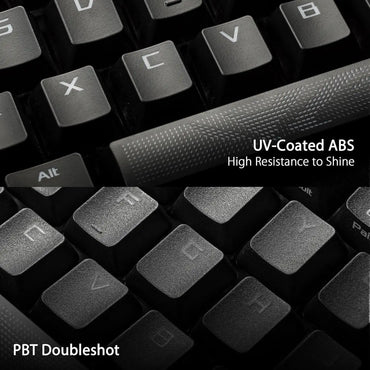
- PBT double-shot keycaps
- Detachable USB-C cables
- Internal acoustic foam
For purists : the best of the best.
Customization: Make your keyboard unique
Keycaps: change the appearance and feel
The keycaps (keys) are fully replaceable on mechanical keyboards.
Materials:
- ABS : smooth, shiny, wears out faster, cheaper
- PBT : textured, matte, ultra-durable, deep sound
- Metal/Resin : handcrafted, unique pieces
Profiles:
- OEM : standard, slightly sculpted
- Cherry : low, comfortable gaming
- SA : tall, vintage typewriter look
- DSA : uniform, modern look
Keyboard mods
Switch lubrication : makes typing ultra smooth
Foam modding : improves acoustics and sound
Stabilizer tuning : eliminates rattles on large keys
Tape mod : modifies the sound profile
Custom cables
A custom USB-C cable with a coil adds a touch of premium style to your setup. Aviator connectors, paracord sleeve, colors to match your theme.
Maintaining your gaming keyboard
Regular cleaning
Weekly :
- Wipe with a microfiber cloth
- Shake the keyboard upside down to remove crumbs
Monthly:
- Compressed air can between the keys
- Clean the keycaps with alcohol wipes
Quarterly:
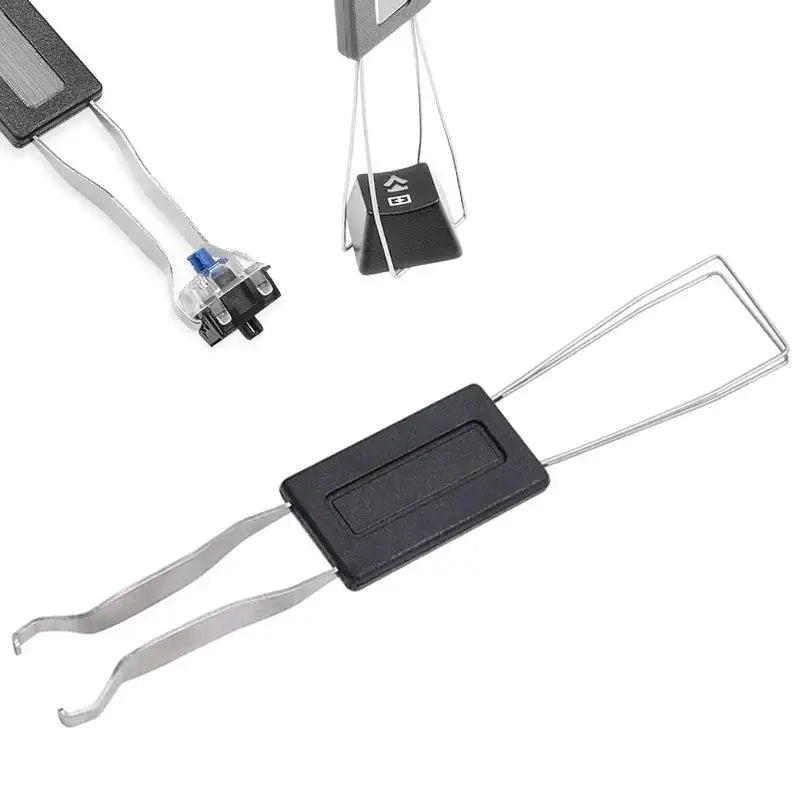
- Remove all the keycaps
- Cleans the PCB and switches
- Wash the keycaps in warm soapy water
Extending lifespan
- Don't eat above (yes, we know, it's hard)
- Use a protective cover when you're not playing.
- Avoid liquids near the setup ( RIP to keyboards soaked in soda )
- Disconnect the cable if you are carrying your keyboard
The must-have brands
Logitech G : Legendary reliability
The benchmark for durability and the ultra-comprehensive G Hub software . GX's own switches are excellent.
Key models: G Pro X (TKL hot-swap), G915 (premium wireless), G213 (gaming membrane)
Corsair : performance & aesthetics
Brushed aluminum chassis, powerful iCUE software, spectacular RGB lighting.
Key models: K70, K95 (full size with macro lenses), K65 (TKL compact)
Razer: Innovation & Community
Razer gaming-optimized switches, Synapse to synchronize everything, aggressive design.
Flagship models: BlackWidow, Huntsman (optical switches), DeathStalker
SteelSeries : the weapon of the e-porters
Official partner of numerous pro teams, intuitive software engine.
Flagship models: Apex Pro (adjustable magnetic switches), Apex 7
Custom & enthusiast brands
Keychron : premium quality, hot-swap switches, fair prices
Ducky : legendary build quality, colorful designs
Varmilo : high-end craftsmanship, total customization
Conclusion: your keyboard, your style, your victories
The keyboard isn't an accessory. It's an extension of you , the interface between your brain and the game. Whether you're looking for the raw performance of a mechanical TKL with linear switches, the comfort of a full-size membrane keyboard for grinding, or the aesthetics of a custom 65% with handcrafted keycaps, there's a perfect keyboard for your playstyle.
Key points to remember:
✓ Format adapted to your game and setup
✓ Switch according to your typing preferences
✓ Realistic budget with potential for growth
✓ Essential features ( anti-ghosting , macros, RGB)
✓ Quality construction for durability
Ready to upgrade your setup? Explore our full collection of gaming keyboards and find your secret weapon for domination! 🎮⌨️
Click, clack, victory. 🏆
Need personalized advice? Our team of passionate gamers is here to help you choose the perfect keyboard for your play style. Also check out our blog for detailed guides, hardware reviews, and customization tips!
Join the CustomTonClavier community on social media for exclusive reviews, promo codes, and limited-time drops on the hottest keyboards right now! 🔥
FAQ: everything you need to know about gaming keyboards
What is the difference between gaming keyboard and office keyboard?
A gaming keyboard is optimized for responsiveness, durability and advanced features. Anti-ghosting, N-key rollover, high polling rate, macros, RGB... everything is designed for performance.
Linear or tactile switches for gaming?
Linear for fast games requiring double-taps (FPS, BR). Tactile for games requiring precision and confirmation of keystrokes (MOBA, MMO, strategy).
Tip: hot-swap ranges allow you to test different switches without buying an entire keyboard!
Is my keyboard compatible with console?
Some keyboards work on PS5 / Nintendo Switch /Xbox Series with some limitations. Check compatibility, some games do not allow keyboard/mouse to avoid competitive advantages.
How long does a mechanical keyboard last?
With proper maintenance: 5 to 10 years minimum. The switches are guaranteed 50 to 100 million keystrokes depending on the model. Some vintage keyboards from the 80s and 90s still work perfectly!
Can I build my own keyboard?
Absolutely! The world of custom keyboard is gigantic. You choose: PCB, case, plate, switches, keycaps, stabilizers... It's more expensive but the result is your perfect keyboard.
Learn about the world of keyboards
-

Anti-ghosting: the essential technology for your gaming keyboard
Is your keyboard refusing to register your inputs mid-match? Welcome to the hell of ghosting...
-

Top 5 Corsair Keyboards of 2025: A Complete Gaming and Performance Guide
The ultimate guide to Corsair keyboards in 2025. The VANGUARD 96 series...
-

The 5 Best Keychron AZERTY Keyboards of 2025
Complete guide to the 5 best Keychron AZERTY keyboards of 2025. Discover the Q1 HE...