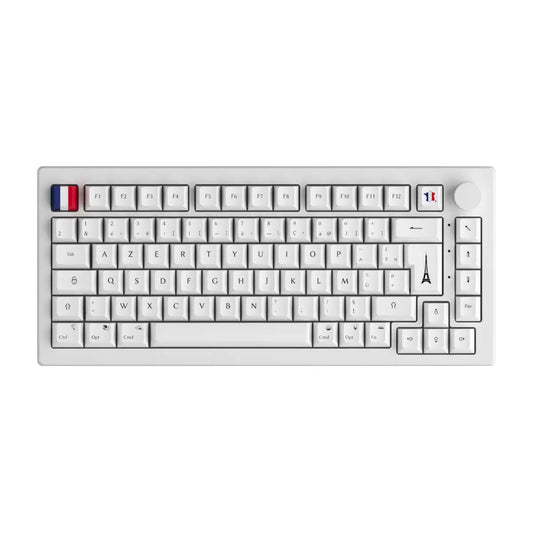
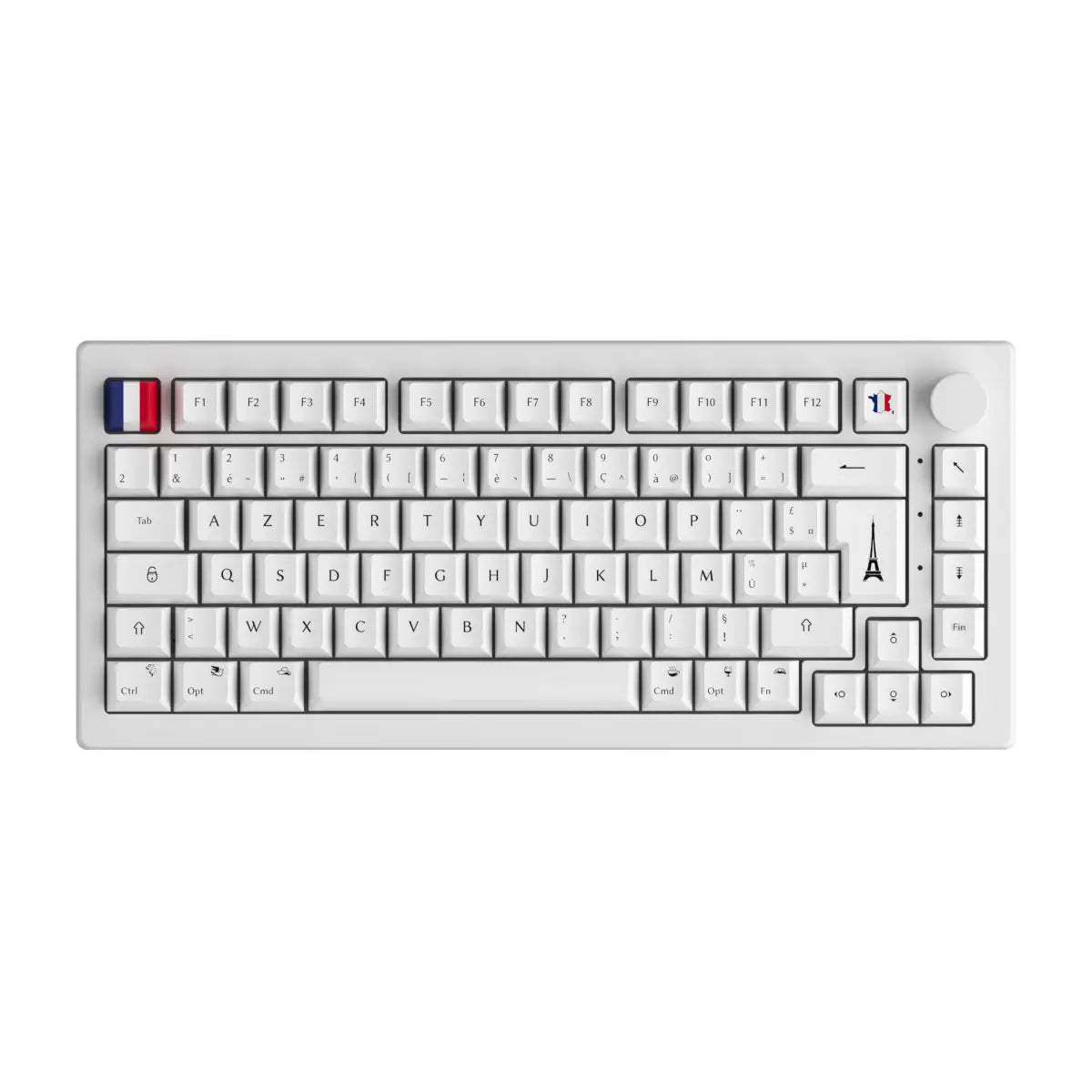
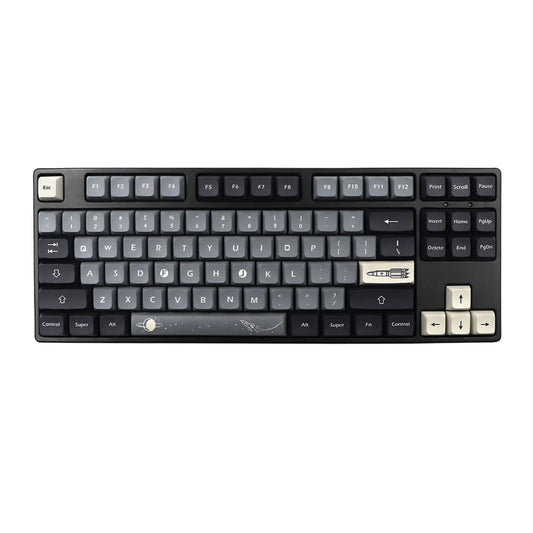
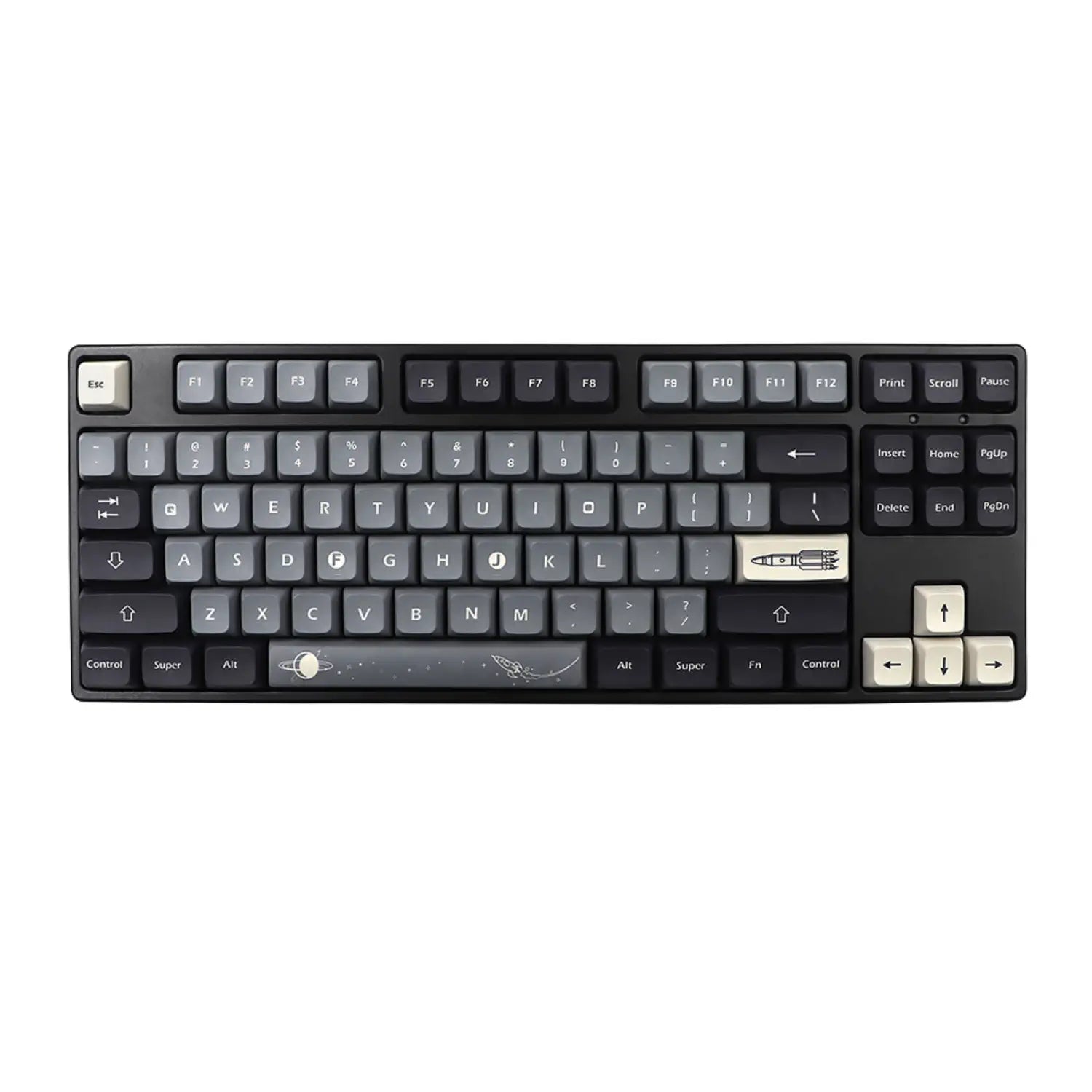

Five years ago, an acceptable custom keyboard required €200 minimum. You were reading YouTube reviews of €400 keyboards and you told yourself that this world wasn't for you. Today, the cheap custom keyboard less than 100 euros really exists, and it has become serious. The massive arrival of brands like Royal Kludge, Womier, Akko and Ajazz has brought down the entry ticket without killing quality. We explain to you without bullshit what you need to understand: the three possible formats, the six reliable brands, the six criteria to check before buying, and the errors that plague a first purchase.
The essential things to remember
- Yes the custom sub-100 € exists in 2026, it has become credible with the explosion of the hot-swap offer.
- 3 possible formats: prebuilt €70-95, barebone + accessories €50-80, full DIY €60-100 separate pieces.
- 6 reliable brands at this budget: Royal Kludge, Womier, Akko, Ajazz, MCHose, Aula.
- 3 honest compromises: plastic case, non-lubricated switches, basic ABS keycaps.
- Mistake #1 to avoid: buying a keyboard without hot-swap, otherwise it's not custom.
Cheap custom keyboard less than 100 euros: what that really means
A custom keyboard is a keyboard whose main components you can change without throwing it away. The word custom does not designate a specific model but a logic: you replace the switches, the keycaps, sometimes the plate or the foam, to adapt the sound, the typing sensation and the aesthetics to your use. When we talk about cheap custom keyboard less than 100 euros, we are actually talking about three different realities.
- The prebuilt custom: a factory-assembled keyboard with hot-swap modular components. You unpack, you plug in, it works, you can change the switches later.
- The barebone: a box delivered with hot-swap PCB but without switches or keycaps. You add what you want on top, and you can stay under €100 if you choose well.
- The full DIY: you buy case, PCB, plate, switches, keycaps, stabilizers separately and you assemble. Higher technical level, full control.
We bring this logic together in the Clavier custom collection, with models designed to fit into this range without compromising on the essentials.
The myth of custom premium: why sub-100 euros has become credible in 2026
The entry level has fallen by 50% in 4 years, and that's good news for beginners. Around 2020, a decent custom hot-swap keyboard easily cost €180 to €250. The massive democratization of hot-swap PCBs, the explosion of the Royal Kludge, Womier, Akko, Ajazz, MCHose and Aula offer, and the drop in the price of medium quality switches have made sub-100 € serious. You can now buy a real new mechanical keyboard hot-swap RGB tri-mode keyboard for under €100.
But sub-100 € remains an entry point, not an ultimate level. You have to accept some honest compromises:
- Plastic case instead of aluminum (aluminum easily adds €50 to €80 to the price).
- Switches delivered unlubricated from the factory, so a little noticeable scratching.
- Basic ABS keycaps with OEM profile, sometimes shine-through cheap, instead of premium PBT.
- Standard plate-mounted stabilizers which can click a little on the space bar.
As a guide, a pack of 70 Gateron G Pro 2.0 or Outemu switches can be purchased today from €18 to €25. You can therefore upgrade a barebones while staying under €100.
Prebuilt vs barebone vs full DIY: the decisive sub-100 euro comparison
The simplest format is not necessarily the smartest depending on your profile. Here is the numerical comparison of the three sub-100 € formats, with verdict per output profile.
| Criterion | Prebuilt €70-95 | Barebone + accessories €50-80 | Full DIY €60-100 |
|---|---|---|---|
| Average price | 70 to 95 € delivered | 40-55 € barebone + 25-40 € accessories | 60 to 100 € separate pieces |
| Technical level required | None, plug and play | Low, change keycaps and switches | Intermediate, complete assembly |
| Assembly time | 0 minutes | 20 to 40 minutes | 1 to 3 hours |
| Personalization possible | Limited at time of purchase | Forte (switches, selected keycaps) | Total (case, plate, PCB, switches) |
| Standard finish quality | Neat, ready to use | Variable, depends on choices | Variable, full control |
| Hot-swap included | Yes on 90% of models | Yes systematically | Depending on PCB chosen |
| Typical example | Royal Kludge RK68, Akko 5075B | Womier S-K71 barebone + Gateron + PBT | Case €30 + PCB €25 + plate €10 + switches €20 + keycaps €15 |
Verdict by profile:
- If you want the simplest and you've never opened a keyboard, take a prebuilt sub-100 € hot-swap in the Custom keyboard collection. You will be able to upgrade it in 6 months.
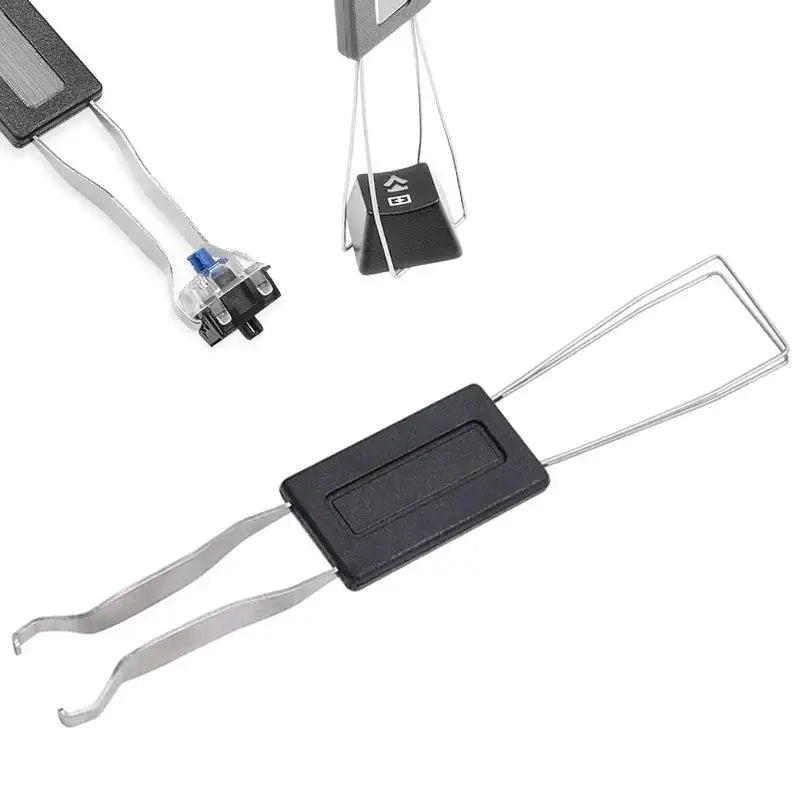
- If you want to choose your switches and keycaps from the first purchase, go barebones and complete with a pack of Mechanical keyboard switches + a set of PBT keycaps.
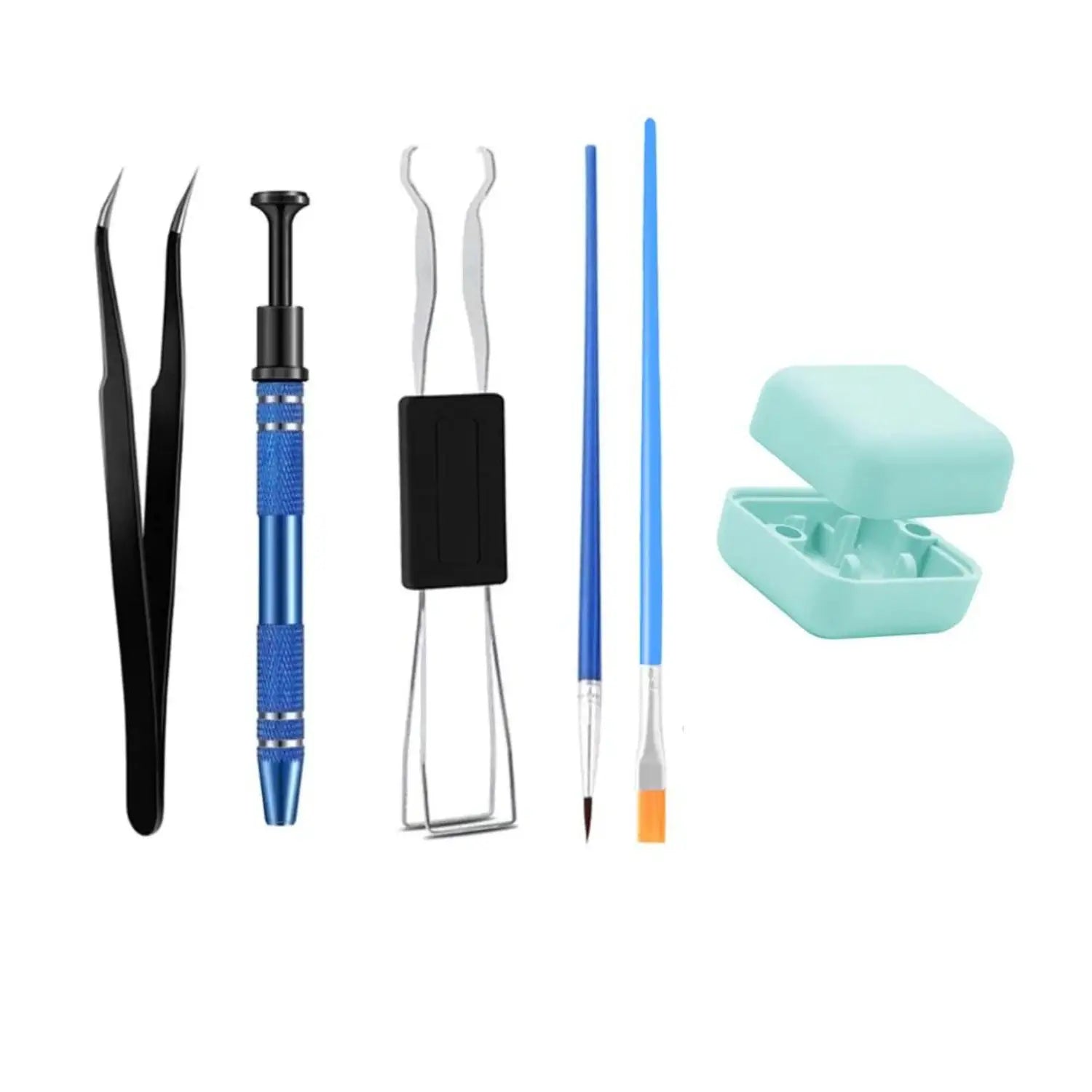
- If you want to learn how to assemble and understand the inside of a keyboard, go full DIY with a Custom keyboard kit. Allows 2 to 3 hours the first time, it is the most educational format.
6 sorting criteria to avoid being cheated under 100 euros
A sub-100 € keyboard without hot-swap is not a custom, it is a general public mechanical keyboard. Here is the sorting checklist to apply before purchasing, in order of priority.
- Hot-swap required: checks that the sheet announces “hot-swap” or “solder-free interchangeable switches”. Otherwise you will never have control over the sound and the feeling.
- 3 pin and 5 pin compatibility: a PCB that accepts both types of feet gives you the widest choice among switches on the market.
- QMK or VIA programmable PCB: allows you to remap keys, create layers, program macros without using blocked proprietary software.
- Layout adapted to your actual use: the 65% saves space on the desk, the TKL keeps the arrows and the function row, the 75% is the versatile compromise. The 100% full size is rarely the right choice under €100 because the numeric keypad is expensive in terms of ergonomics.
- Adapted connectivity: tri-mode (wired + Bluetooth + 2.4 GHz dongle) if you juggle between PC and tablet, wired only if you play more than 3 hours per day. On this subject, be aware that the autonomy of a tri-mode RGB drops by 5 to 8 times in activated RGB gaming compared to simple office use. Concretely, you go from 70-90 hours to 10-15 hours.
- Quality of the stabilizers: the clicking stabs give an immediately recognizable cheap sound. Look for keyboards with well-fitted factory lubricated or plate-mounted stabs.
To avoid so as not to burn your budget:
- Buy a keyboard that does not specify "hot-swap" in the technical sheet.
- Be convinced by a hyper-marketed RGB on a non-programmable PCB.
- Confuse custom keyboard with general public mechanical gaming keyboard like Logitech G413.
- Ignore the connectivity and use Bluetooth alone if you play competitively.
6 reliable brands of custom keyboards under 100 euros in 2026
Six brands have established themselves in the sub-€100 niche while remaining serious about quality. Here is the overview with flagship model, price range, strong point and target audience.
- Royal Kludge (RK68, RK84, RK-R65): the benchmark value for money under €100, tri-mode included from entry level, 65% and TKL format. Range 55 to 90 €. Ideal first custom.
- Womier (S-K71, K61): assured RGB gaming atmosphere, gasket mount on certain models, surprising thocky sound. Range 65 to 95 €. Ideal gamer who wants the custom look.
- Akko (5075B Plus, 3068B): remarkable quality of Akko V3 Cream Blue / Cream Yellow home switches, above average finish. Range 75 to 99 €. Ideal daily typing.
- Ajazz (AK820 Pro, AKS068): gasket mount included sub-100 €, creamy sound recognized, structure 75%. Range 70 to 99 €. Ideal first real gasket mount.
- MCHose (MC75, MC68): 75% accessible layout and good hot-swap base, models regularly updated. Range 60 to 95 €. Ideal compromise 75% versatile.
- Aula (F75, F99): surprising thocky sound for the price, foam mod already applied from the factory on certain models, clean design. Range 55 to 85 €. Ideal tight budget with sound requirements.
You will find this type of models grouped together in our Custom keyboard collection, with detailed technical sheets and matching keycap options.
Mistakes to avoid when buying a custom keyboard under 100 euros
The most common mistake is buying a consumer mechanical keyboard thinking it's custom. Here are the six classic pitfalls to avoid, in order of frequency.
- Buy without hot-swap: without hot-swap, you will never be able to change the switches without soldering. There is no such thing as a non-hot-swap custom keyboard, it's a normal mechanical keyboard.
- Let yourself be hypnotized by RGB and forget about the sound: flashy RGB on a hollow chassis gives a horrible metallic pinging sound. RGB is a bonus, never a main criterion.
- Confuse mechanical keyboard and custom keyboard: a Logitech G Pro X, a Razer Huntsman, a Corsair K70 are mechanical but not custom. No hot-swap, no QMK, no modding spirit.
- Buy second-hand without testing: a poorly maintained second-hand keyboard may have worn switches, clicking stabs, or a distorted PCB. If you go second-hand, ask for a test video or a return guarantee.
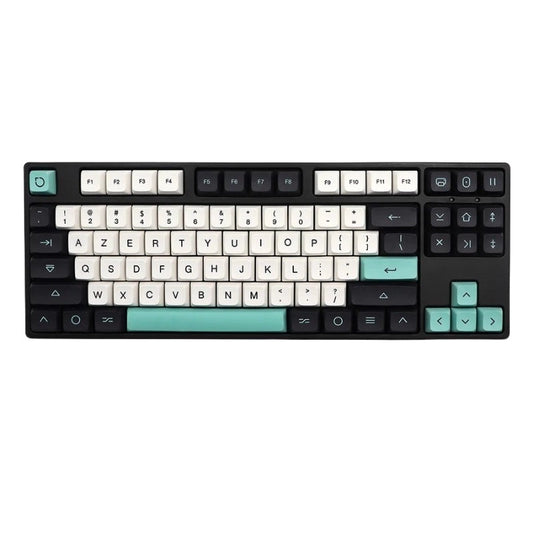
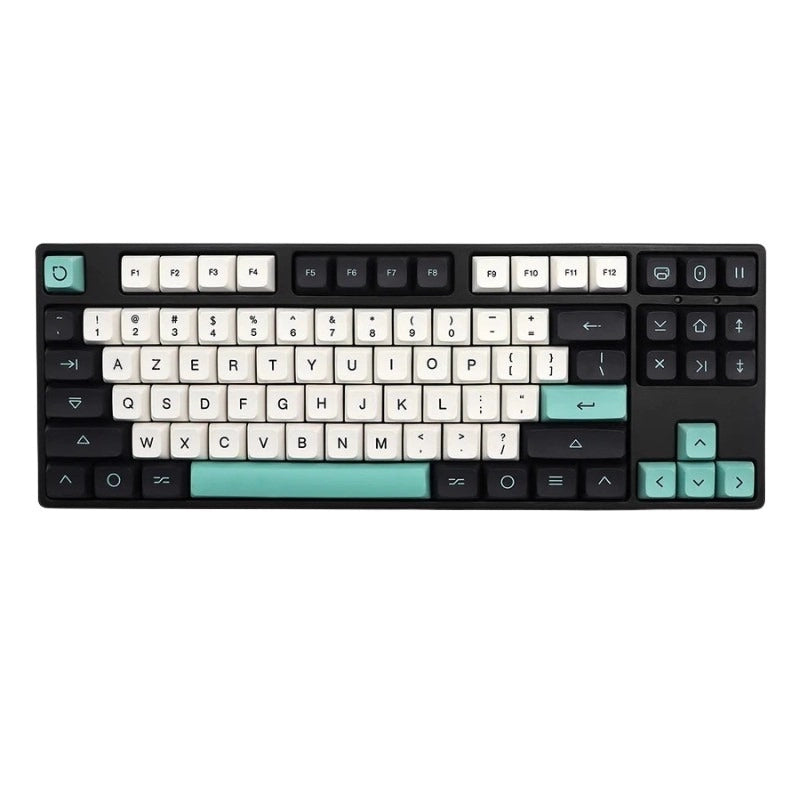
- Forget keycaps in the calculation: a set of PBT shine-through layout ISO FR keycaps adds 15 to 30 € to the budget but transforms the ping sound into a thocky sound. Think about it from the start, look at our PBT Keycaps section.
- Wanting full DIY too soon: if you've never opened a keyboard, full DIY is frustrating. Start prebuilt or barebone, upgrade in 6 to 12 months when you know what you're looking for.
If you're hesitating between staying on the classic mechanical keyboard and switching to custom, take a look at our Mechanical keyboard collection before you decide. And if you choose the full DIY option, the case alone is in the Custom keyboard case collection.
Cheap custom keyboard FAQ
Can we really have a custom keyboard for less than 100 euros? Yes, without a doubt. In 2026, a new tri-mode RGB hot-swap prebuilt from a serious brand (Royal Kludge, Akko, Aula) is between €55 and €95. You can also build a barebone + switches + keycaps while staying under €90. The compromises concern the material of the case (plastic instead of aluminum) and the factory finish of the switches (non-lubricated).
What is the difference between a custom keyboard and a classic mechanical keyboard? The classic mechanical keyboard (Logitech, Razer, Corsair general public) is closed: you can neither change the switches without soldering, nor reprogram the firmware without proprietary software. The custom keyboard is open: hot-swap, PCB QMK or VIA, reconfigurable layout. It’s the modding philosophy that changes everything, even at an equivalent price.
Prebuilt or barebones for a first low-budget custom? For a first purchase under €100, the prebuilt is more reassuring: you plug it in, it works, you can change the switches later. The barebone already requires a bit of headache (choosing compatible switches and keycaps). If you want comfort, take prebuilt. If you want to choose your sound from day one, aim for a well-rated barebones.
Which switches to choose for a first inexpensive custom keyboard? For mixed office and gaming use, a medium linear switch such as Gateron Yellow, Akko V3 Cream Yellow or Outemu Lemon (weight 50g) is a safe choice. If you write a lot, a touchscreen like Akko V3 Cream Blue or entry-level Boba U4T. Avoid clicky type Blue if you work with other people nearby.
Which brands are reliable for custom sub-€100? Six brands stand out in 2026: Royal Kludge, Womier, Akko, Ajazz, MCHose, Aula. All offer hot-swap, programmable PCBs and decent after-sales service. Avoid nameless brands offered on certain marketplaces, the PCB is often not QMK and the switches are low-end copies.
Is it better to buy new or used custom sub-€100? At this budget, new remains much preferable: you have the guarantee, you know what you are buying, and the price difference with a decent used one is small (a new Royal Kludge RK68 at €75, used €55). The opportunity becomes interesting above €200 where the discount is more marked. If you are buying second-hand under €100, require test video, return guarantee and purchase history.