


How to type the at symbol (@) on the keyboard: Tutorial for PC, Mac, and Smartphones
The at symbol (@) is essential for writing an email address or mentioning someone on social media. Here's how to quickly type this symbol on all your devices:
1. Type the at symbol (@) on a Windows PC
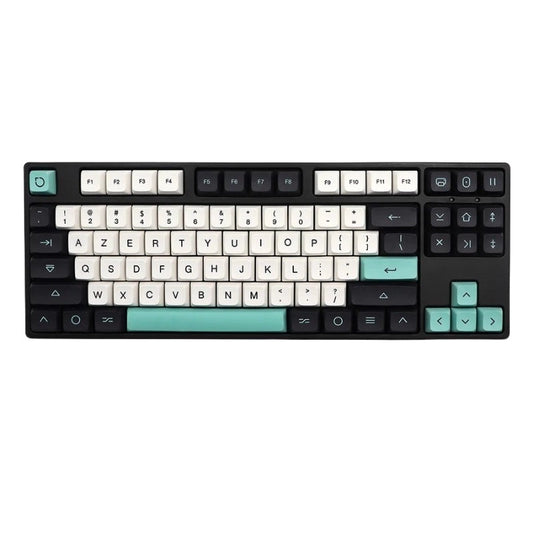
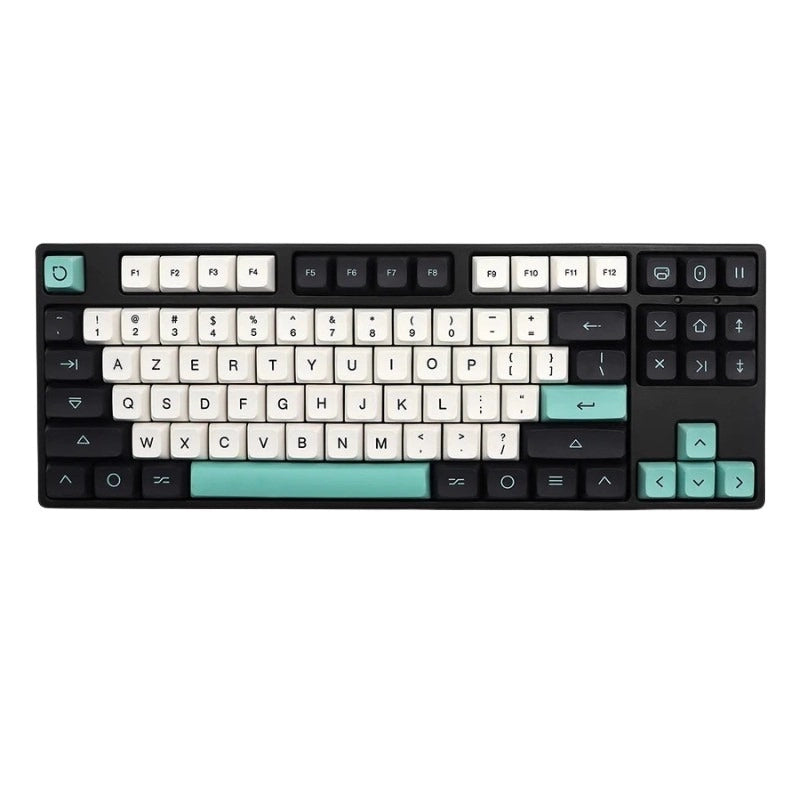
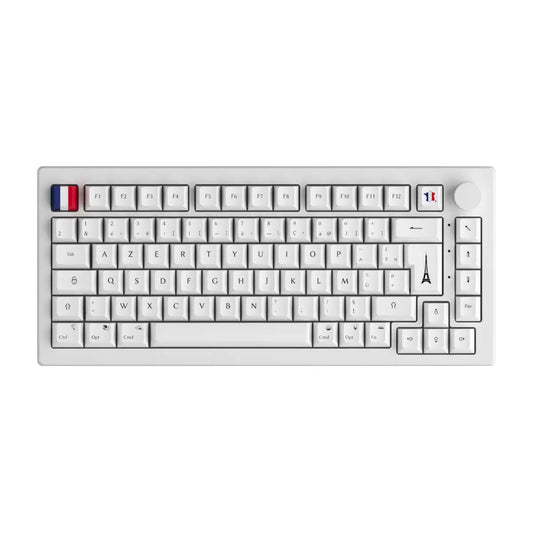
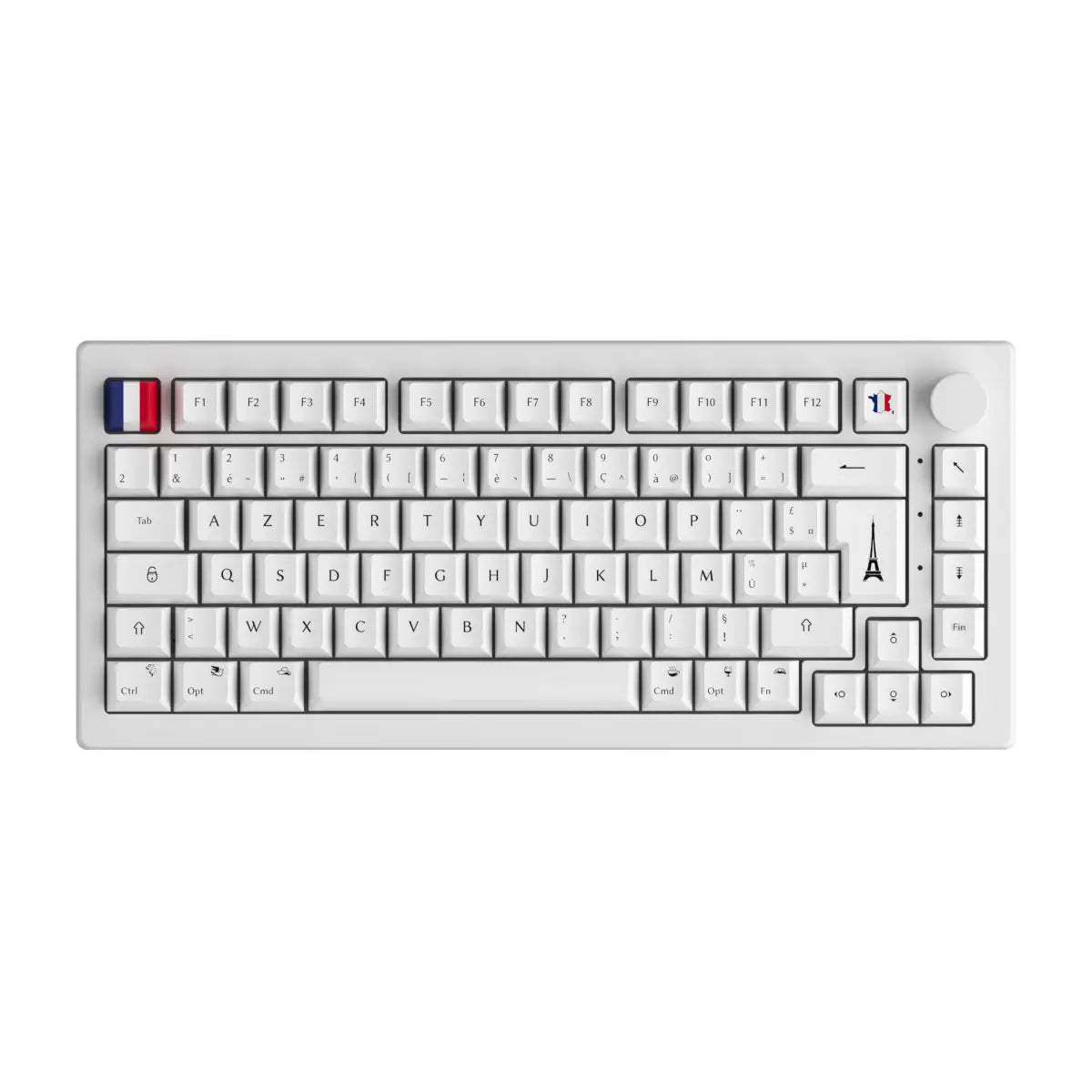
On an AZERTY keyboard (France)
- Press Alt Gr + 0 simultaneously
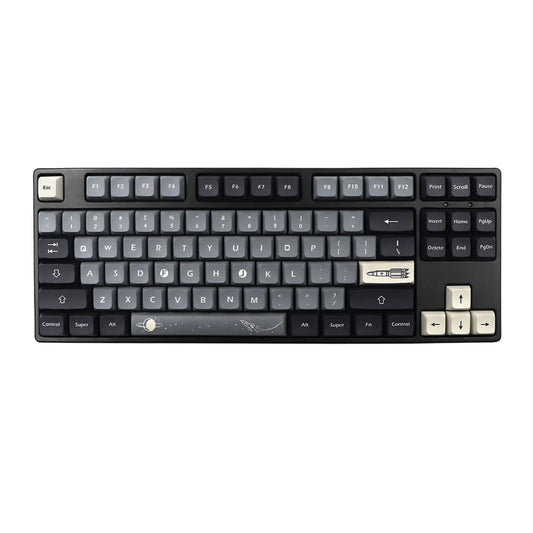
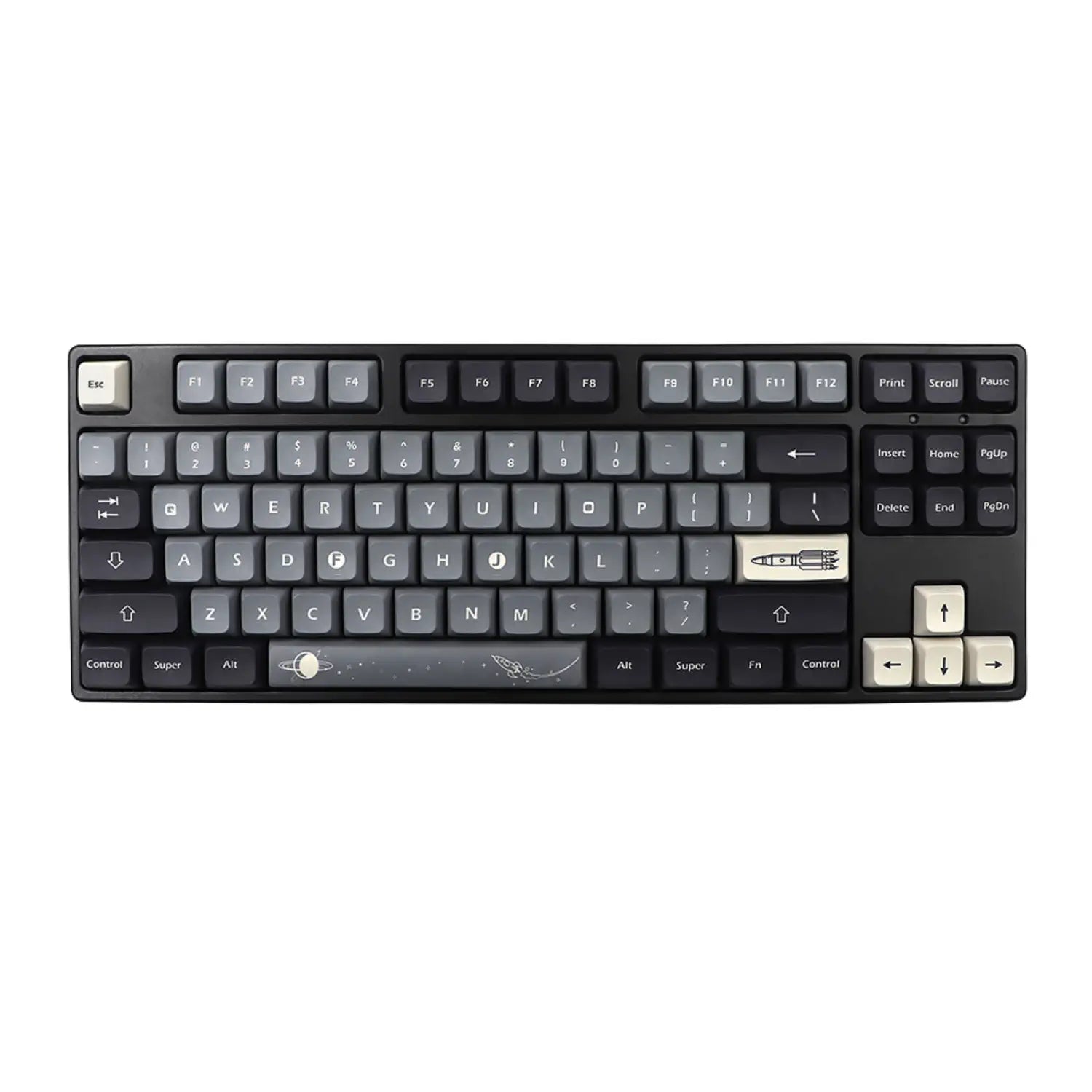
On a QWERTY keyboard (United States)
- Press Shift + 2 simultaneously
On a QWERTY keyboard (United Kingdom)
- Press Shift + @ (next to the semicolon) simultaneously
Using the Alt code (numeric keypad)
- Hold down Alt and type 6 4 then release Alt
2. Type the at symbol (@) on a Mac
- AZERTY keyboard (French): Option (Alt) + 0
- QWERTY keyboard (English): Shift + 2
3. Type the at symbol (@) on smartphones/tablets (iOS & Android)
- Open your virtual keyboard, then press the number key 123
- Simply select the @ symbol
4. Quickly copy and paste the at symbol (@)
Even faster: simply copy and paste this symbol: @
5. Unicode and HTML code for the at symbol (@)
- Unicode: U+0040
- HTML: @
6. In summary:
- Windows AZERTY : Alt Gr + 0
- Windows QWERTY : Shift + 2
- Mac AZERTY : Option + 0
- Mac QWERTY : Shift + 2
- Smartphones/Tablets : @ key via virtual keyboard
You are now ready to use the @ symbol effectively on all your devices!