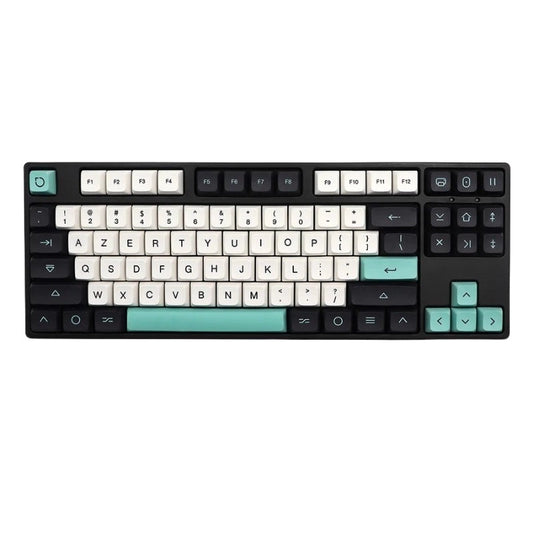
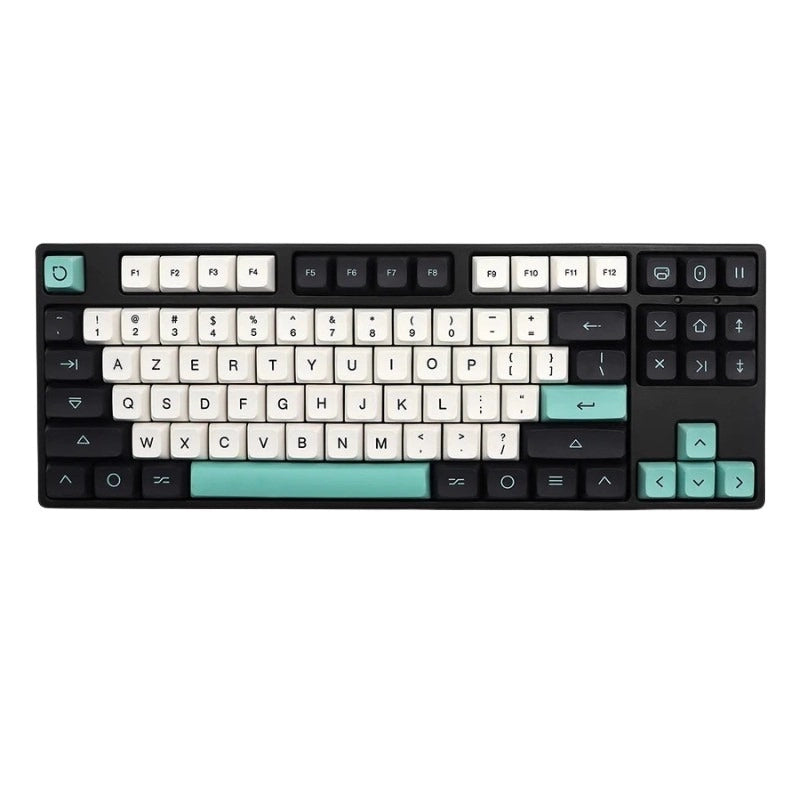

Want to quickly insert the hash symbol (#) , also known as the hashtag, on your keyboard, but don't know how? Don't panic, follow our quick and easy guide!
On Mac
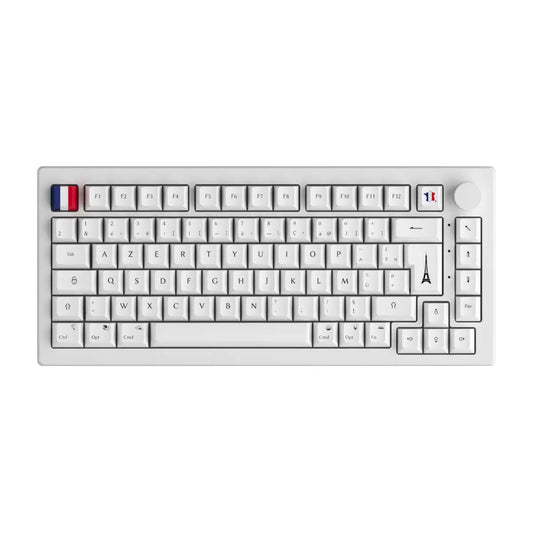
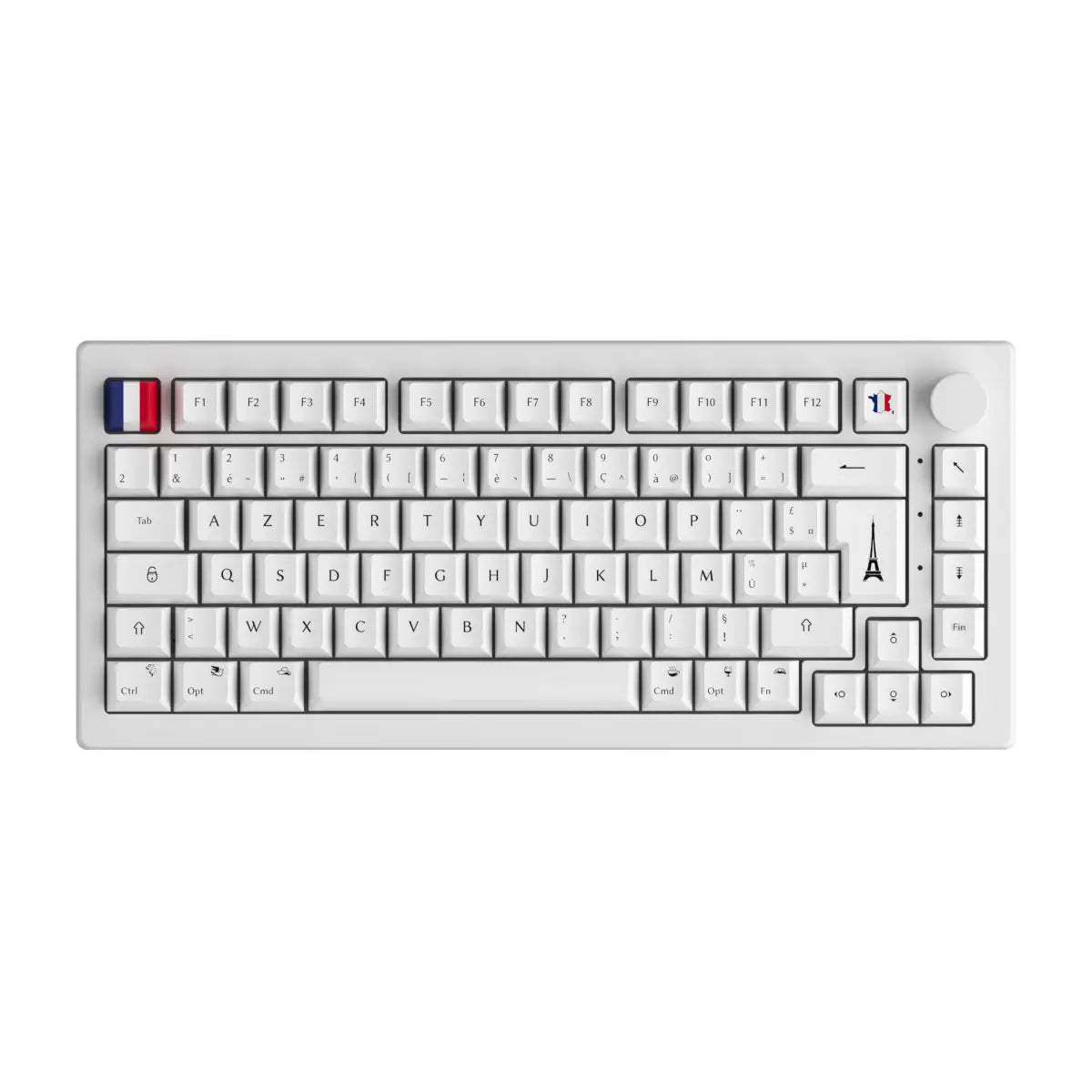
On a French AZERTY Mac keyboard, the hash symbol (#) is not directly accessible. To display it, simply press the Option (Alt) ⌥ and 3 keys simultaneously, located at the top of the keyboard. Simple, right?
On PC (Windows or Linux) in AZERTY layout
On a PC AZERTY keyboard, the hash key (#) can also be accessed indirectly. You must simultaneously press the Alt Gr key, located at the bottom right, and the number 3 key, located at the top of the keyboard.
Another alternative: Hold down the Alt key (the one to the left of the space bar) and enter the numbers 3 then 5 on the numeric keypad. This will give you a nice # symbol.
On a QWERTY keyboard
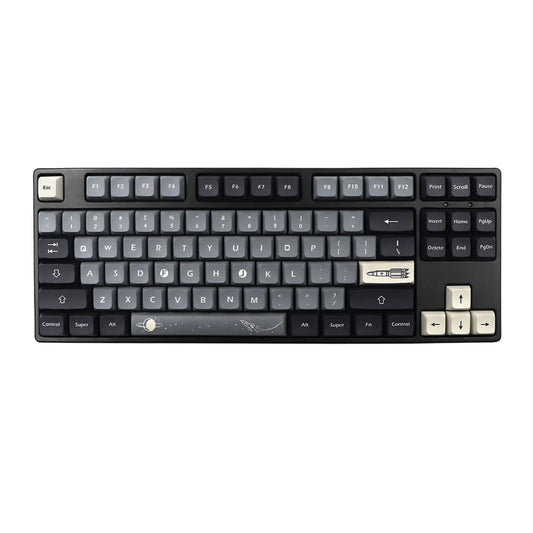
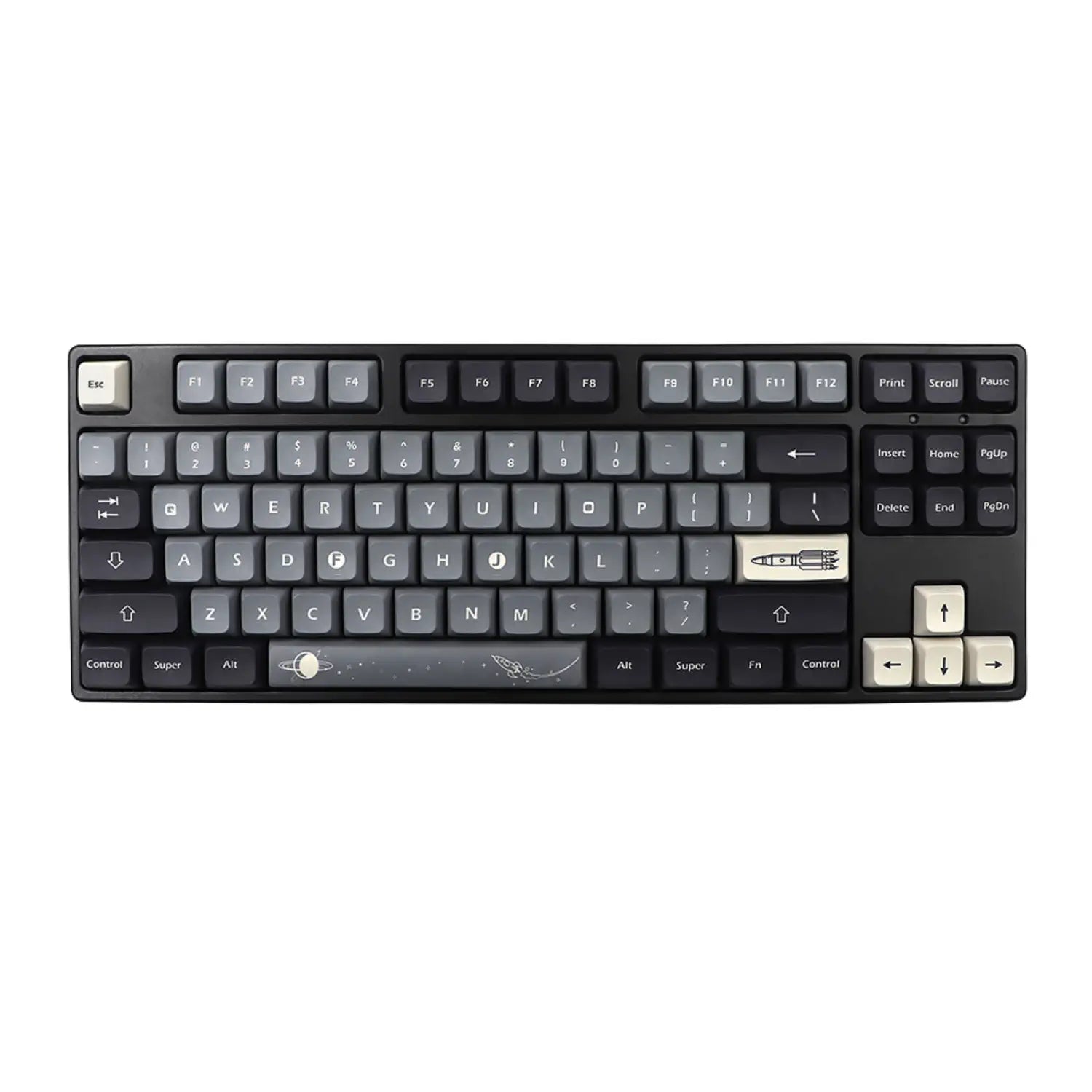
If you're using a QWERTY keyboard, you're in luck! The hash symbol (#) is usually located directly on the number 3 key. Simply press the Shift + 3 keys simultaneously. Very easy!
On a QWERTZ keyboard (Switzerland/Germany)
For users of QWERTZ keyboards (such as in Switzerland or Germany), simultaneously press Alt Gr + the key bearing the # symbol, which is usually located on the right side of the keyboard.
There you go, you're now ready to place hashtags (#) everywhere in your online posts and messages! You've gained speed and efficiency, thanks to CustomTonClavier 😉.