
Are you desperately searching for how to quickly type the euro symbol (€) on your keyboard? Here's a clear and practical guide, specially designed by CustomTonClavier, to simplify your life!
On Mac (AZERTY)
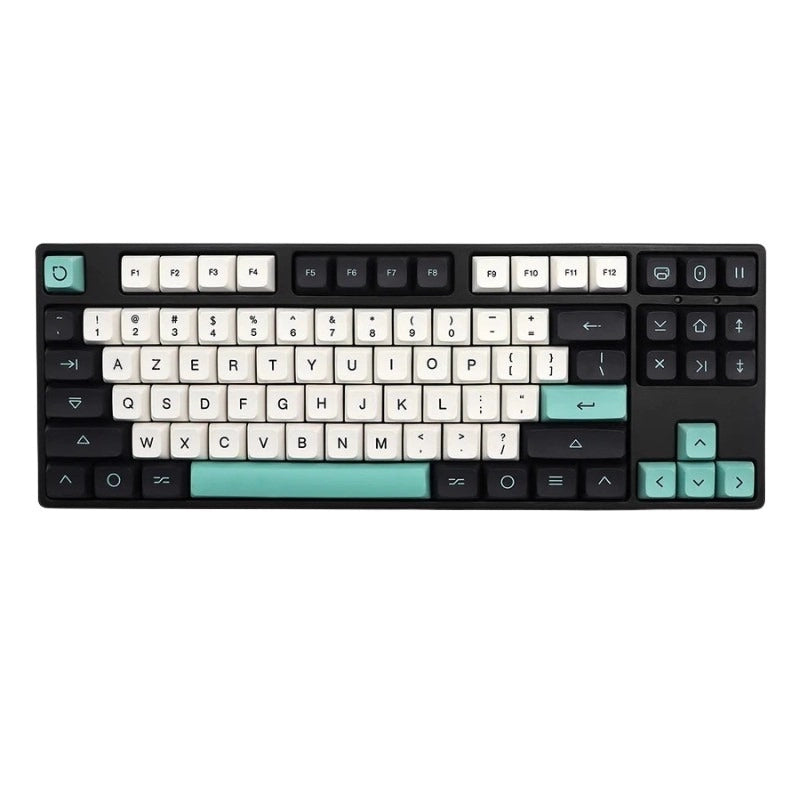
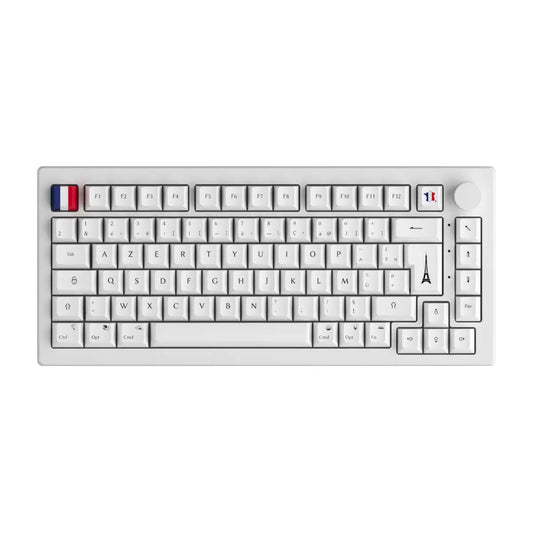
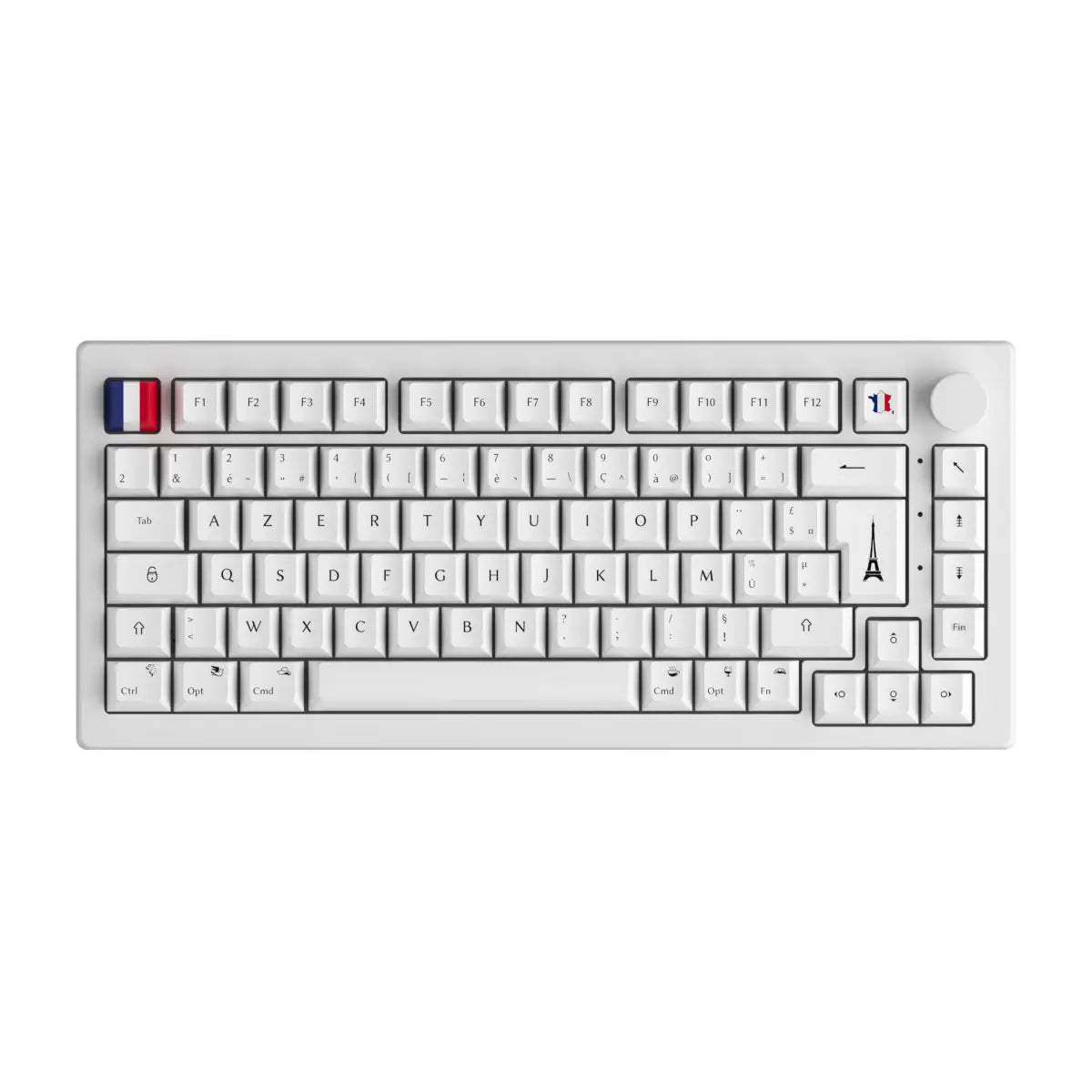
On a French Mac keyboard, it couldn't be easier: press the Option (Alt) ⌥ key and the $ key simultaneously, located just to the right of the Enter key. And there's your €!
On PC (Windows/Linux AZERTY)
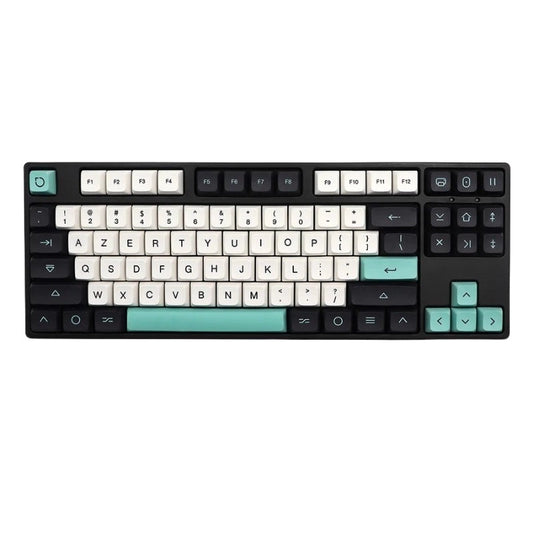
On your AZERTY keyboard , to quickly display the euro symbol (€), press simultaneously the Alt Gr key (located to the right of the space bar) and the E key.
Another practical method: hold down the Alt key and type 0 1 2 8 successively on your numeric keypad. Slower but very effective!
On a QWERTY (English/US) keyboard
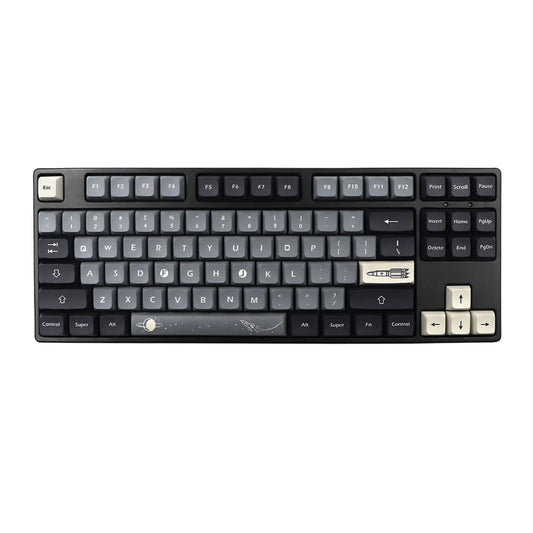
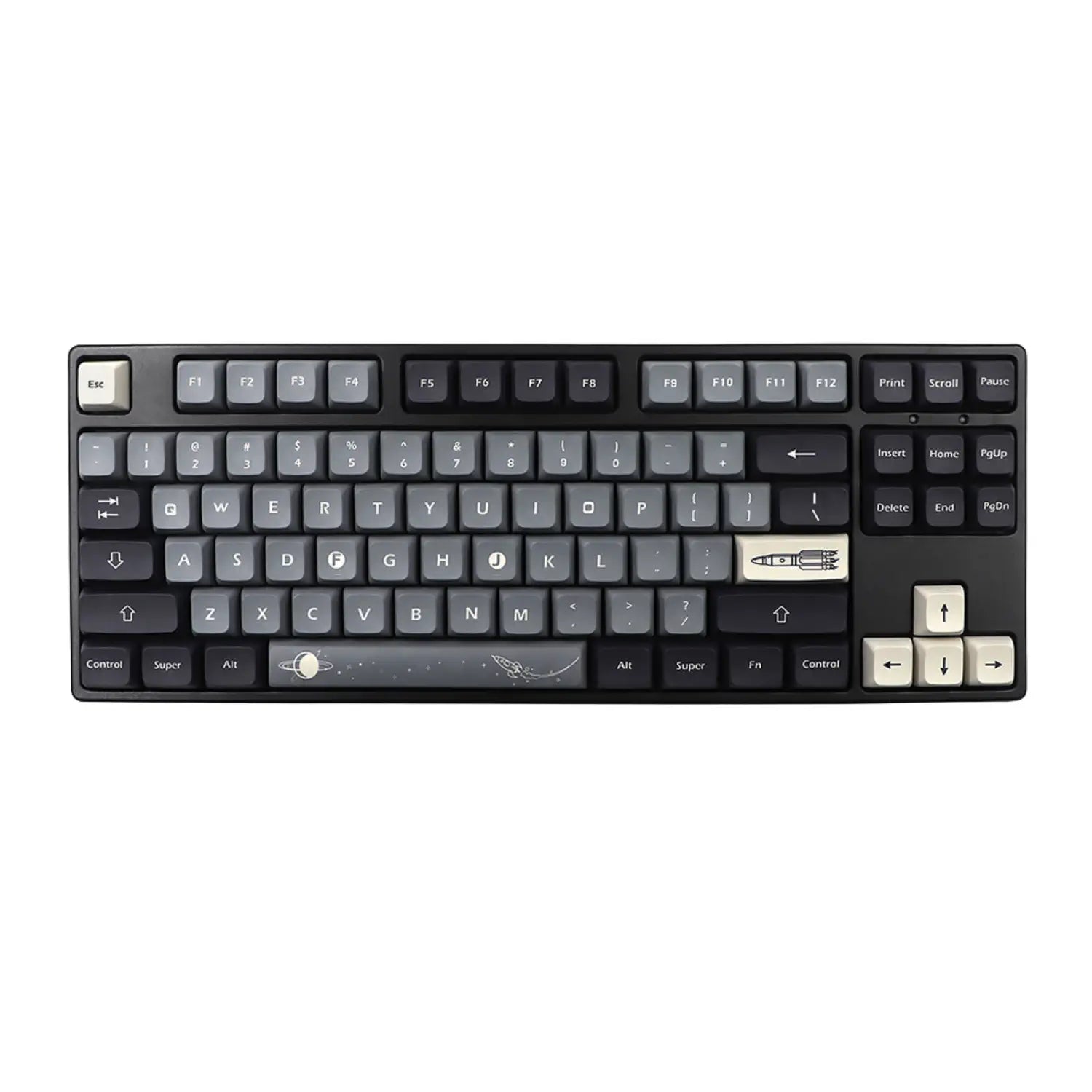
If your keyboard is QWERTY , simply press Alt Gr and the 4 key simultaneously. If your keyboard does not have an Alt Gr key, use Ctrl + Alt + 4 .
On a QWERTZ keyboard (Swiss/German)
With a Swiss or German QWERTZ keyboard , simply press Alt Gr and E simultaneously. The euro symbol (€) will appear immediately!
Quick Copy-Paste (€)
In a hurry? Here's the euro symbol ready to be copied and pasted immediately: € . Keep it handy!
You are now ready to use the euro symbol (€) without hesitation. Thanks CustomTonClavier! 😉
Also discover how to quickly make the @ sign